
Your Reply Is Written Before You Open the Conversation
A lead texts back. You open the conversation, hit the AI suggestion button, and wait for it to think. A few seconds of dead air every single time, multiplied across every reply, all day. Small tax, paid constantly.
Auto-Suggestive Mode kills the wait. The moment a new message arrives, Savage AI drafts a reply in the background — so it’s already sitting there when you open the chat.
Ready before you are
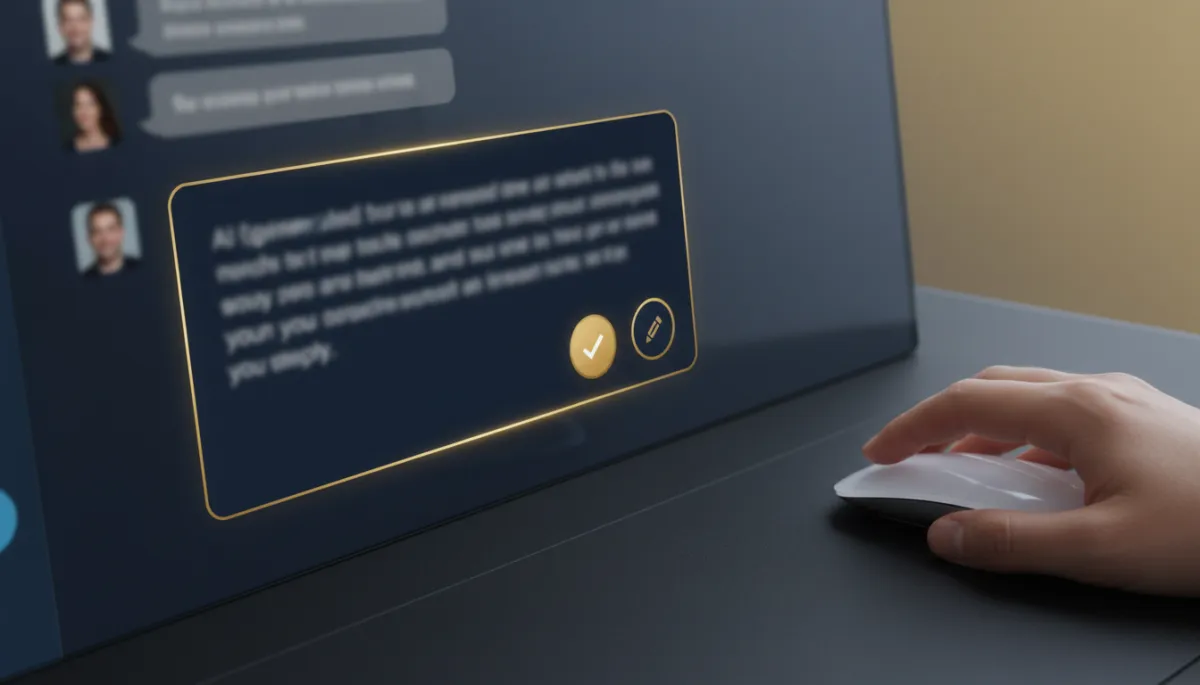
Here’s the change in one line: the suggestion is generated automatically, not on demand. A contact replies, and Savage AI immediately starts preparing a response behind the scenes. You open the conversation and the recommended reply is already waiting in a clean new suggestion card — no loading, no manual trigger.
If a newer message comes in while you’re looking, the suggestion refreshes so it stays relevant to what was actually said.
It’s an assistant sitting beside you with the reply already drafted — you just decide whether to send it.
Fast to accept, easy to make yours
The redesigned suggestion card is built for speed without giving up control. Accept a suggestion exactly as written in one click, or tweak the wording first to sound like you. Read it, adjust it, or rewrite it entirely — whatever the moment needs.
The workflow is: message lands, draft appears, you glance, you send. What used to be “open, click, wait, read, send” becomes “open, read, send.”
Nothing sends itself
This matters, so it’s worth stating plainly: suggestions are drafts only. Nothing is ever sent automatically. Savage AI offers the reply; the final decision — send it, fix it, or scrap it — is always yours. You get the speed of automation with none of the “wait, the bot said WHAT to my client” risk.
The takeaway
If your team lives in the conversations inbox, this is quiet time back all day long. Turn on Auto-Suggestive Mode and let Savage AI draft in the background — then spend your attention deciding and sending, not waiting for a cursor to blink. Faster replies, same voice, every message still your call.
Simplify. Automate. Scale.
