
When Your Rep Jumps Into the Chat, the Automation Gets Out of the Way
Nothing says “we’re not really paying attention” like a lead getting your automated Day-3 nurture email an hour after a real human on your team texted them back. The person’s already in a live conversation, and the machine is still reading from the script. Awkward, and avoidable.
The Goal action now supports “User Replied” — so the moment someone on your team responds, the contact jumps out of the automated sequence.
Human takes over, automation steps back
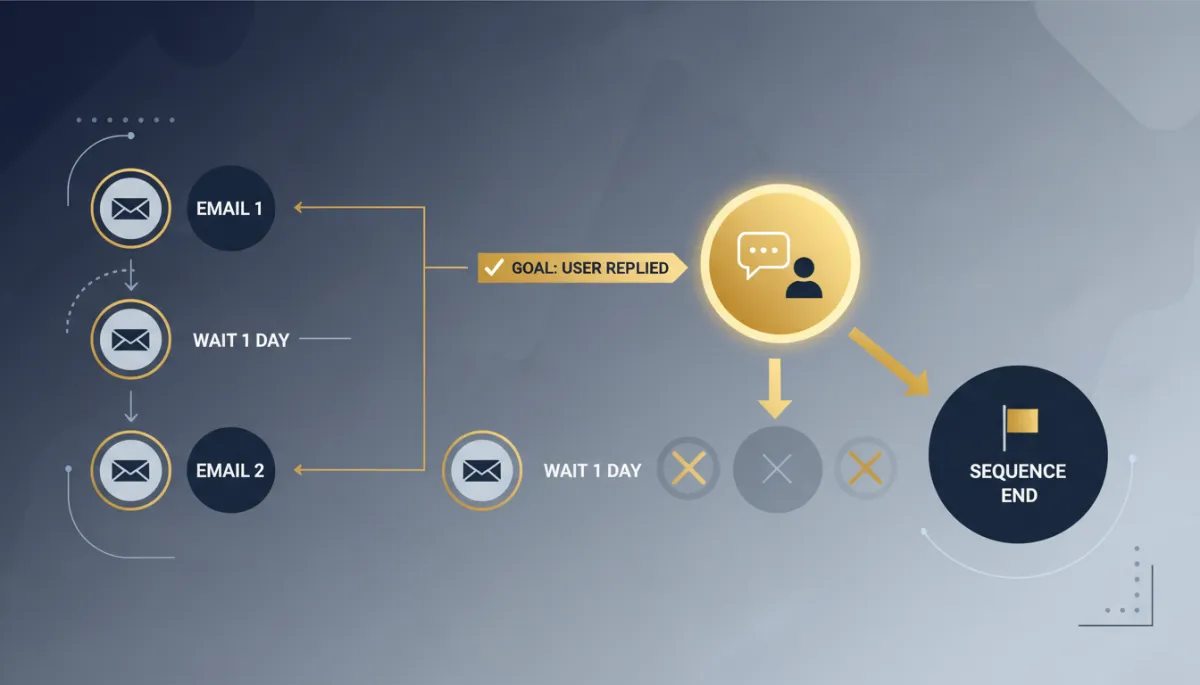
Configure a Goal action and select User Replied as the goal event. When a team member sends a reply through a supported conversation channel, the contact immediately skips ahead to the Goal step, bypassing whatever automated actions were queued between here and there. The workflow reacts to your team’s activity instead of plowing ahead on schedule.
That’s the whole idea: automation should notice when a person steps in and yield.
The second a real teammate replies, the robot stops talking. That’s how it should have always worked.
What it prevents
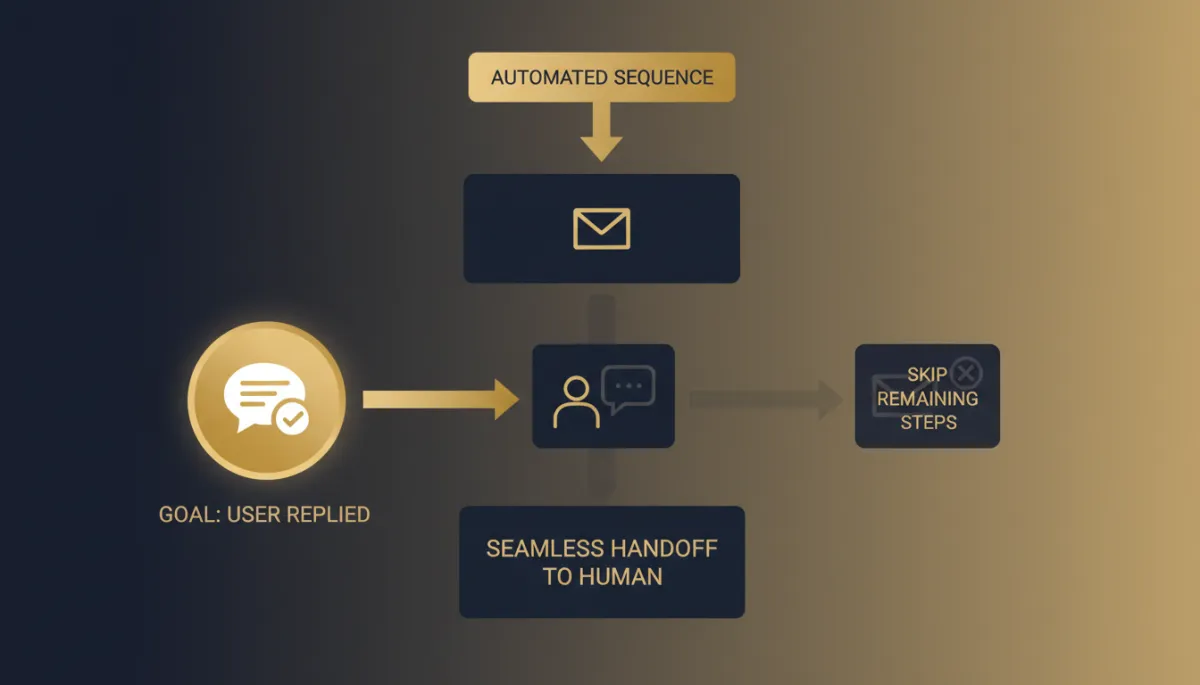
Two very common, very annoying failures disappear. A lead in a 7-day email nurture gets a personal SMS from your rep on Day 2 — with User Replied as a goal, they hit the Goal, skip the remaining nurture emails, and don’t get five more “just checking in” messages while they’re mid-conversation. A support flow sending reminder messages stops the moment an agent actually replies, so nobody gets nagged by a bot after a human already helped them.
Less duplicate messaging, no crossed wires between your team and your automation, and a much cleaner hand-off from automated to human.
How to use it
Add a Goal action to your workflow. Select User Replied as the goal event. Then configure whatever should happen after the Goal is reached — end the sequence, tag the contact, notify the owner. One note to keep in mind: the goal fires specifically when a user (your team) replies to the contact, and the contact jumps straight to the Goal step, skipping the intermediate actions.
The takeaway
If you run nurture or reminder sequences — and you should — drop a Goal action with User Replied into them. The instant your team engages, the automation clears the floor, so your leads never get a canned message on top of a real conversation. Automated where it helps, human where it counts, and no collisions between the two.
Simplify. Automate. Scale.
