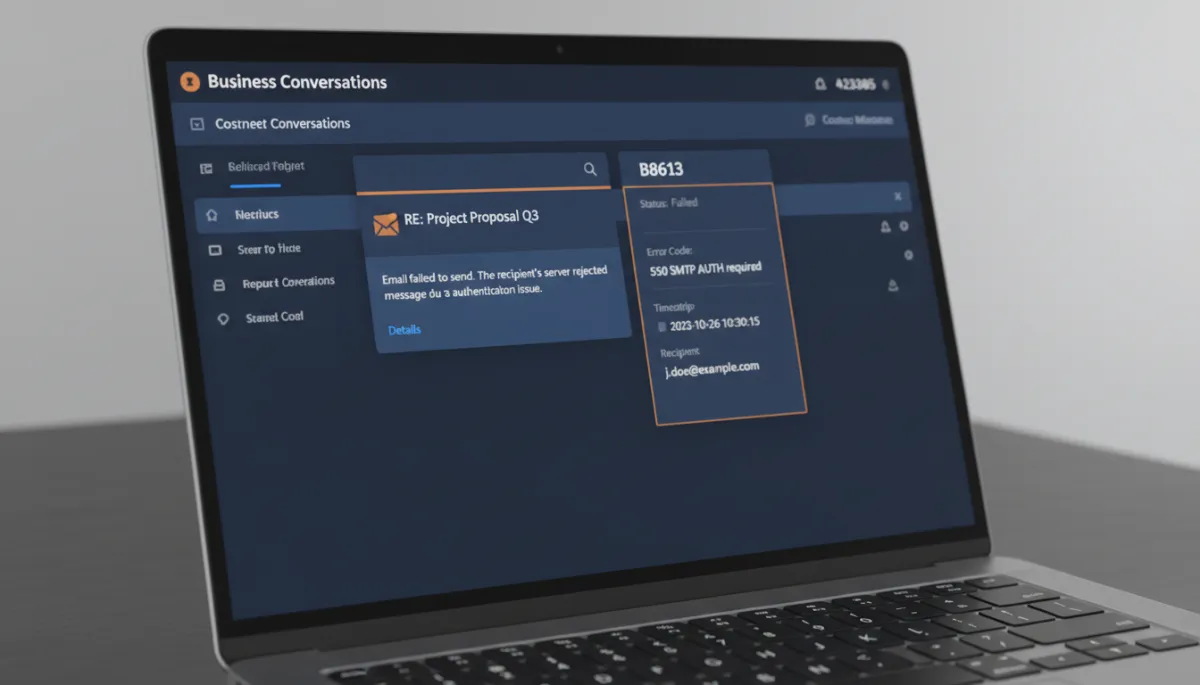
When an Email Fails in Conversations, You Can Finally Tell Why
An email to a client fails to send, and all you get is a vague red flag with no explanation. So you sit there guessing — wrong address? server issue? something on your end? — while the message that needed to go out just… didn’t. Troubleshooting a failure you can’t read is its own special frustration.
That guesswork is cut down now. Failed emails in Conversations show clearer, plain-language error messages.
Errors you can actually read
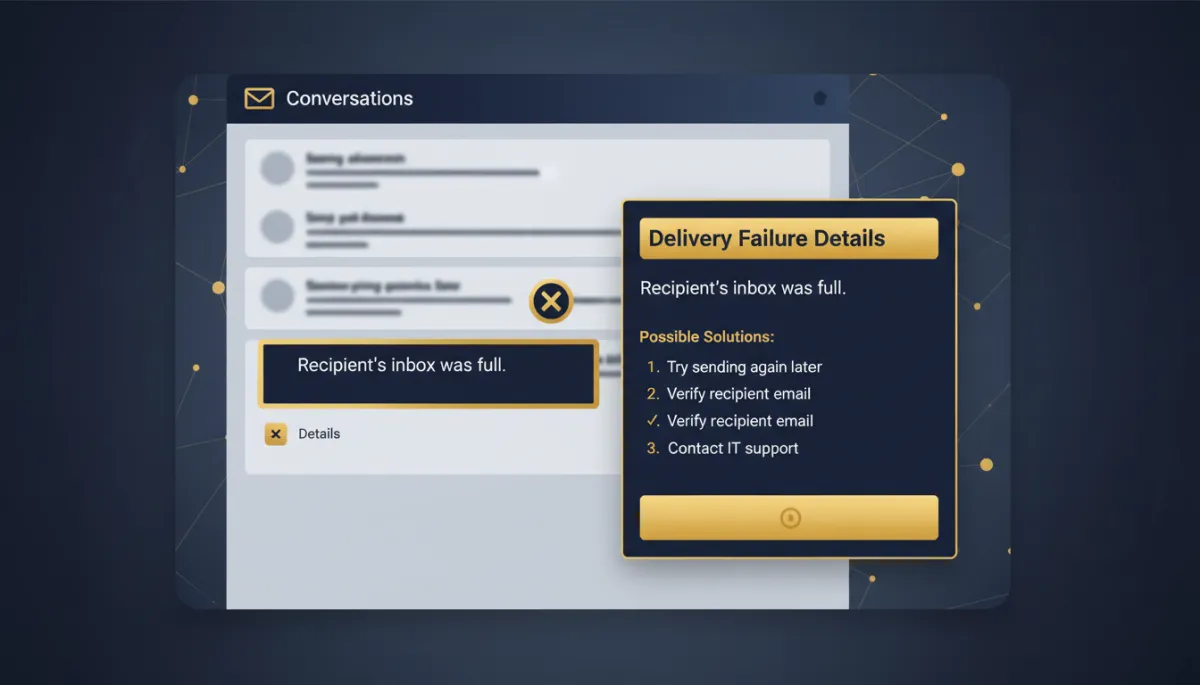
Instead of a cryptic code, a failed email now displays a user-friendly message that tells you what actually went wrong — so you can understand the problem at a glance and act on it, rather than reverse-engineer it.
It’s a small change with an outsized effect on your day: the difference between “an email failed and I don’t know why” and “an email failed because the address bounced, so I’ll fix the address.”
A failed send is annoying. A failed send you can’t diagnose is the part that eats your afternoon. That’s the part this fixes.
Details without losing your place

When you want the full story, the error links open in a new tab — so you can dig into the details without navigating away from the conversation you’re in. You keep your context, review what happened, and come back without rebuilding where you were.
That “don’t lose my place” design is the whole point: debugging is faster when it doesn’t force you to abandon what you were doing.
The takeaway
You don’t need to configure anything here — it’s simply better now. The next time an email fails in Conversations, read the plain-language reason, open the details in the new tab if you need more, fix the actual cause, and get back to work. Less guessing, faster fixes, no lost context.
Simplify. Automate. Scale.
