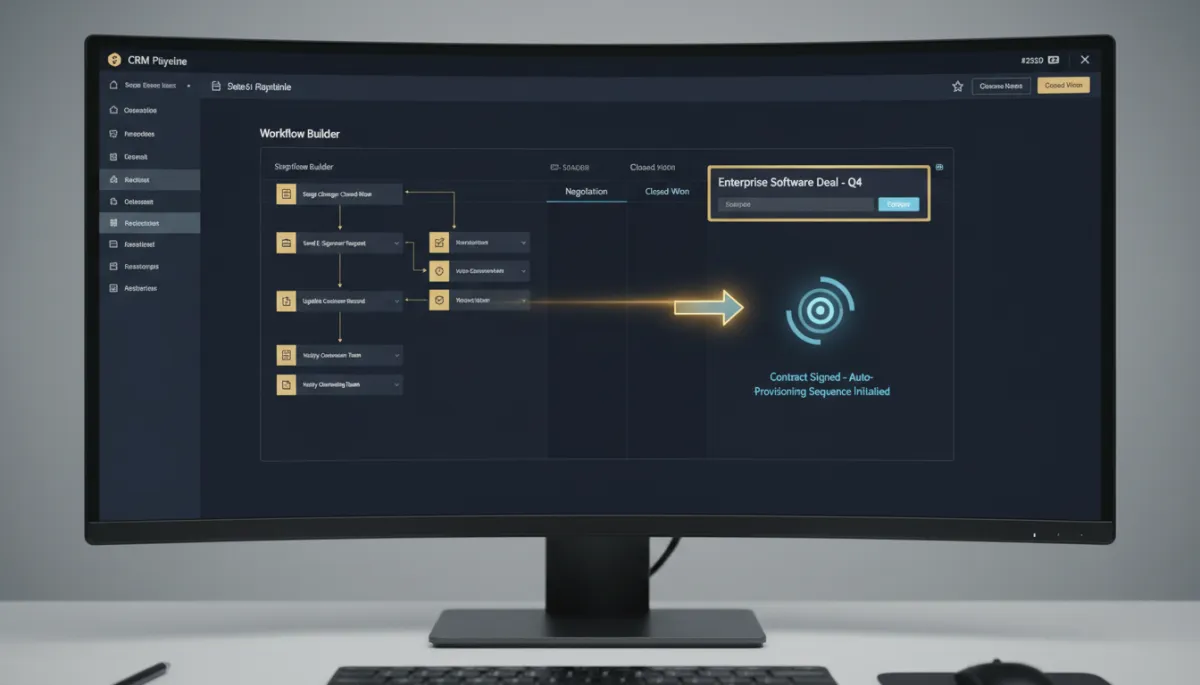
Trigger a Workflow When a Deal Field Actually Changes — Not on Every Little Edit
You built a workflow to fire when a deal gets assigned to John. Reasonable. Except it fired every time anything on John’s deals changed — a note, a tag, a lead value tweak — because the old trigger worked like a filter, not an event. So your “new deal for John” automation kept going off when nothing meaningful happened.
The Opportunity Changed trigger now fires on actual changes.
From “matches this value” to “actually changed”
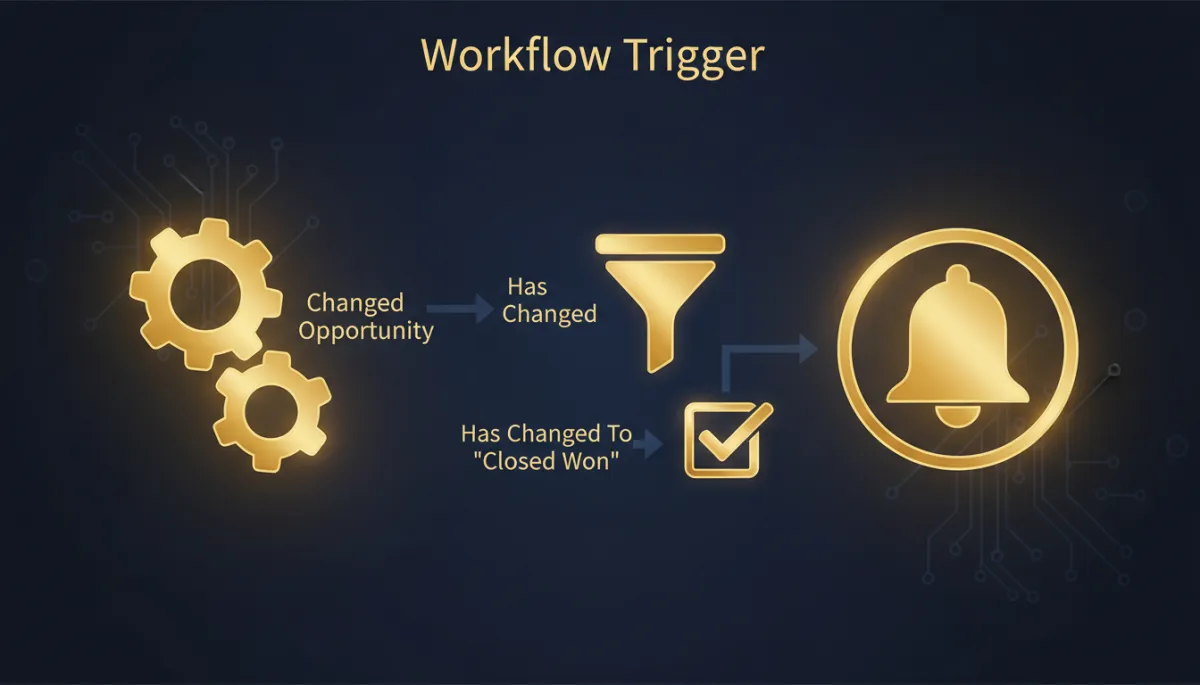
The trigger picked up two event-based operators: Has Changed and Has Changed To. Before, the trigger matched opportunities where a field equaled a value and fired on any update to them. Now you can say “trigger only when the Assigned To field changes to John” — and it ignores every other edit to his deals.
That’s the difference between a trigger that means what you think it means and one that cries wolf a dozen times a day.
“Assigned To = John” used to fire on every note and tag edit. “Assigned To Has Changed To John” fires once, when it actually happens.
Standard and custom fields, both
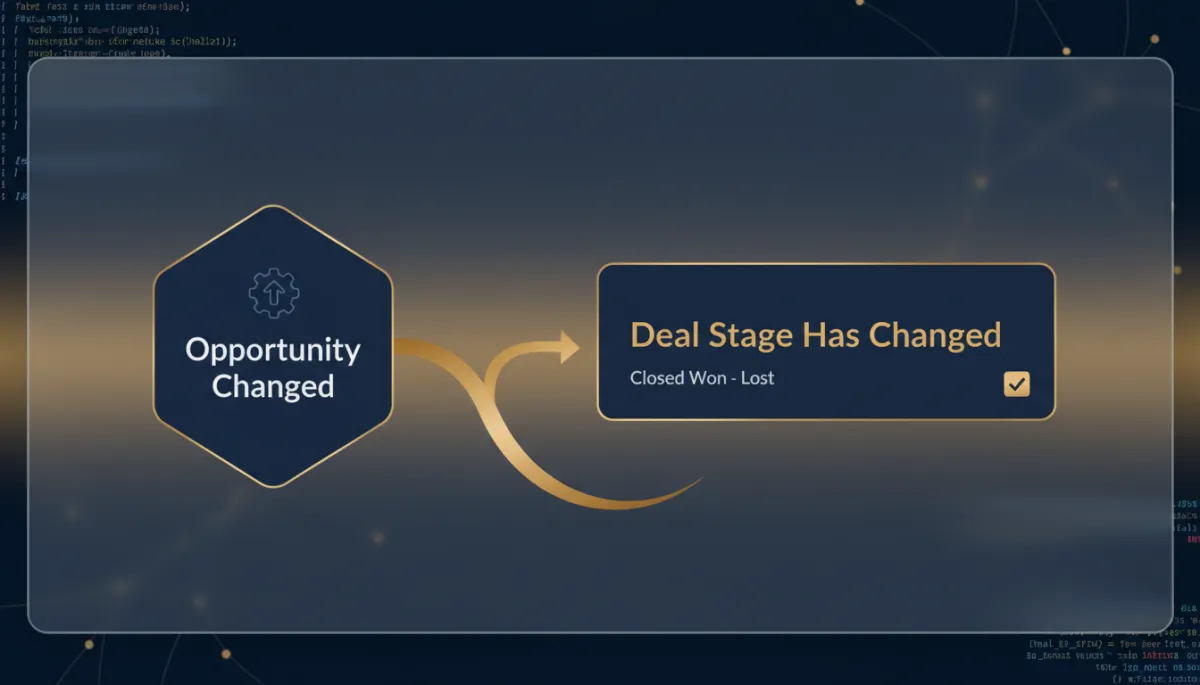
The new operators work on standard opportunity fields and your custom fields alike — so whether you’re watching pipeline stage, owner, lead value, or some custom field your business runs on, you can trigger on the real change instead of the noisy match.
And the upgrade is safe: existing workflows keep their current “Equals” behavior by default. Nothing you’ve already built breaks; you opt into the new operators where you want sharper triggering.
The takeaway
If you’ve got pipeline workflows that fire more often than they should — or that you disabled because they were too noisy — go back and switch them to Has Changed or Has Changed To. Trigger on the moment a stage actually moves or an owner actually changes, and let the note edits and tag tweaks pass by quietly. Cleaner triggers, fewer wrong-time messages.
Simplify. Automate. Scale.
