
Your Voice AI Just Told You Exactly What It Doesn't Know
Every time your Voice AI agent can't answer a caller's question, that's not a failure disappearing into the void. It's a data point about exactly what your Knowledge Base is missing.
The agent tells you what it doesn't know

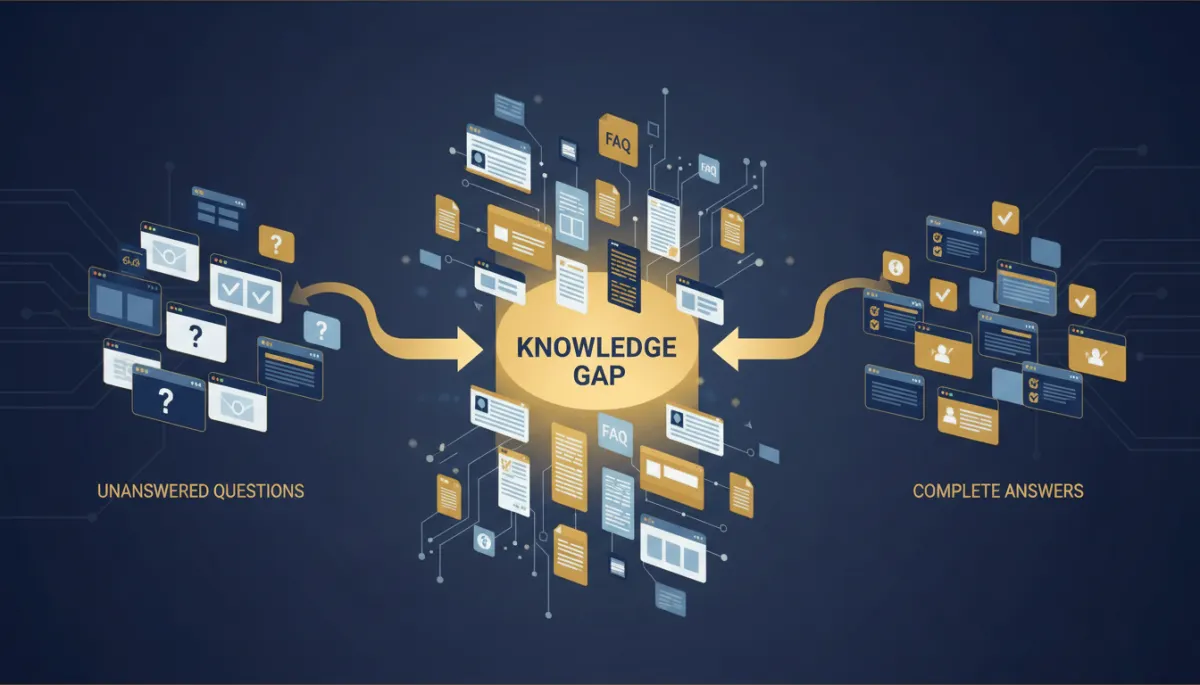
Now, every time a caller asks something your Knowledge Base can't answer, that question gets captured automatically. Similar questions get grouped together instead of piling up as duplicates, and everything gets organized by topic and subtopic.
You don't have to guess what your agent doesn't know. It's telling you, every time it comes up.
Turning gaps into actual answers
Once you see a gap, closing it means going into the Knowledge Base and adding the missing piece — a new FAQ entry, a paragraph of rich text, a page pulled in through the web crawler, or an uploaded file. Then test it with a couple of different ways someone might phrase the same question.
The setup, start to finish
Connect a Knowledge Base to your Voice AI agent. Test the agent with a web or phone call. Open the Knowledge Gaps page after real caller interactions start coming in, review what's grouped by topic and subtopic, prioritize recurring gaps, update the Knowledge Base, then re-test.
The takeaway
If you've been wondering why your Voice AI agent keeps stumbling on the same handful of questions, stop guessing and go look at Knowledge Gaps. It's already grouped the pattern for you — you just have to close it.
