
Call From the Number Your Customers Already Recognize
Your customers know your main business line. So why are you calling them from a random tracking number they’ve never seen?
You’ve got a system number for outbound calls, but your leads don’t recognize it — and an unknown number is an easy decline. Meanwhile, the number on your website, your truck, your business card is the one they’d actually answer. Verified Caller ID lets you place calls that show that familiar number instead of the random one, so the screen says “the company I called” instead of “who’s this.”
What it does
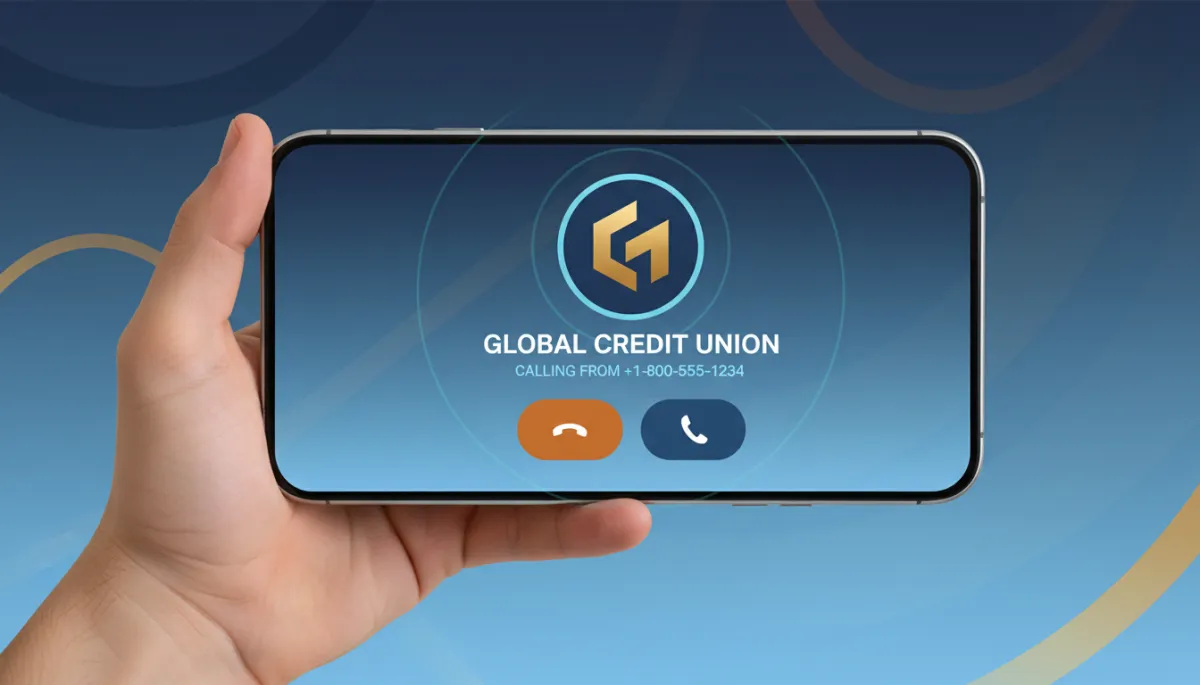
Verified Caller ID lets you use your own phone number as the caller ID on outbound calls. You prove you own the number once, then assign it to your account’s outbound calling, and from then on your contacts see a number they recognize when you ring them. Same dialer, same workflows — just a trustworthy number on the other person’s screen.
An unknown number is an easy decline. A number they recognize is an easy pickup.
Setting it up takes a couple minutes
In your sub-account, go to Settings, then Phone Numbers, and under the Add Number tab choose Add Verified Caller ID. Enter your own number and verify it — you’ll get a call with a code, you punch the code in, and the number is verified. Then open the configuration for the number you call from, choose “use your verified number as caller ID for outbound calls,” pick your verified number, and save. Done — your calls now show the number people know.
A couple of practical limits worth knowing: it’s supported on the Lead Savage phone system, and you get up to 10 verified caller IDs per sub-account by default, which is plenty for most businesses.
Where it shines
This pairs naturally with everything else you do to get answered. A recognized number plus a clean reputation plus a real reason to call is a far higher pickup rate than dialing as a stranger. For appointment confirmations and warm-lead callbacks especially, showing the number a customer already has saved is the difference between a connect and a voicemail.
The takeaway
Verify your main business line as a caller ID this week and set it as the outbound number for the calls that matter most — your confirmations and your warm callbacks. It’s a two-minute setup, and it turns every outbound call into one that looks familiar instead of suspicious. People answer numbers they recognize. Give them one.
