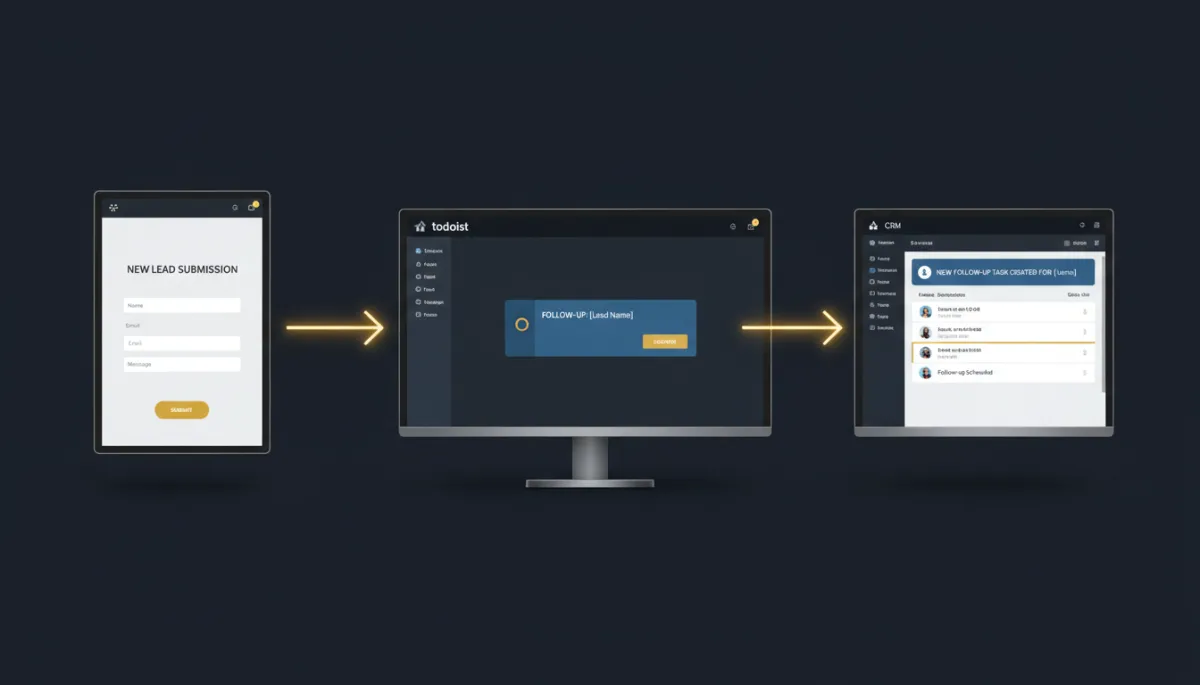
Turn a Form Submission Into a Todoist Task — and a Finished Task Into a Follow-Up
Your team lives in Todoist. Your leads live in Lead Savage. So every inbound request means someone reading a notification, switching apps, and retyping it into a task — and every finished task means switching back to update the CRM. The work between the two apps is all yours, done by hand, all day.
Todoist now connects straight into your workflows, so those hand-offs happen on their own.
Tasks in, tasks out
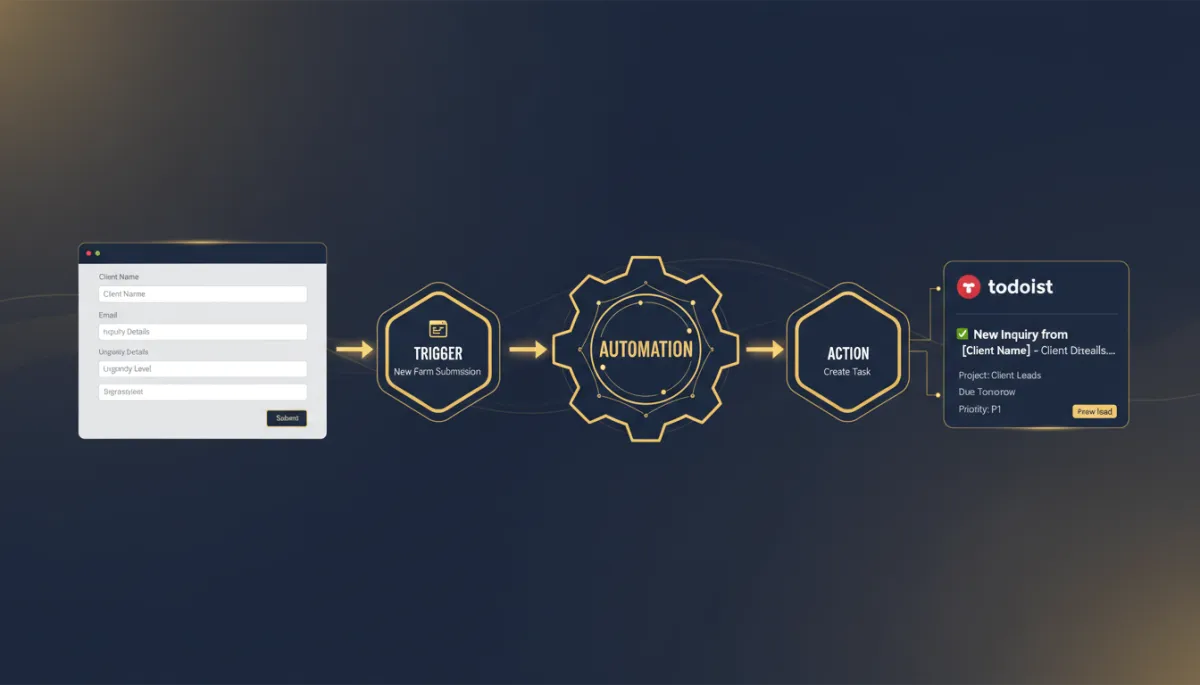
The integration comes with triggers — a new task created, a task marked complete, or a new project — each polling every five minutes. And actions covering the task lifecycle: create, update, and complete tasks, add comments, create projects and move sections, look up tasks, projects, and users, and manage collaborators.
Put together, that means work flows both ways without you carrying it across.
A support request comes in, becomes a Todoist task in the right project within seconds, and nobody retyped a thing.
Two patterns that pay off immediately
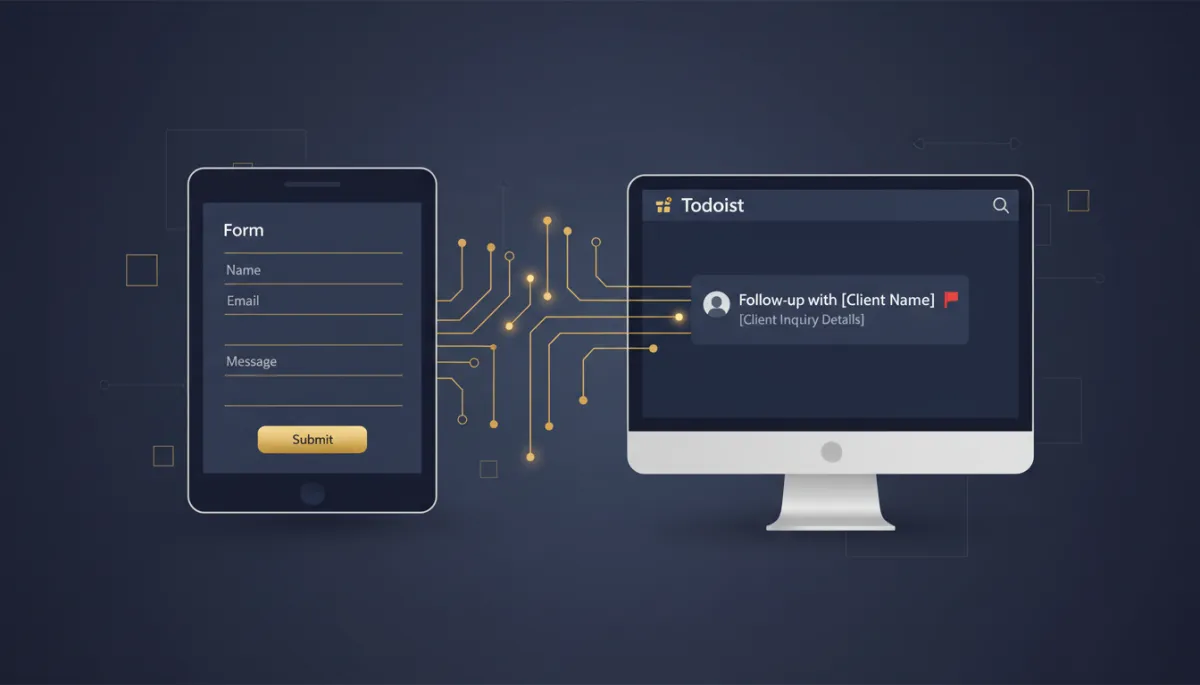
Inbound request to the right task. A customer submits an urgent form. The workflow finds your “Support Backlog” project and creates a priority task with the full request as the note and a routing label — your support lead sees it in Todoist within seconds, without leaving their task list.
Completed task closes the loop. A rep marks “Follow up with Acme” complete in their own Todoist. Within five minutes the matching CRM contact updates (“last touched: today”) and the deal stage bumps forward. Todoist stays your team’s working list; the CRM records update for free.
How to connect it
In a workflow, add a Todoist trigger or action and click Connect your account. Approve the access on Todoist’s screen and you’re back in the builder, connected. For a trigger like “New incomplete task,” pick the project to watch, then test it — create a task in Todoist, wait one polling cycle, and map the returned record. For a “Create task” action, choose the project, set the title and note, and test against a clearly-marked test task before you publish.
The takeaway
If your team runs on Todoist, stop being the bridge between it and your CRM. Wire inbound requests to auto-create tasks in the right project, and let completed tasks push updates back into your pipeline. Your task list and your automations become one loop instead of two apps you keep switching between.
Simplify. Automate. Scale.
