Texting Texas? One Toggle Stands Between You and a $5,000 Text
Texas now treats marketing texts like telemarketing calls — and a single violation can run up to $5,000. One toggle in your settings blocks the risky sends automatically.
This is not legal advice, and you should talk to your own attorney — but every operator texting leads needs to know this one. Texas expanded its telemarketing law (Chapter 302) to cover text messages under SB 140, which is now in effect. If you send marketing texts to Texas residents, or from a Texas number, you may be on the hook to register with the state and post a bond — and the penalties for getting it wrong are steep.
What actually changed

The law that used to apply only to telemarketing phone calls now applies to SMS. In plain terms: marketing texts sent TO Texas residents (no matter where you’re located) or FROM a Texas number (no matter where your recipients are) may now be covered. It also made it easier for individuals to sue — and Texas allows repeated private actions, so one campaign can spawn multiple lawsuits.
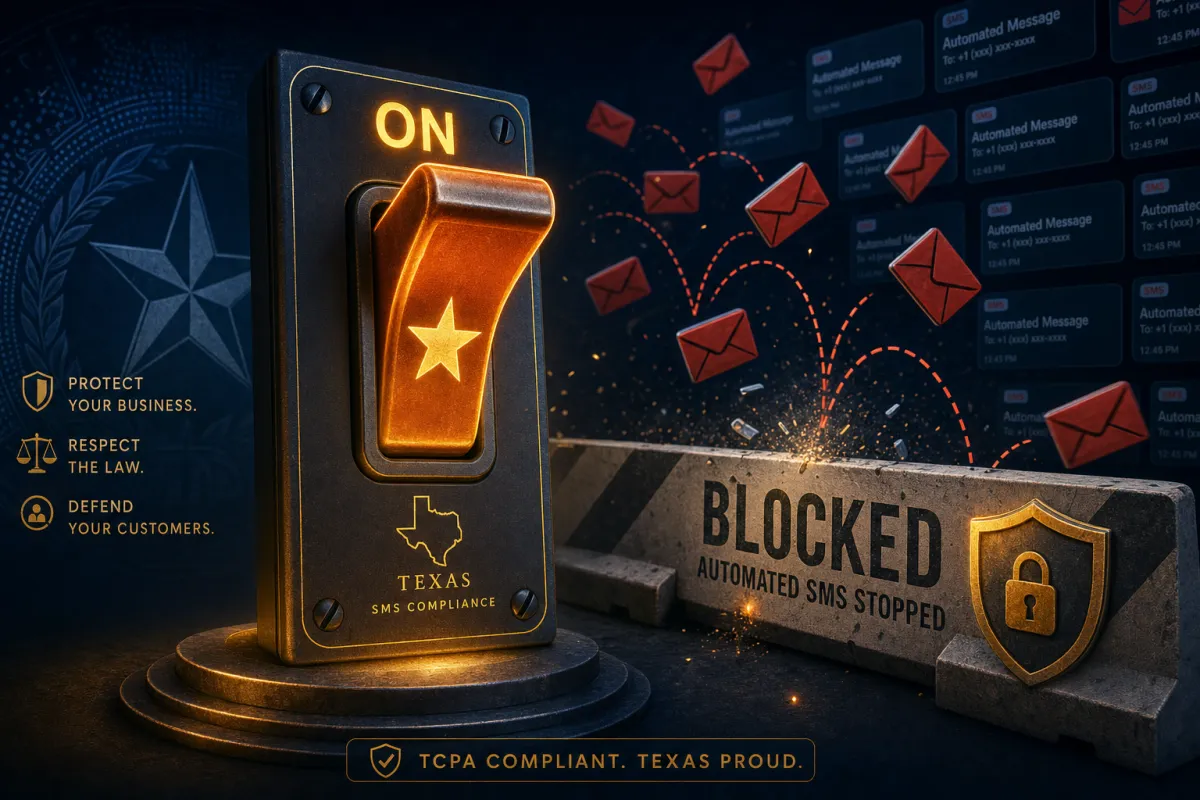
Texas now treats a marketing text like a telemarketing call. One slip can cost up to $5,000.
What the safeguard does
The Texas SMS Safeguard is a single toggle in your SMS Compliance settings. Flip it on and the platform automatically blocks marketing or promotional texts sent by automations or bulk tools whenever the recipient’s number is in Texas or your sending number has a Texas area code. No rebuilding workflows, no manual segmenting — and when a send is blocked, you get a clear “Blocked by Texas SMS Safeguard” message so you know why. It covers workflows and bulk messaging across the sub-account.
What it doesn’t touch: your transactional messages (appointment reminders) and your 1:1 conversations still go through. It only stops the automated and bulk marketing sends that carry the risk.
Turning it on
Log into the sub-account, go to Settings, Phone Numbers, Additional Settings, open the SMS Compliance tab, toggle Texas SMS Safeguard on, and save. It takes under a minute and applies instantly across the account.
One important caveat: enabling the safeguard reduces accidental violations, but it does not replace registering with Texas or your other legal obligations. There are narrow exemptions — certain established businesses contacting current or former customers, nonprofits, and others — but the burden of proving you qualify is on you. This is general information, not legal advice; confirm your situation with counsel.
The takeaway
If you send any automated or bulk marketing texts and Texas is anywhere in your audience, turn the Safeguard on today as a safety net — it’s a one-minute toggle that blocks your riskiest sends. Then do the real homework: review whether you’re sending to or from Texas, tighten your opt-in proof, and talk to your attorney about whether you need to register. The toggle buys you protection from accidents; only counsel can tell you where you truly stand.
