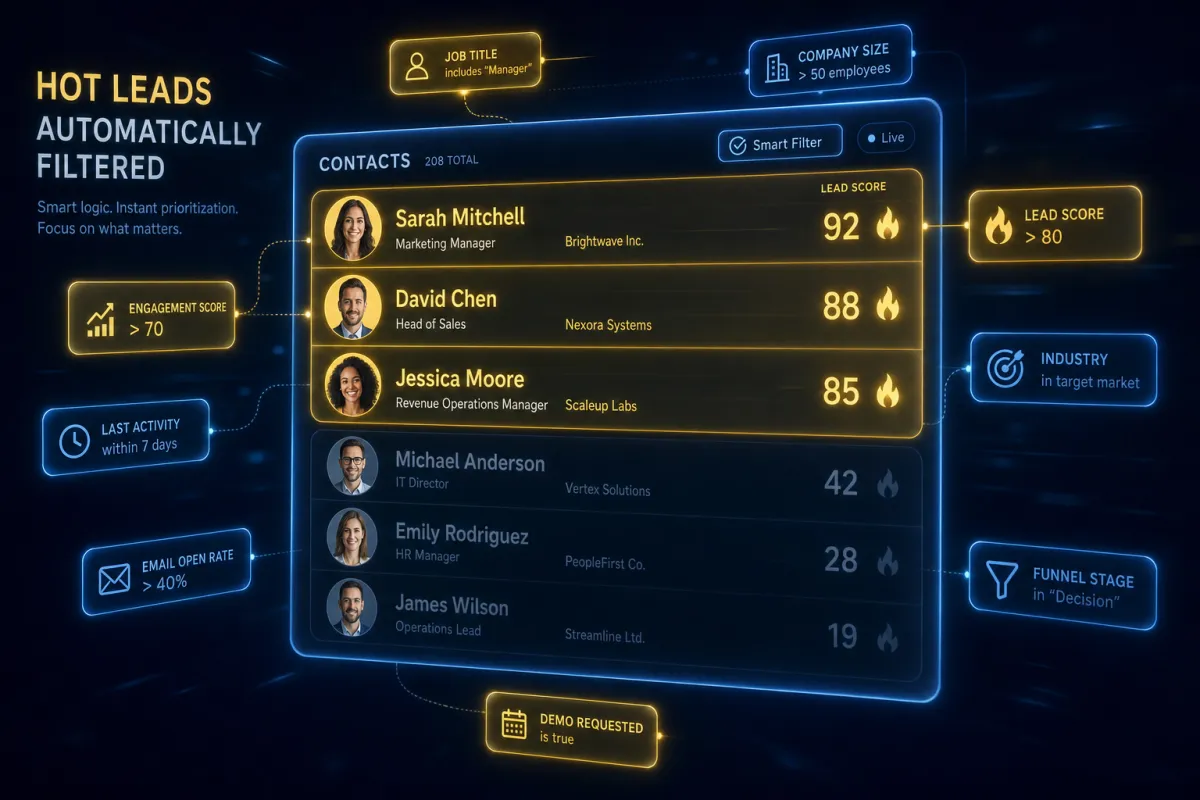
Stop Scrolling Your Whole Contact List to Find the Hot Leads
Build a list once, and it keeps itself current forever — no more re-filtering your contacts every Monday morning.
You know the move. Monday rolls around, you open your contacts, and you start hand-sorting: who booked, who went cold, who opened the last email but never replied. By Wednesday that list is already wrong, because three new leads came in and two of them already ghosted. You’re maintaining a spreadsheet that’s stale the moment you save it.
A Smart List fixes that by being a live filter instead of a frozen list. You tell it the rules once — “lead status is qualified” and “opened an email in the last 30 days” — and it rebuilds itself every time someone meets or stops meeting those rules. Open it any day and it’s already accurate.
A static list is a photo. A Smart List is a mirror.
A normal saved list is a photo of who matched on the day you made it. People age out, new people qualify, and the photo never updates unless you redo it by hand.
A Smart List is a mirror. Tag a contact “hot lead” and they appear in your hot-lead list instantly. Let them go quiet for 60 days and they drop out of “engaged” on their own. You stop maintaining the list and start just using it.
You’re not building lists anymore. You’re writing rules and letting them sort.
Stack filters until the list is exactly who you mean
The power is in combining conditions. One filter is a category; three filters is a strategy. “Opened an email in the last 30 days” AND “has an open invoice” AND “no appointment booked” is a list of warm people who owe you money and haven’t scheduled — that’s your call list for the afternoon, and it builds itself.
Set it up under Contacts, hit add Smart List, pick your filters, chain them with AND, and save. Drag the columns so the info you actually act on — last activity, status, phone — sits up front.
The part that makes it worth it: automation
A Smart List isn’t just for looking at. Because it updates in real time, you can point automations at it. When you schedule a send to a Smart List, the recipients are pulled at send time, not when you scheduled it — so anyone who qualified overnight gets included, and anyone who opted out drops off. Your follow-up always hits the right people without you rebuilding the audience.
The takeaway
Pick the one list you rebuild by hand most often — probably your “leads to follow up with this week.” Recreate it once as a Smart List with the two or three filters that actually define it. Then delete the spreadsheet. Next Monday, the list is already right, and you spend the morning calling people instead of sorting them.
