Savage AI Writes the Text So You Don't Have To
You know the exact words you want to send. You just can't get them out of your head and into the text box fast enough. That's the exact gap Savage AI is built to close, right inside the workflow you're already building.
You describe it. Savage AI writes it.
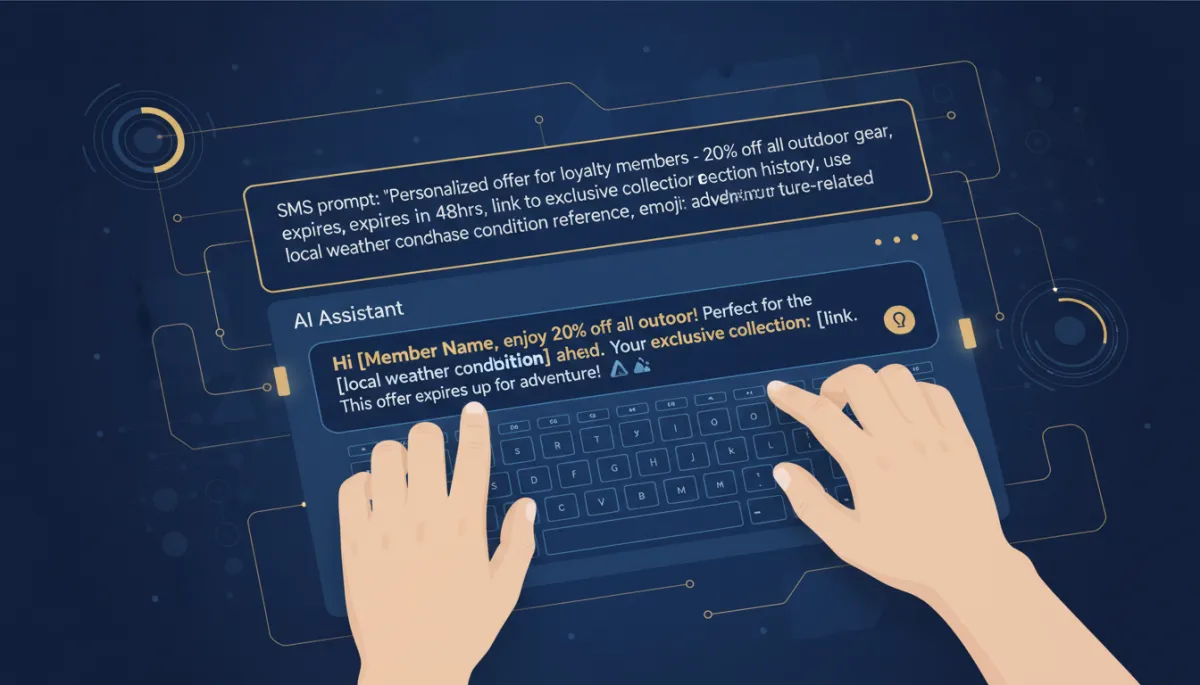


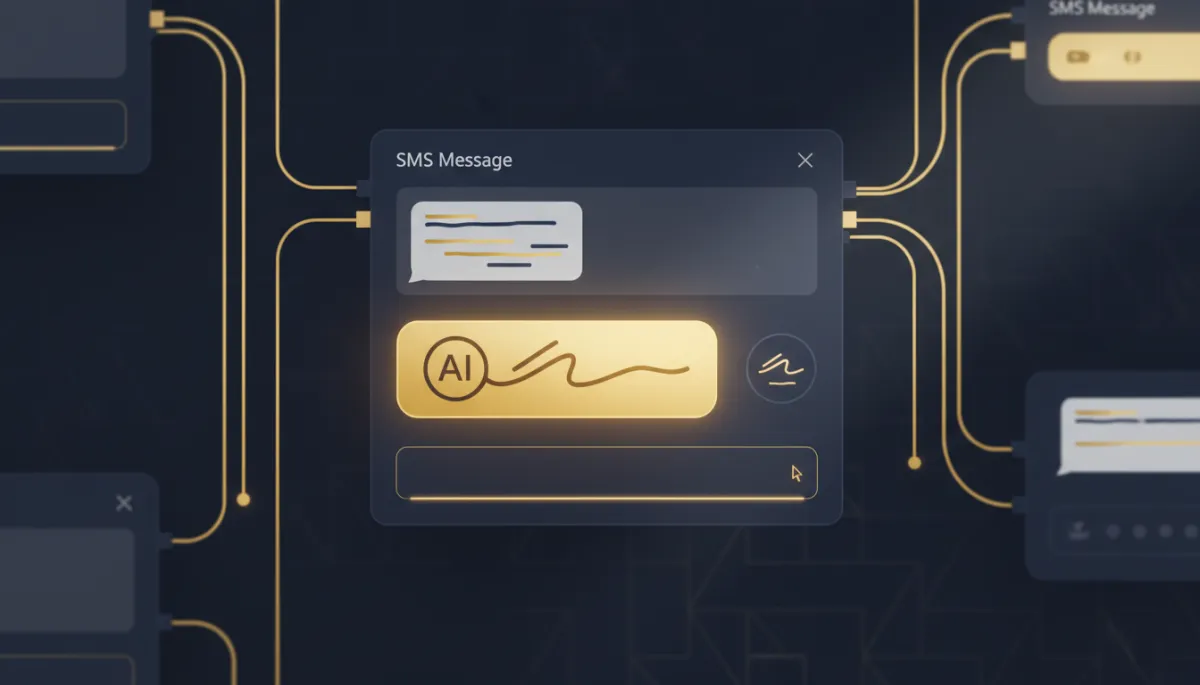
Open any SMS step in a workflow, and there's a "Write with AI" button sitting right in the configuration panel. Click it, describe what this text needs to accomplish — "Promotional message about our holiday discount, urgency, ends Friday" — pick a tone if you want one, hit generate, and you've got a message in seconds.
You described it in one sentence. It wrote the text in one click.
Don't love the first draft? Regenerate without retyping your description. It'll give you a different take on the same ask, as many times as you need.
The more specific you are, the less editing you do after
"Write a text about our sale" gets you something generic. "Write a text about our 20% off weekend sale, ending Sunday at midnight, for clients who booked with us in the last 90 days, with a sense of urgency" gets you something you can send as-is. Give it the offer, the audience, the deadline, and what you want them to do next.
Where this actually saves you time
This isn't just for the big promo blasts. It's the same button for the reminder text before every appointment, the re-engagement message for leads who've gone quiet, the transactional notification confirming a booking.
The takeaway
Next time you're building a workflow and hit an SMS step, don't stare at the blank box. Click "Write with AI," describe exactly what the message needs to do, and let Savage AI hand you a draft worth editing instead of a blank page worth dreading.
