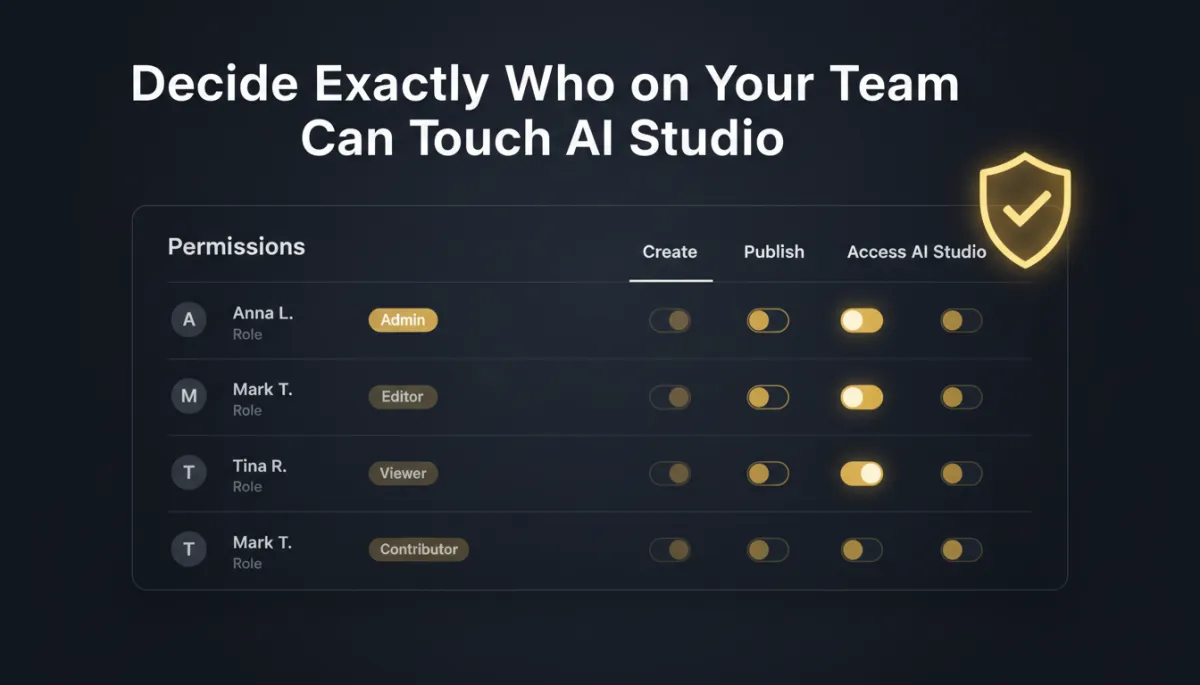
Decide Exactly Who on Your Team Can Touch Savage AI Studio
You hired a VA to help, added a contractor for the busy season, and brought a junior teammate onboard. Great — until you realize every one of them can open Savage AI Studio and rebuild your website with a stray prompt. Access used to be a blunt instrument. Now it's a dial.
Savage AI Studio has its own permissions, so you decide exactly who can look and who can build.
Two levels, clear lines

There are two permission levels, and the difference is obvious on purpose. View AI Studio is read-only — a team member can see what's there without changing anything. View & Manage AI Studio is full read and write — create, edit, and manage projects.
So your junior can review and learn without risk, your trusted builder can ship, and the person who only needed to "take a look" can't accidentally publish a change at midnight.
Some people should be able to look at your site builder. Fewer should be able to rebuild it. Now that's a setting.
Enforced everywhere, not just the menu
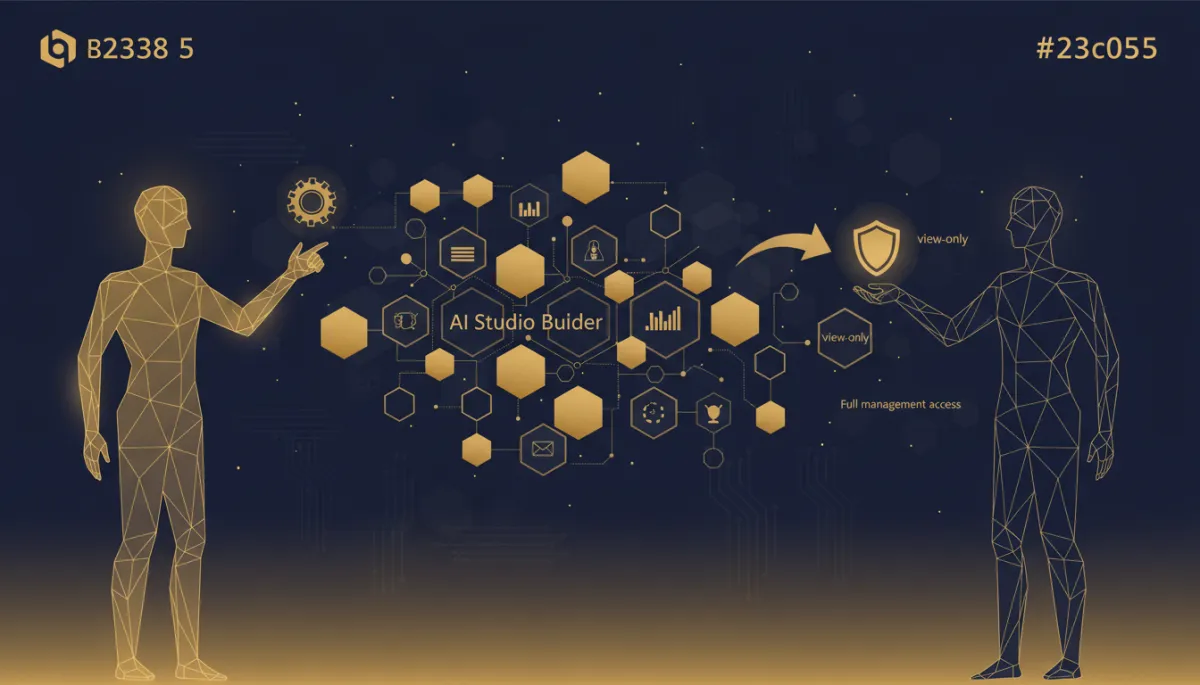
This isn't a cosmetic "hide the button" change. Every Savage AI Studio screen and the underlying controls are protected by the permission you assign, so only authorized users can create, edit, or manage anything. Access is consistent whether someone comes in through the interface or anywhere else — the rule holds.
For a growing team, that consistency is what lets you hand out responsibility without handing over the keys to everything. People get exactly the access their job needs, and nothing beyond it.
Why it matters as you grow
Early on, everyone does everything and permissions feel like overhead. The moment you add a second or third person, that changes fast — one wrong edit on a live site is a bad afternoon. Role-based access keeps your team collaborating safely: the right people manage Savage AI Studio, everyone else works within their lane, and your published work stays protected.
The takeaway
If more than one person can reach your Savage AI Studio, set permissions now, before an accidental edit forces you to. Give view-only to the people who just need visibility, View & Manage to the builders you trust, and stop worrying about who might change what. Access should match responsibility — this makes it match.
Simplify. Automate. Scale.
