
Teach Your Savage AI When to Bring Up Pricing (Not Before)
Knowledge Base Triggers let you decide the exact moment your AI reaches for pricing, case studies, or listings — instead of guessing.
Someone messages your business at 9pm: "Hey, are you open tomorrow?" Your AI fires back a three-paragraph pricing breakdown, a case study, and a link to your onboarding guide. Accurate? Sure. Helpful? Not even close. They wanted a yes or no.
That's the gap Knowledge Base Triggers close. They don't change what your Savage AI knows — they control when it reaches for each piece of it.
What your AI knows vs. when it says it

Most people train their AI by dumping everything into one pile: pricing, FAQs, case studies, policies, the whole vault. Then they wonder why it name-drops a testimonial when someone just asked for directions.
Knowledge Base Triggers split that pile into moments. Your Savage AI Employee gets two kinds:
- One Always-On trigger — the baseline every conversation gets. Brand basics, general pricing ranges, hours, contact info, the FAQs everyone asks.
- Up to three Smart Triggers — content that only fires when a specific condition is met.
Four triggers total, up to seven knowledge bases attached to each. The Always-On handles the everyday. The Smart Triggers wait for their moment.
Your AI already knows everything. Triggers teach it timing — and timing is the whole game.
Where this actually makes you money
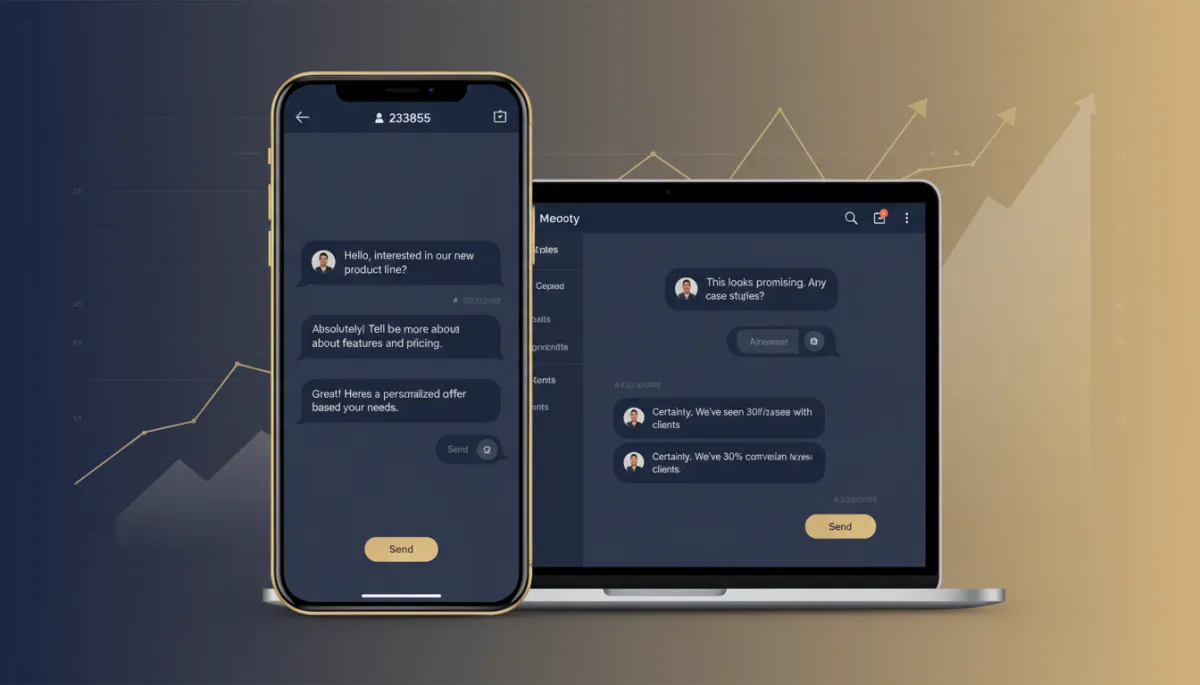
Timing is the difference between a lead who books and a lead who ghosts. A few examples:
The consultant. Condition: the prospect raises a price objection or hesitates. Action: pull the case-study knowledge base — the client who was skeptical, signed anyway, and doubled revenue. The proof shows up exactly when the doubt does.
The studio or contractor. Condition: the lead has shared their budget, timeline, and what they want. Action: surface the relevant packages or past work — not before they've told you enough to make it land.
The clinic or salon. Condition: someone asks about a specific treatment. Action: fire the knowledge base for that service — details, aftercare, pricing — instead of the generic overview.
You're not making the AI smarter. You're making it situationally aware. It stops answering the question it wishes you'd asked and starts answering the one in front of it.
Set it up in plain English
No code, no logic trees. You write conditions the way you'd explain them to a new hire.
- Open AI Agents, pick your Savage AI agent, and go to the Bot Training tab.
- Configure the Always-On trigger. Attach your general knowledge bases here — the stuff every conversation might need. Pull the highly specific content out. Save.
- Add a Smart Trigger. Name it something obvious ("Price objection," "Qualified lead," "Booking ready"). Write the condition in plain English: "When the prospect expresses hesitation about cost."
- Attach the right knowledge bases — up to seven, all focused on that one moment. A trigger about objections gets case studies, not your refund policy.
- Test it in Preview. Run a real conversation. Watch whether the trigger fires when it should and which knowledge base it uses. Adjust the wording until it behaves.
- Add up to three — one each for the stages that matter: qualification, objections, pricing, booking.
If no Smart Trigger condition gets met, the Always-On trigger keeps running like normal. Nothing breaks. You're only adding precision on top of what already works.
A few rules that keep it clean
Build each trigger around one distinct moment. Don't let conditions overlap — if two could fire on the same message, your AI gets confused about which vault to open. Keep the knowledge bases per trigger tight and on-topic. And name everything clearly, because the version of you setting this up in a rush three months from now will thank you.
Separate your knowledge bases by job while you're at it: general FAQs, product details, case studies, policies, onboarding. Broad stuff rides Always-On. Specific stuff rides Smart Triggers. Easier to maintain, sharper in the moment.
The takeaway
Go into your Savage AI agent this week and pick the one moment where it keeps fumbling — probably pricing, probably objections. Build a single Smart Trigger for it. Write the condition like you're talking to a person, attach the knowledge base that answers it, and test it in Preview until it fires clean. One trigger. One moment handled right. Then build the next.
Your AI having every answer was never the hard part. Knowing when to use them is. Now it does.
