Your Savage AI Employee No Longer Needs a “Primary Bot.” Every Bot Works Its Own Channel.
For a long time your Savage AI Employee had a rule nobody loved: one “Primary Bot” answered everything. One personality for your SMS leads, your Facebook DMs, your website chat, your email — all of it. That’s gone.
Now any bot can be assigned directly to a specific channel and respond on its own. A different bot for texts than for Facebook. A dedicated bot for your VIP tag. Real routing, finally.
One bot per channel, not one bot for everything
Channel Management lets you point a bot at exactly the channels it should handle — SMS, email, Facebook, Instagram, WhatsApp, Live Chat, Web Chat. The “first bot you made is automatically primary” concept is retired. To get a bot answering, you just switch on the channels you want it to own.
That means the chatty, fast-reply bot can handle SMS while a more careful, detailed bot handles email — each sounding right for where the conversation is happening.
Route by channel, by number, and by tag
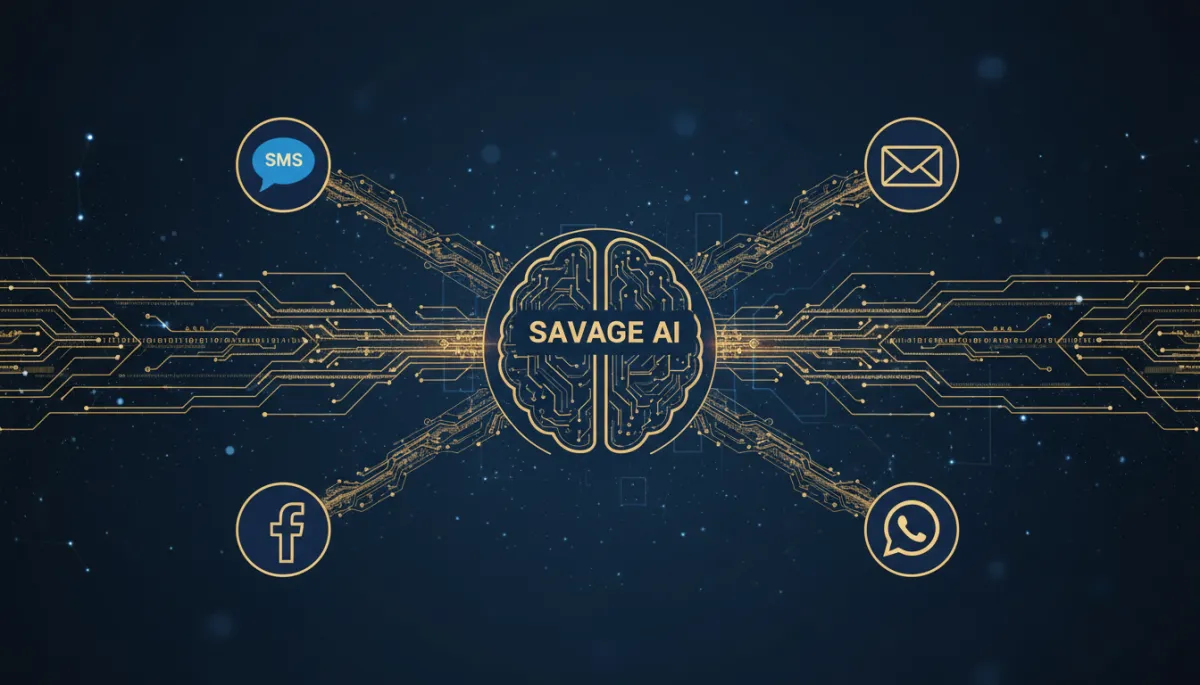
The part that changes how you run follow-up: routing gets granular. You can send by channel, by the specific number or account, and by contact tags. Tag a lead “VIP” and they go to one bot; everyone else goes to another — on the same channel.
Send your VIPs to a white-glove bot and everyone else to your standard bot — on the same phone number, at the same time.
And specificity wins. A targeted assignment beats a broad one, so “Facebook + VIP tag” overrides a general “Facebook” rule automatically. You don’t have to untangle conflicts; the more specific rule takes the conversation.
Turning it on won’t break what you’ve built
This is the part operators worry about, so here’s the plain version. Switch on “Conversations AI Channel Management” in Labs at the account level and give it about five minutes to migrate. Your current Primary Bot is preserved — it’s automatically assigned to the channels it already handled, so it keeps replying exactly as before. Your other bots keep their settings; you just assign them to channels with the new controls.
A bot assigned directly to a contact still takes top priority regardless of channel. And if you run multiple Facebook Pages or Instagram accounts, each connected account is its own channel — so you can hand different pages to different bots.
The takeaway
If you’ve ever wanted your text bot to sound different from your email bot, or wanted your best leads handled by a sharper agent, this is the switch. Turn on Channel Management in Labs, let it migrate, then assign each bot the channels it should own and layer in tag rules for the leads that deserve special treatment. One inbox, many bots, each doing the job it’s actually good at.
Simplify. Automate. Scale.
