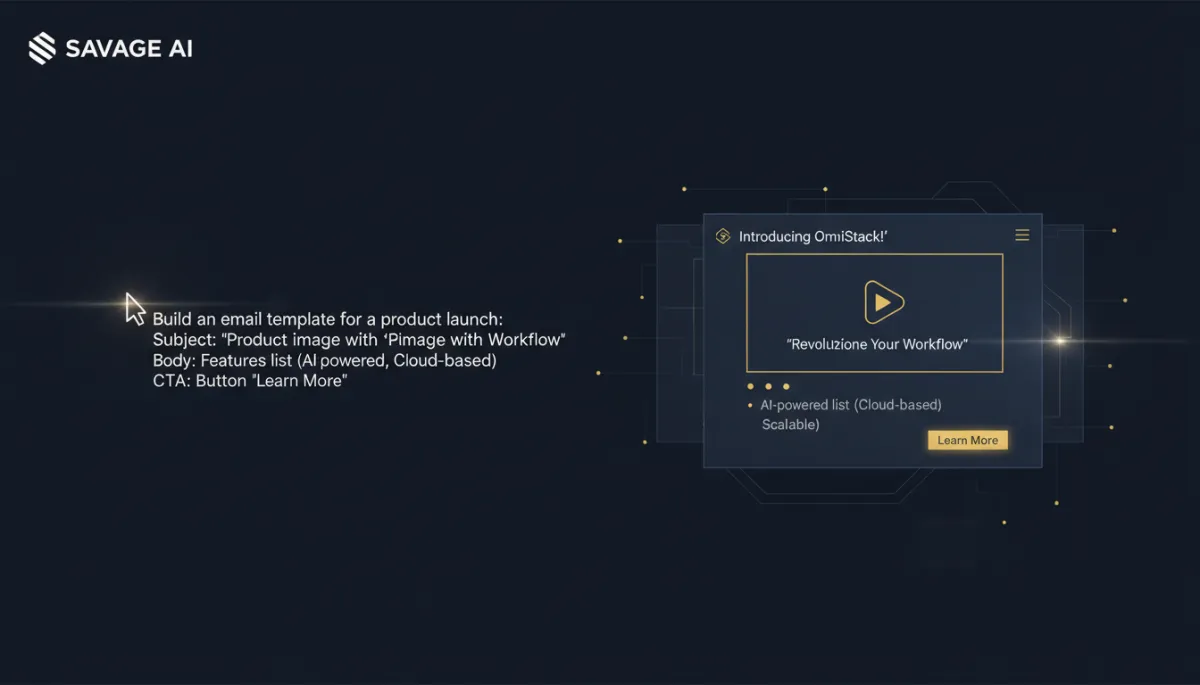
Describe the Email. Savage AI Builds the Template.
The blank email builder is its own kind of writer's block, except it's a design block. You know you need a welcome email, or a promo layout, or a re-engagement send. You do not want to spend forty-five minutes dragging blocks around a canvas to get there.
Describe it. Get a working template.

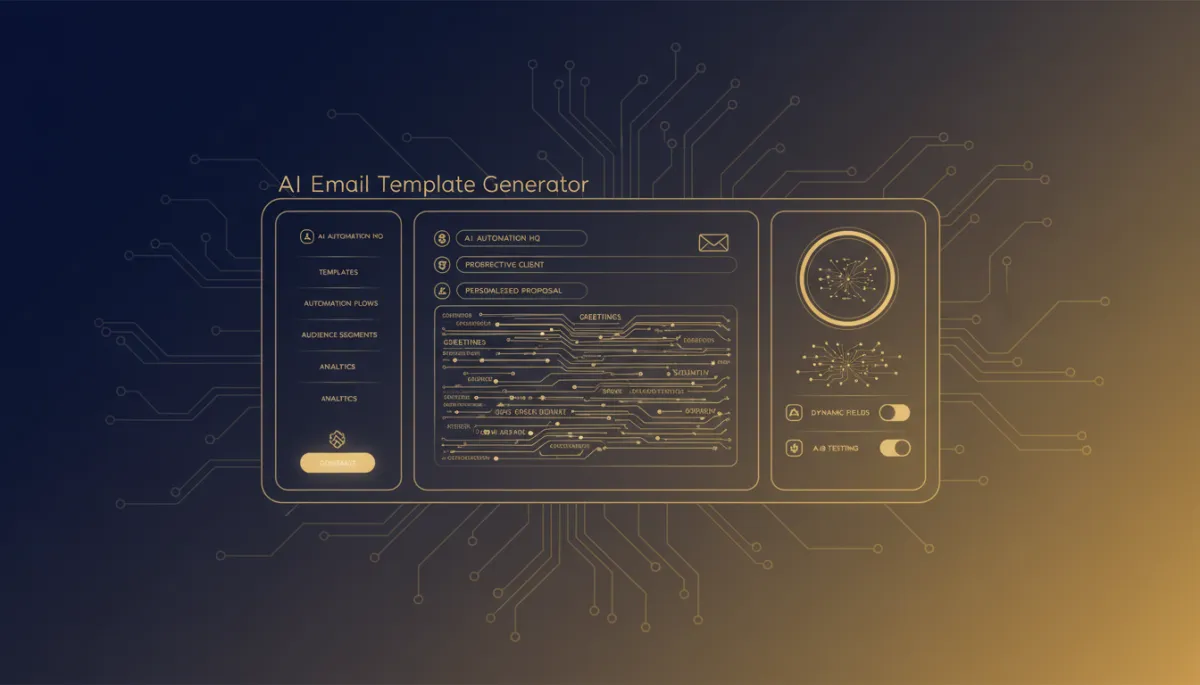

Open Ask AI and describe the email the way you'd describe it to a designer: what it's for, the vibe, what needs to be in it. Savage AI builds an actual Design Editor template from that description — not a mockup, a real template — and shows you a preview.
You described the email once. It came back as a template, not a mockup.
If something's off, say so conversationally — different color emphasis, a different structure, swap the focus of the copy — and it updates the template instead of making you start over.
Then it hands off cleanly

When the preview looks right, open it in Email Builder to do the detail work — fine-tune spacing, swap in your own images, adjust copy line by line. Nothing about the AI-generated starting point locks you out of normal editing.
Worth knowing before you start
This currently builds Design Editor templates — the drag-and-drop kind. HTML Editor templates aren't supported through this flow yet.
The takeaway
Next time you need a new email and catch yourself dreading the build more than the writing, open Ask AI first. Describe what the email needs to be, let it generate a starting template, and move into Email Builder only for the final polish.
