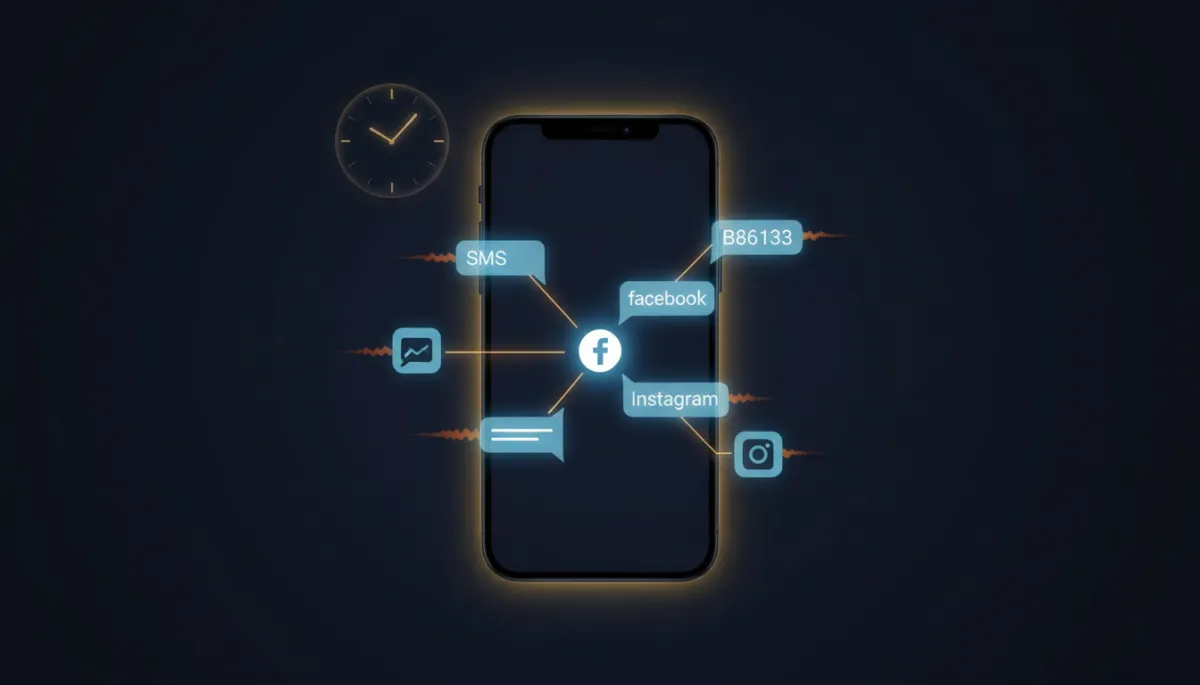
Put Your Follow-Up on Auto-Pilot and Stop Losing 11pm Leads
The lead that messages you at 11pm doesn’t wait until business hours. They message three competitors and book with whoever answers first. Auto-Pilot Mode makes that “whoever” you.
Suggestive mode is the AI writing the reply and waiting for you to hit send. Auto-Pilot is the AI handling the conversation itself — reading the message, gathering context, and responding without you touching it. It’s the difference between a smart assistant and an actual front desk that never clocks out.
What it does on its own
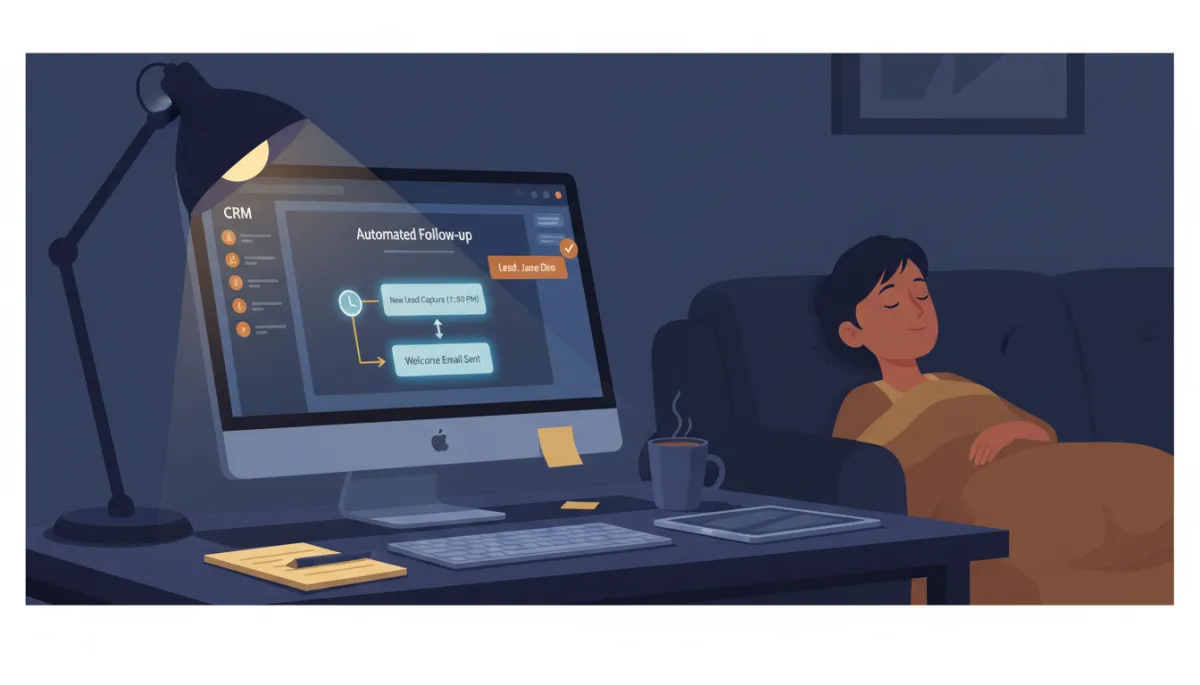
Turn on Auto-Pilot and Savage AI answers incoming messages across SMS, Facebook, and Instagram on its own. It works toward one job above all: getting the lead to book. When the moment’s right, it shares your scheduling link and walks them toward the calendar instead of letting them drift.
That’s the whole point. Speed-to-lead isn’t a nice-to-have — it’s the entire game. The business that replies in two minutes beats the one that replies in two hours, every time, and Auto-Pilot replies whether you’re asleep, with a client, or off the grid.
The lead messages at 11pm. Auto-Pilot answers at 11pm. By morning, they’ve booked — with you, not the other guy.
The wait timer is the secret weapon
Here’s the setting that separates a bot that feels human from one that feels like a vending machine: Wait Time. Instead of firing back the instant a message lands, the AI waits a beat — your choice, anywhere from one second to five minutes, two minutes by default — and collects everything the person sends during that window.
Why that matters: real people text in bursts. “Hey” … “do you have any openings this week” … “for a deep tissue.” A bot with no wait time fires three awkward replies. Auto-Pilot waits, reads all three, and answers like someone who was actually listening.
Built-in brakes so it doesn’t run wild
Automation without limits is how you end up with a bot texting someone fourteen times. Auto-Pilot has brakes:
- Sleep Mode. The second a human jumps in — you, or a workflow-triggered message — the bot can back off so it’s not talking over your team. You decide what trips it and when it wakes back up.
- Max message limit. Default is 10 AI messages per conversation, then the bot goes to sleep. To wake it, mark the conversation as Read. No runaway threads.
- Thumbs up / thumbs down. Every Auto-Pilot reply can be rated, and that feedback feeds back into making the next answer better — and into new FAQs.
Train it before you trust it
A bot is only as good as what it knows. Before you flip Auto-Pilot on for real leads, train it on your website URLs and a solid set of FAQs so it answers like you’d answer — not like a generic chatbot. Training is free, so there’s no excuse to send it in cold.
One number to know: bot training and the trial run free, but once you switch a bot from Off to Suggestive or Auto-Pilot, generated responses run $0.05 each. Cheap for a booked appointment. Worth knowing before you scale it across every channel.
The takeaway
This week: open Conversation AI in your settings, set the bot mode to Auto-Pilot, and turn on just the channels where your leads actually live. Set your wait time to two minutes so it answers like a person. Load your top 10 FAQs and your site URL. Then send it a few test messages from your own phone before a real lead ever hits it. Get this right and the 11pm lead becomes your appointment — automatically.
