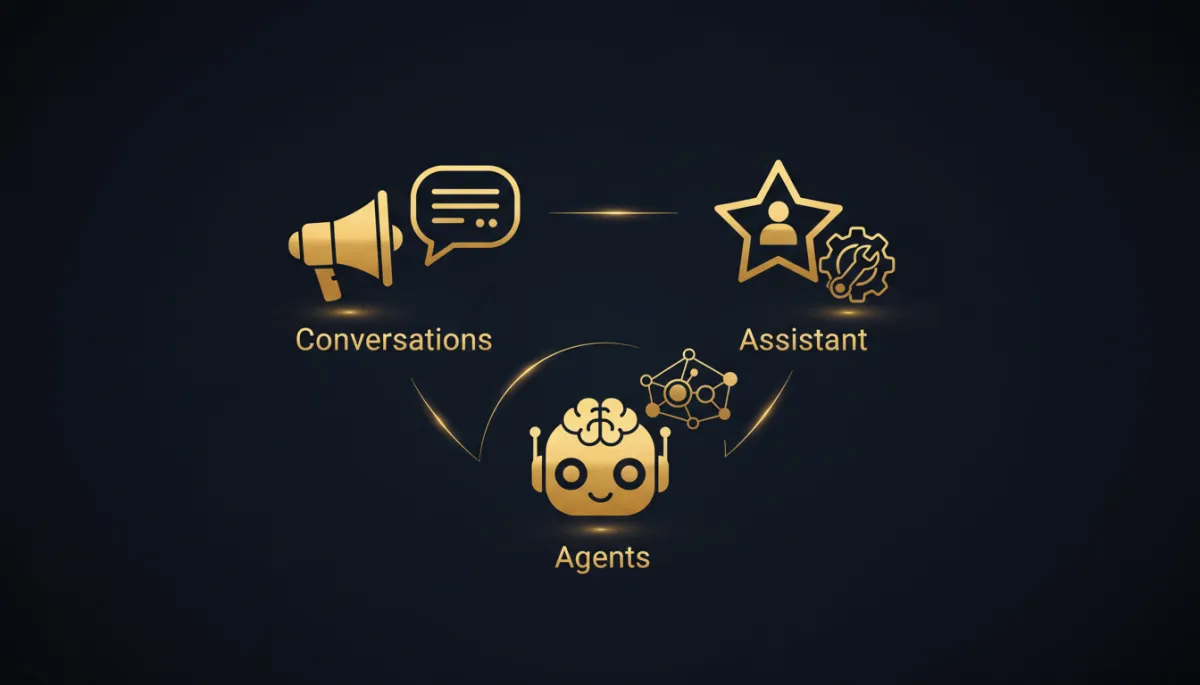
Three Savage AIs live in your account. Here's which one to grab.
“It’s all just AI” is how you end up paying for three tools and using none of them right.
You open your account, you see AI everywhere, and you freeze. Do I train a bot? Do I type a prompt? Do I build an agent? So you close the tab and go back to answering leads by hand at 9pm. We’ve done it too. So here’s the whole thing in plain English, no acronyms, no whiteboard.
There are three Savage AIs in your account. They aren’t competing. They each do a different job. The trick is knowing who the AI is talking to, and who kicks it off.
Savage AI Assistant: your copilot

This one is for you. The person logged in, coffee going cold, trying to get work done.
Savage AI Assistant lives in your top bar and sidebar. You type or you talk, and it acts — write an email in your brand voice, spin up a funnel, summarize a contact before you call them, generate an image for a campaign, apply tags in bulk. It only moves when you ask it to. Think of it as the sharpest assistant you’ve ever had, sitting right next to you, waiting for the word.
Savage AI Conversations: your always-on front desk

Savage AI Conversations talks to your leads across SMS, email, web chat, WhatsApp, Facebook, and Instagram. It answers the question, qualifies the lead, and books the appointment. You choose how much rope it gets: Suggestive mode drafts the reply and waits for you to hit send, or Auto-Pilot handles the whole conversation.
Savage AI Agents: your teammate who never clocks out

Savage AI Agents are teammates you build in plain language inside Savage AI Studio. You describe the role and what it’s allowed to do, and the guided builder assembles it. Then it fires on real events in your account and takes action with no human present.
The 10-second decision
Stop overthinking it. Ask one question: who is the AI serving? Serving your lead in a conversation? That’s Conversations. Serving you while you work in the app? That’s the Assistant. Serving a task that should just happen on its own? That’s an Agent.
The takeaway
Pick one job you do by hand every single day and give it to the right Savage AI. If it’s answering the same three questions from leads, that’s Conversations. If it’s writing the same emails over and over, that’s the Assistant. If it’s the follow-up that fires every time someone books or cancels, that’s an Agent.
