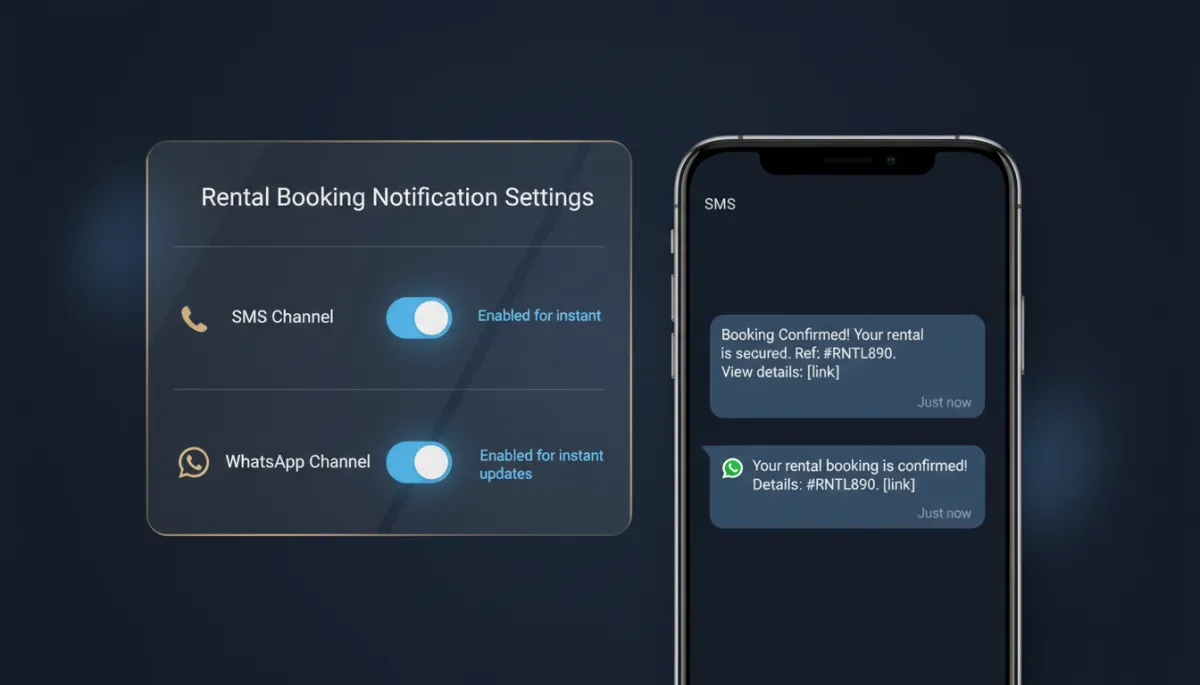
Rental Bookings Now Text and WhatsApp Your Customers — Not Just Email Them
Email confirmations for rentals are fine until you remember how many of your customers don’t open email. The booking’s confirmed, the reminder went out, and they still no-show because it sat unread in a promotions tab. For time-sensitive rentals, the channel matters as much as the message.
Now your rental bookings can notify customers by SMS and WhatsApp — the places messages actually get seen.
Every booking event, on the channels people read

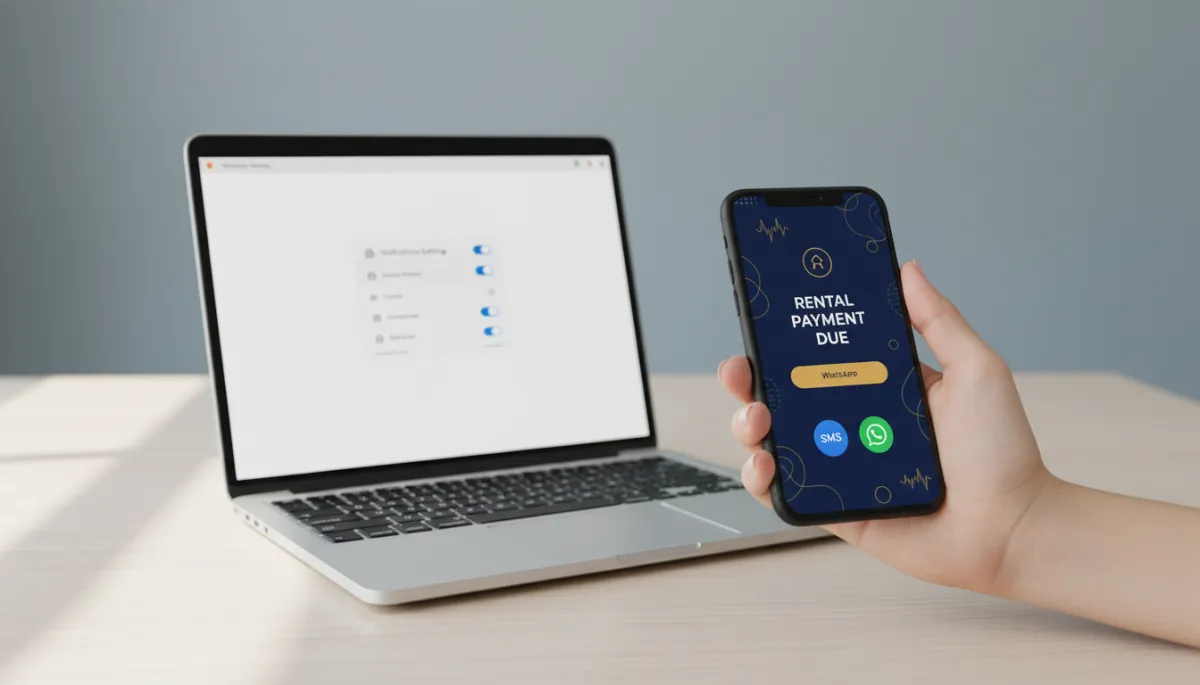
Both SMS and WhatsApp now cover the full set of rental events: unconfirmed, booked, canceled, rescheduled, reminder, and follow-up. You toggle each channel on per notification, so you can send the confirmation by WhatsApp, the reminder by text, and keep whatever mix fits your customers.
Mobile-first reminders are the single most reliable lever on show-up rates — a reminder that lands on a lock screen beats one buried in an inbox every time.
A text reminder an hour before pickup does more for your no-show rate than the prettiest email confirmation ever will.
Decide who gets what
You choose the recipient for each message — the contact or the business — so the customer gets their reminders and your team gets the internal heads-up, without crossing the wires. And you can set different templates per recipient, so what your customer sees and what your staff sees are each written for the right audience.
Each notification type ships with a default template you can keep, customize, pick from your saved templates, or build fresh — including approved WhatsApp templates, with a fetch option to refresh your list in real time.
Test before it’s real
Before any of this goes live to a paying customer, use Send Test to preview the exact SMS or WhatsApp message. You confirm the wording, links, and formatting look right, then enable it for real bookings. No guessing, no first-customer-as-test-subject.
How to set it up
Go to Calendar Settings → Rentals → Global settings → Notifications. Open a notification type, switch to the SMS or WhatsApp tab, and enable the toggle. Choose your recipients, pick or create the template, send yourself a test, and save. From then on the message fires automatically when that event happens.
The takeaway
Stop letting confirmations and reminders die in an inbox. Turn on SMS and WhatsApp for your rental notifications, put reminders on the channel your customers actually check, aim each message at the right recipient, and test before you flip it live. Fewer no-shows, less manual follow-up, happier customers.
Simplify. Automate. Scale.
