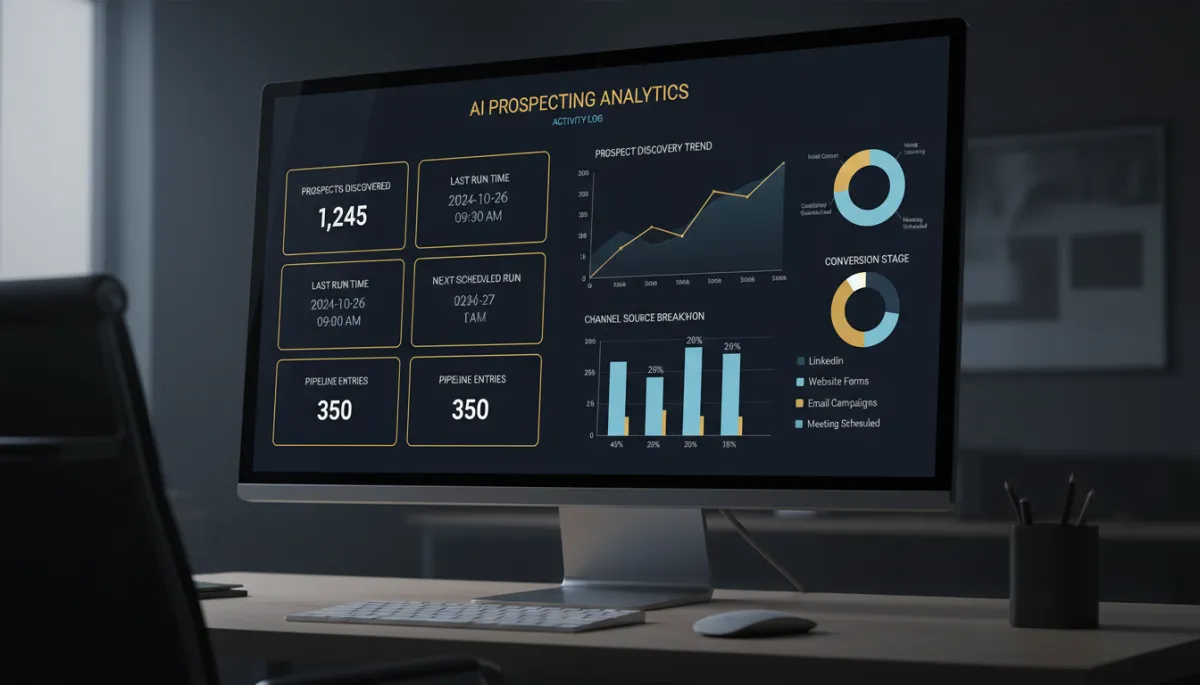
Your Prospect AI Finally Tells You What It's Been Doing
You set up an AI agent to go find prospects, and then… silence. Was it working? How many did it find? Why did last night’s run come back empty? Prospect AI used to leave you guessing. Now it opens the hood and shows you exactly what your AI sales agents are doing.
Know each agent’s status at a glance
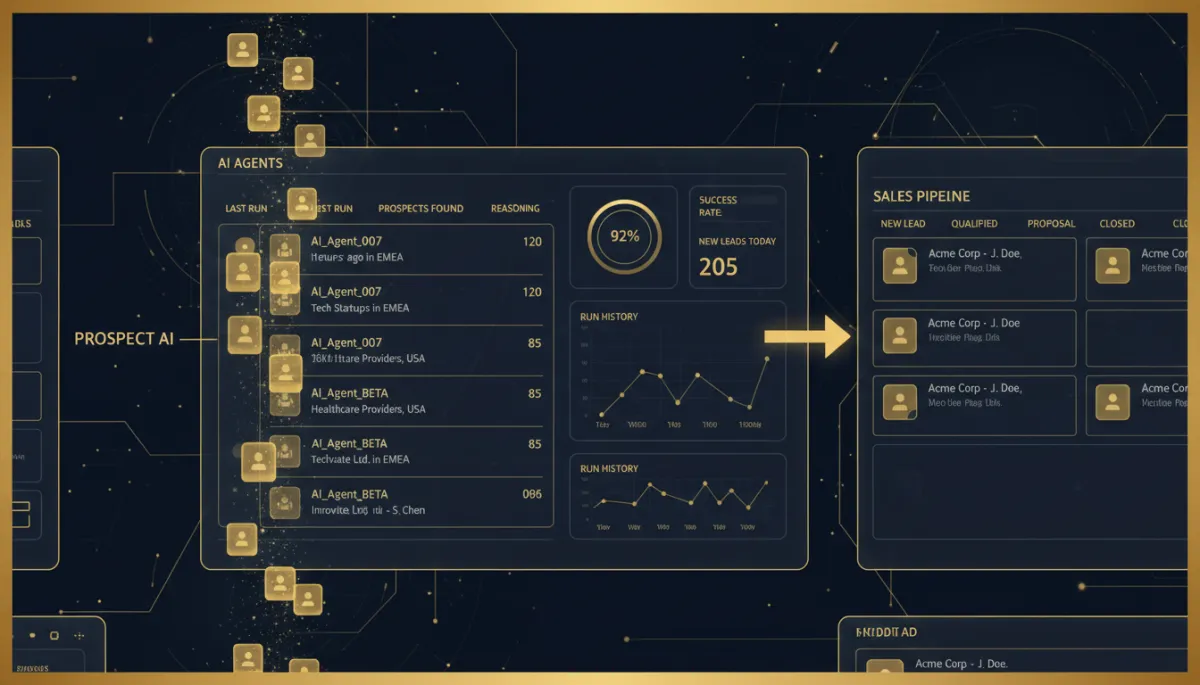
The redesigned agent cards give you the numbers that matter without opening anything: total prospects discovered, last successful run, next scheduled run, and what the agent specializes in — plus one click to view every prospect it’s found. Clicking an agent no longer dumps you into edit mode; it lands you on the agent’s own workspace with a Summary view (config, stats, criteria, next run) and an Activity view (full execution history, past runs, upcoming schedules, success and failure logs).
No more wondering if your AI is working. You can see the last run, the next run, and everything it found.
When it finds nothing, it tells you why
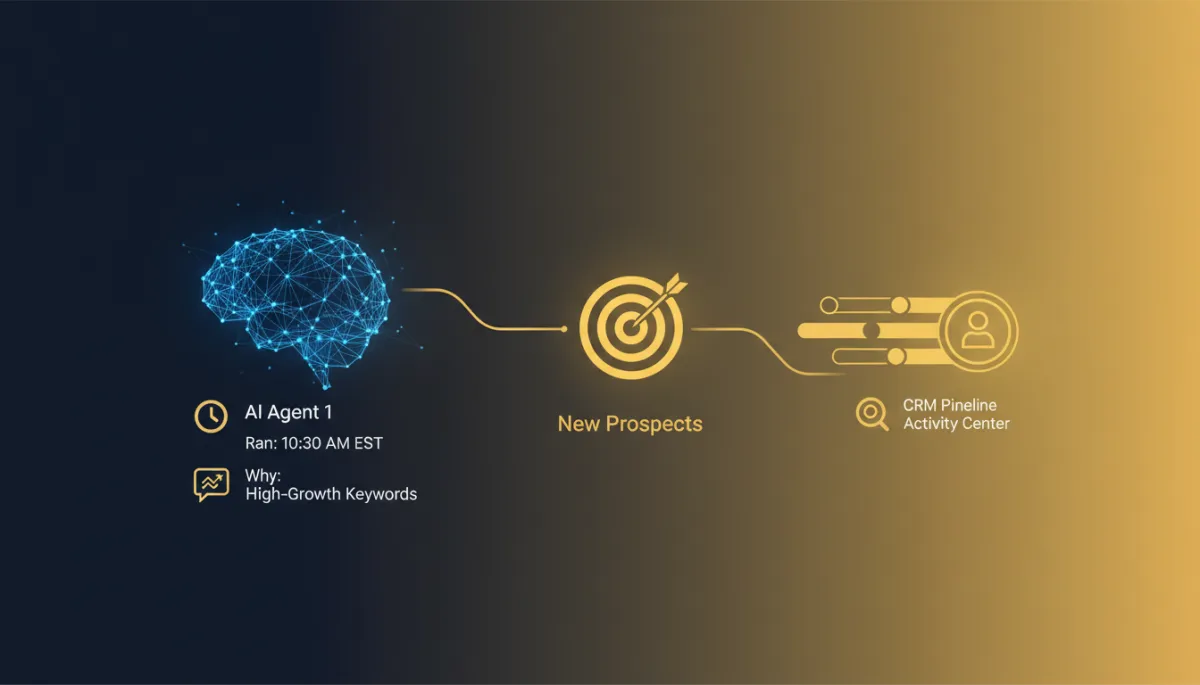
This is the part that saves you. If an agent comes back empty, Prospect AI now explains why and suggests fixes — widen the search radius, relax the conversion-score filter, lower the rating requirement, or adjust your monthly limits across agents. Instead of a blank result and a shrug, you get an actionable reason and a next step.
The dashboard also gives you quick insight across all your agents — total agents, active agents, total prospects discovered, monthly usage — plus a search bar to find a specific agent as your AI team grows.
New prospects land in your pipeline automatically
The big one: Prospect AI now integrates directly with your CRM pipelines. When you configure an agent, you choose which pipeline new prospects enter and which stage they land in — so every discovered prospect is automatically added to your pipeline, ready for review, automation, and outreach. No more shuttling leads by hand from prospecting into your sales process.
The takeaway
If you’re using Prospect AI to fill your outreach list, go check the new activity center: confirm your agents are running, read the recommendations on any that came back empty, and wire each agent to drop new prospects straight into the right pipeline and stage. Your AI agents stop being a black box and start behaving like members of your sales team.
Simplify. Automate. Scale.
