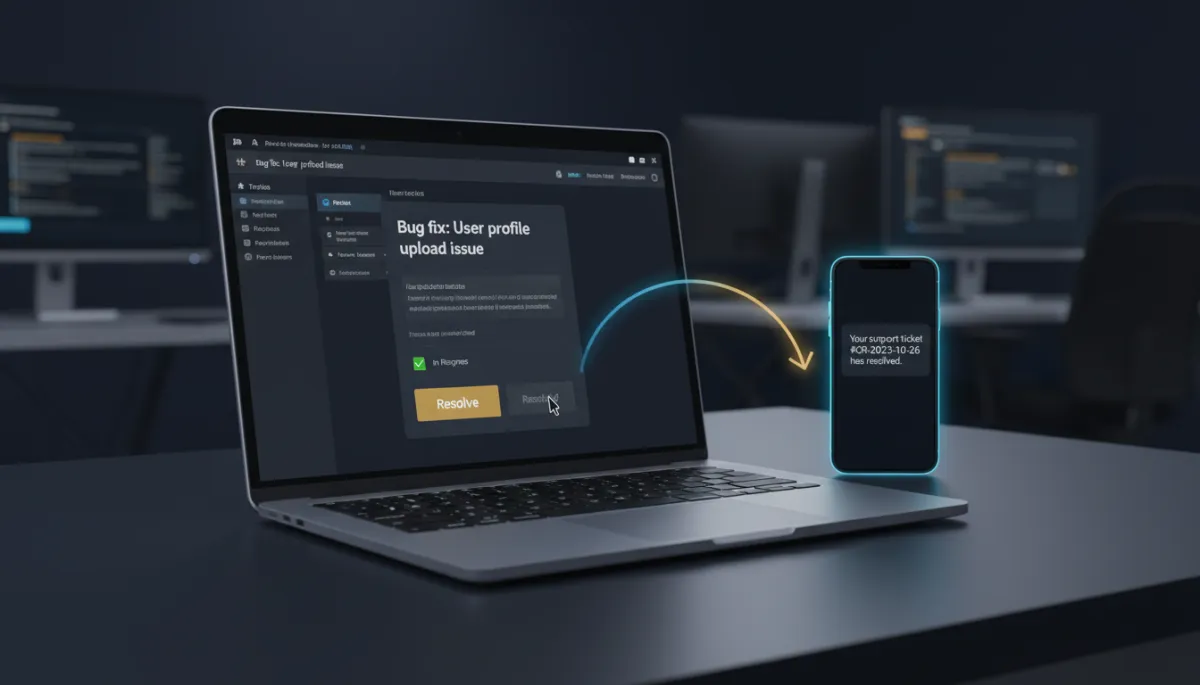
Your Dev Team Closes a Jira Ticket, Your Customer Hears About It Automatically
A customer reports a bug. Your dev team fixes it in Jira, flips the ticket to Done, and moves on — and the customer never hears a word, because telling them was somebody’s manual job that nobody remembered. The fix shipped; the goodwill didn’t.
Jira now connects to your workflows, so the close of a ticket can trigger the message that keeps your customer in the loop.
Issues in, issues out
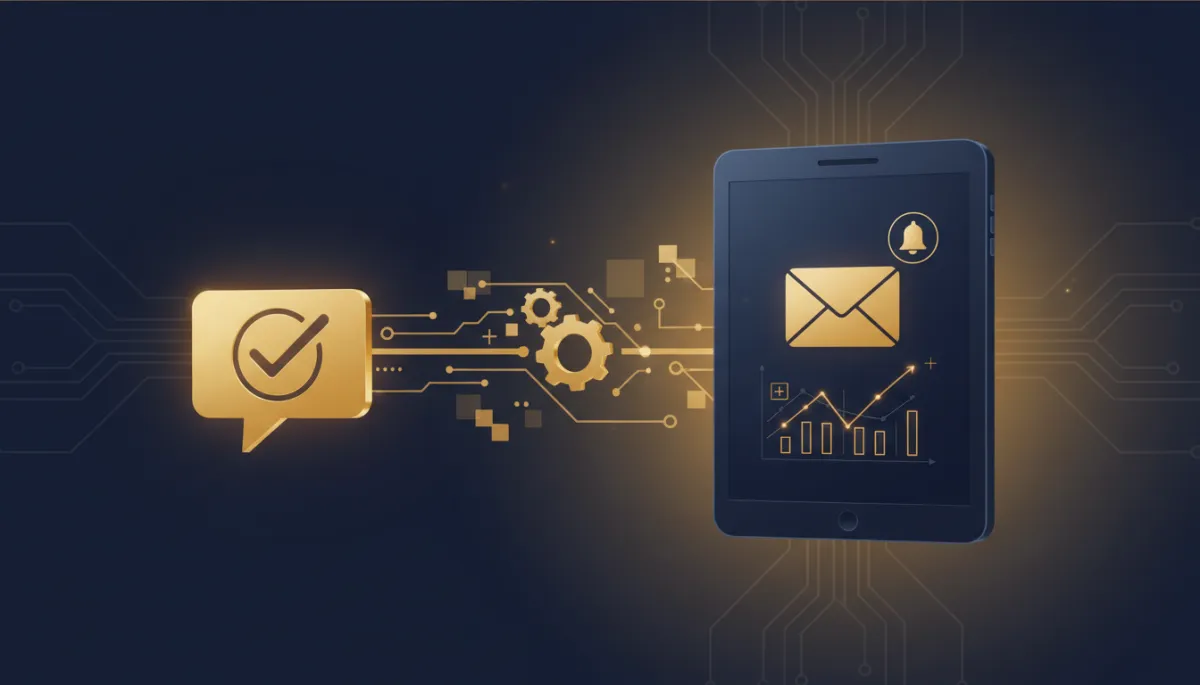
The integration ships with triggers — a new issue and an updated issue — and a broad set of actions for the issue lifecycle: create, update, link, comment, add a watcher, attach a file, log work, and move an issue to a sprint. There’s also discovery — find users, projects, and issues — so a workflow can look things up at runtime instead of hardcoding IDs.
Because a single connected Atlassian account can reach more than one Jira site, each step includes a Cloud Site selector so it always targets the right one.
An engineer flips a ticket to Done. Five minutes later, the customer who reported it gets a resolution note with the fix summary. Nobody had to remember.
Two moves that matter
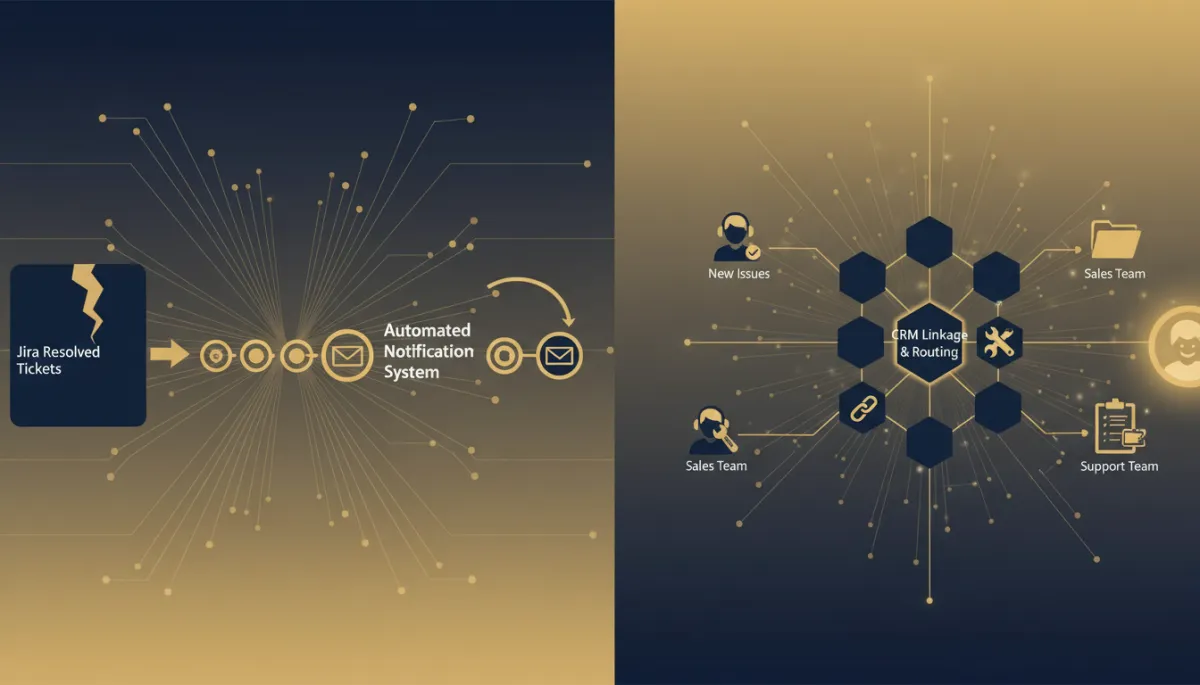
Issue resolved to customer notified. When an updated issue hits status Done, the workflow matches it back to the customer who reported it and sends a resolution message with the fix summary. The loop that used to depend on someone remembering now closes itself.
Cross-issue linking on shared reports. When a new issue comes in carrying a shared reference — a support ticket ID, a feature-request ID — the workflow finds existing Jira issues with the same reference and links them (“relates to” or “duplicates”). Less duplicate work, and related issues stay discoverable inside Jira.
How to connect it
Add any Jira trigger or action in the workflow builder and click Connect your account. Give the connection a friendly name and the account email, continue to Atlassian’s authorization screen, and approve the requested access. Back in the builder, pick the Cloud Site the step should read from or write to, and you’re set.
The takeaway
Stop letting resolved tickets go unannounced. Connect Jira, trigger a customer notification the moment an issue is marked Done, and auto-link related issues so your team stops duplicating work. The bridge between your dev board and your customers stops being a manual chore and starts running itself.
Simplify. Automate. Scale.
