Why Your Texts Are Bouncing (And It's Not Your Copy)
This is informational only, not legal advice. A2P/SMS compliance rules can vary and change — when in doubt, consult counsel or a compliance professional.
You rewrote the text four times. The offer's good. The tone's right. It still won't send. That's your first clue this was never a copy problem. Error 30034 means your phone number isn't linked to an approved A2P campaign — and until it is, the carriers won't let a single text through.
What's actually causing it
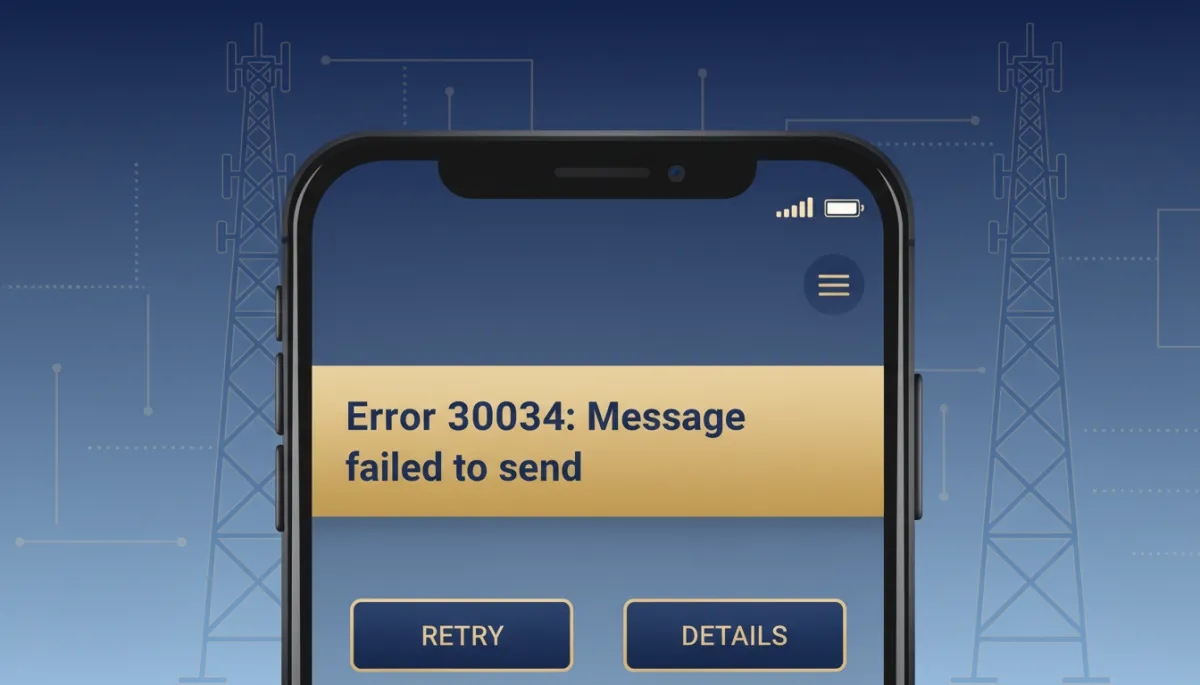
Error 30034 shows up when a number tries to send business SMS without being tied to a campaign the carriers have already approved. It's especially common with Sole Proprietor registration, which has a hard limit: one number per campaign. Add a second local number without linking it to its own approved campaign, and that number throws 30034 the moment it tries to send anything.
Before you touch the linking screen
Two things need to already be true: your A2P brand is approved, and your A2P campaign is approved. If either is still pending, linking a number won't fix the error.
The fix, step by step
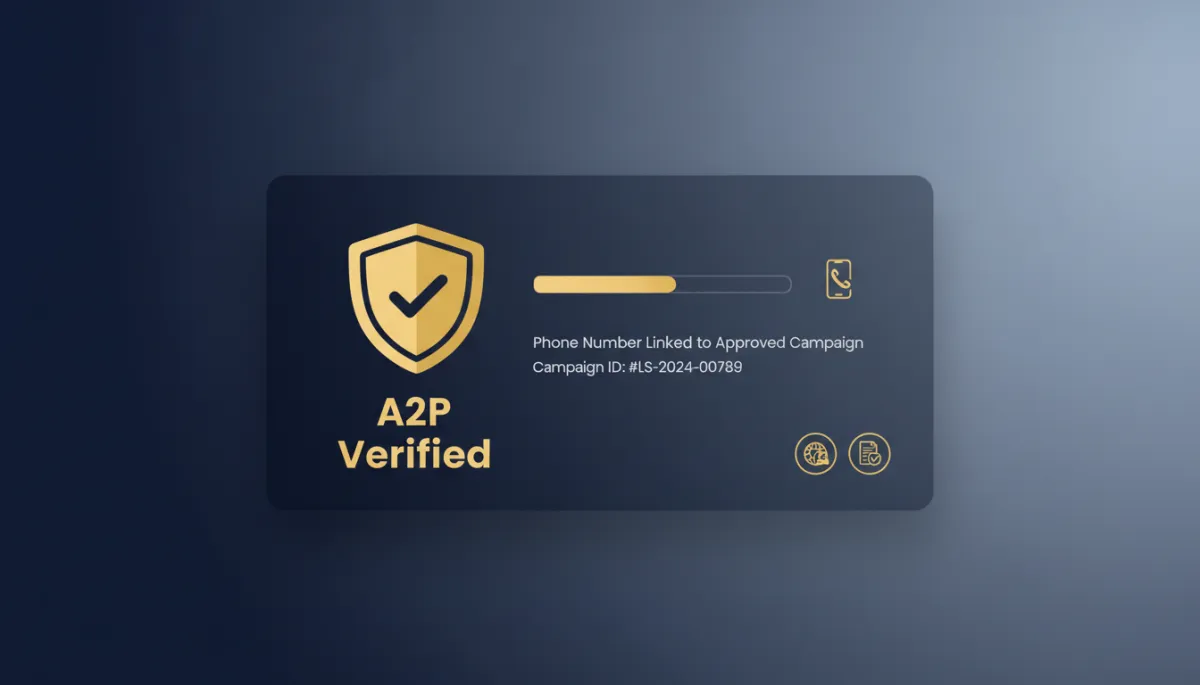
Go to Settings > Phone System > Phone Numbers. Find the number throwing the error and open its three-dot menu. Click "Select A2P campaign to Link." Choose the approved campaign this number belongs to. Confirm the green "A2P Verified" label shows up.
No verified badge, no delivered texts. That badge is the whole ballgame.
The takeaway
If a number starts throwing Error 30034, don't touch your SMS copy — go straight to Settings > Phone System > Phone Numbers and check whether that number is actually linked to an approved campaign.
