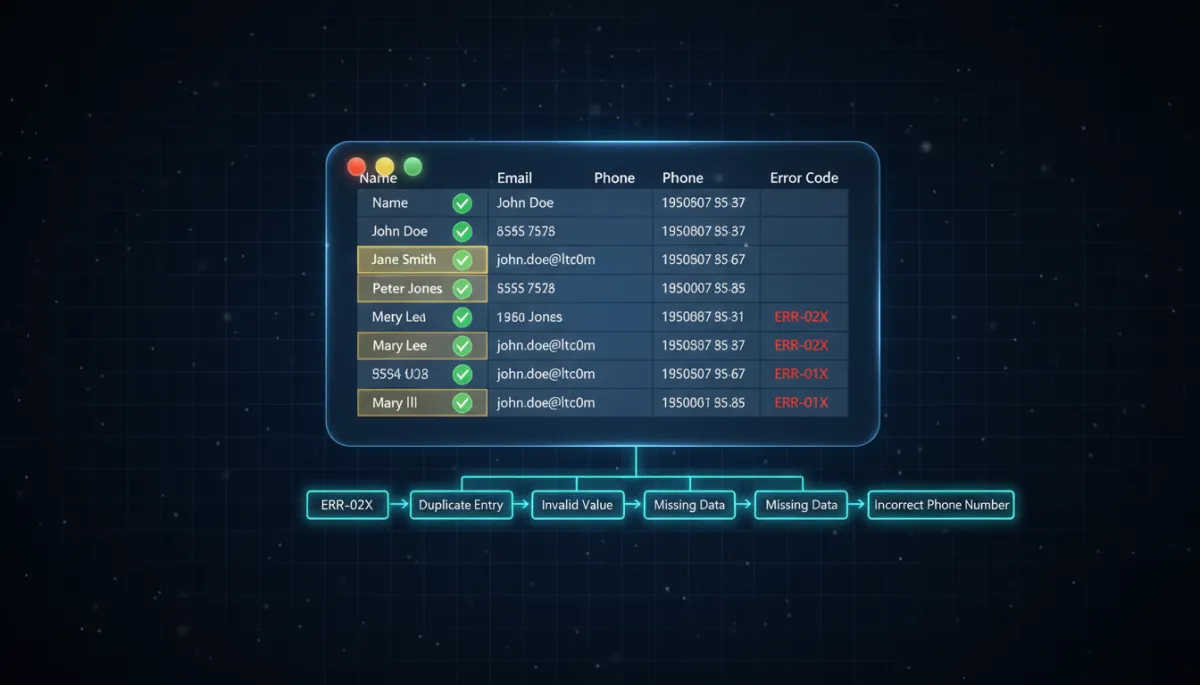
Your contact import failed. Here's what the error codes actually mean.
CRM, Data Migration
Your contact import failed. Here's what the error codes actually mean.
Decode common CSV import errors, fix them fast, and get your list into your CRM without breaking a sweat.
You exported five years of contacts, hit import, and got a wall of error codes. Breathe. Almost none of them mean what they look like.
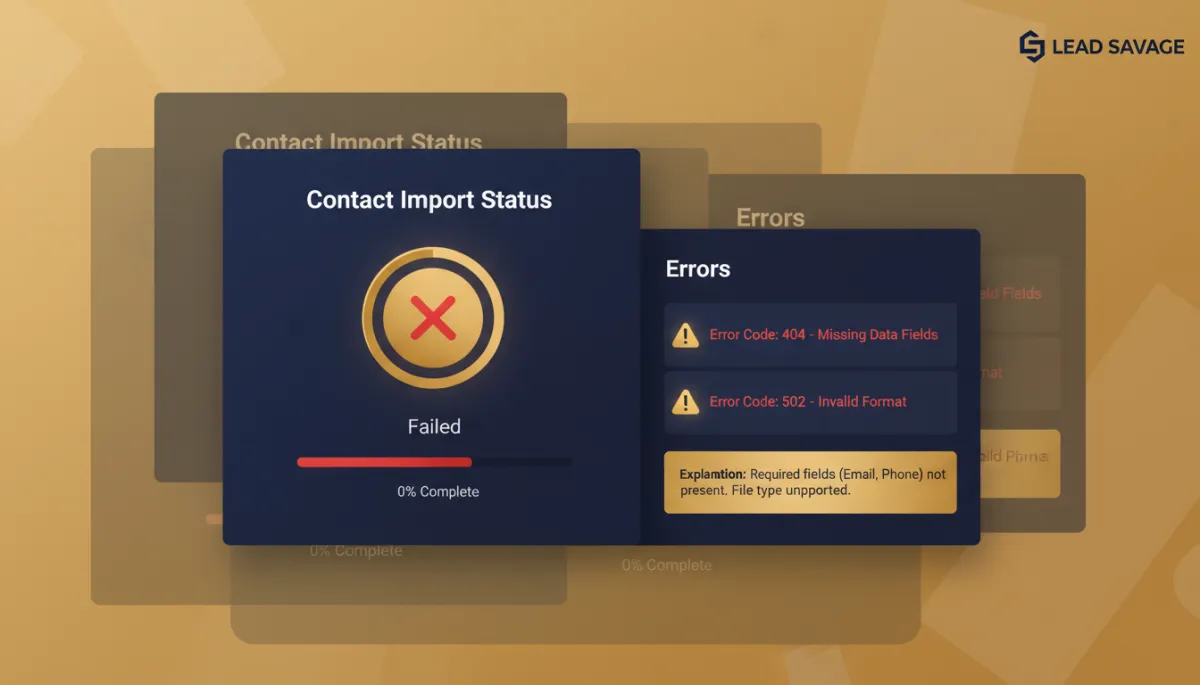
Every service owner who’s ever switched systems knows this specific dread. The list is your whole business — leads, past clients, the referral network you spent a decade building — and the import just spat back “1004, 1008, 1013” like it’s insulting you in binary. Nothing feels worse than the migration stalling on day one.
Here’s the good news: these errors are boring and fixable. Most are a formatting hiccup in the spreadsheet, not a broken system. Let’s translate the ones you’ll actually hit.
Before you import: the 60-second checklist
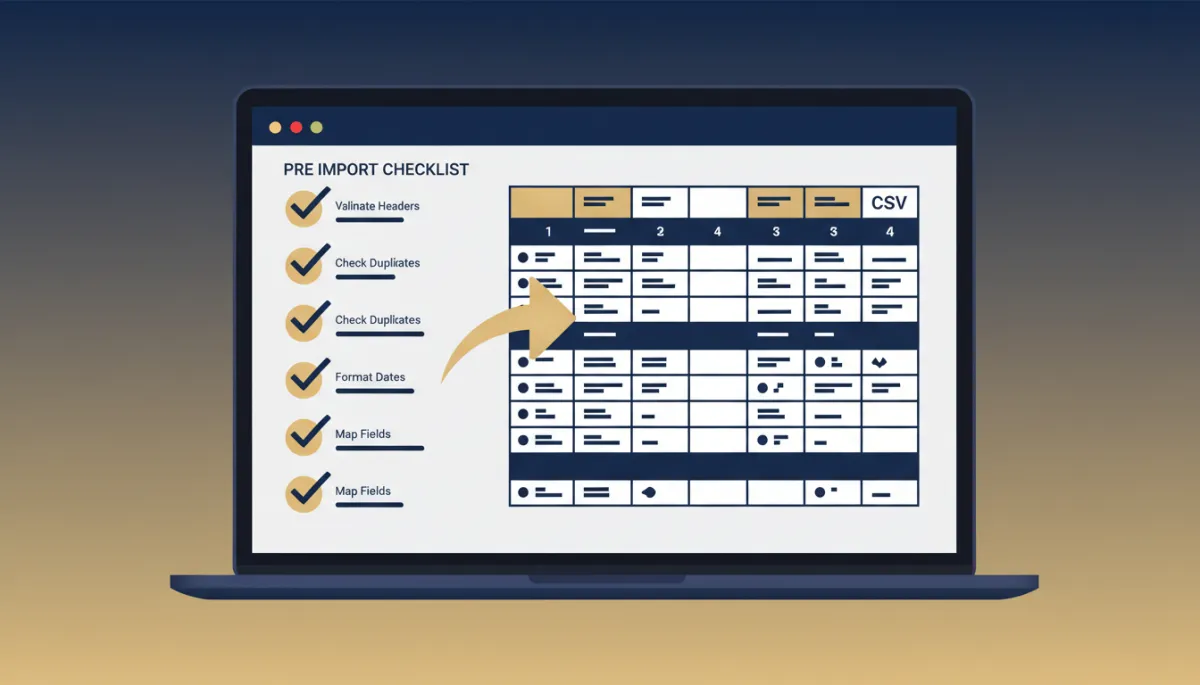

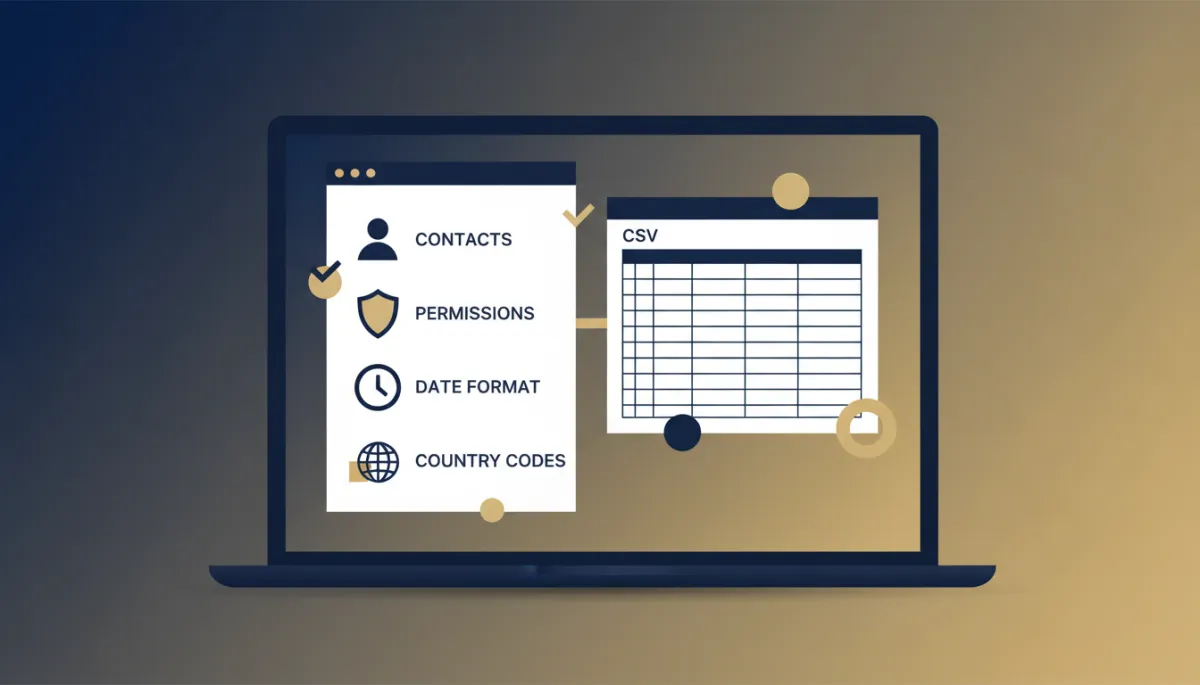
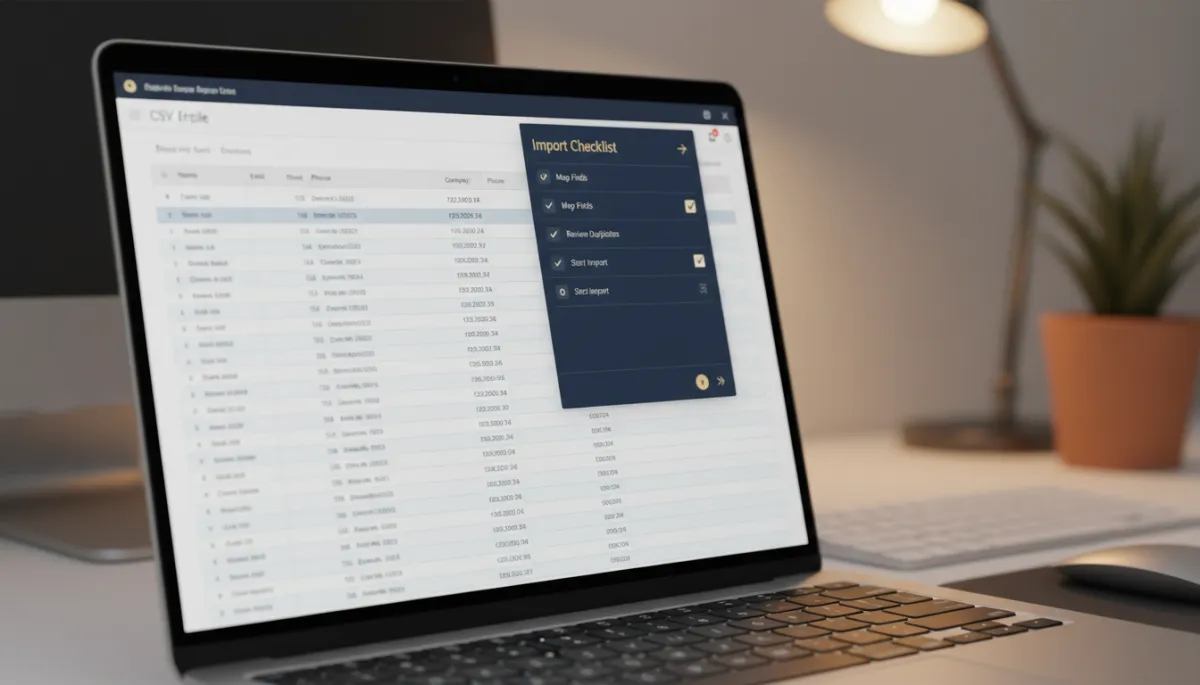
Nine times out of ten, this list prevents the wall of red entirely. One sheet in the file — not three tabs. Emails, phone numbers, and dates formatted cleanly. Unique IDs per row. Dropdown values that match your account’s options exactly. A real user email in the Owner column. And a reliable primary column — Email or Contact ID — so the system knows how to spot duplicates.
Run that first. It’s faster than fixing errors after the fact.
The errors you’ll actually see, in plain English
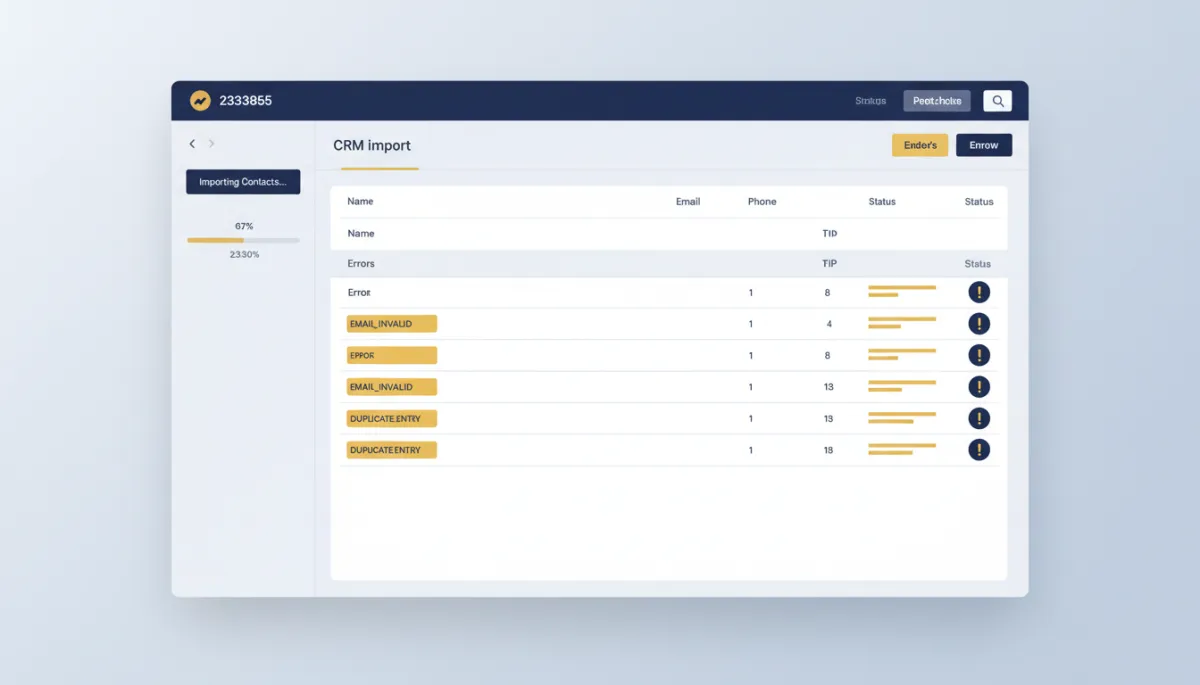
“Invalid required property” (1004) — fix the format in that column, re-import.
“Failed validation of Email” (1008) — missing @, missing .com, stray space. Clean it.
“Could not parse the phone number” (1013) — strip parentheses and dashes, add country code.
“Could not find the owner” (1015) or “Multiple owners found” (1002) — use the person’s email instead of their name.
“Duplicate unique property value” (1010/1011) — clean the duplicates or pick a column that’s actually unique.
The takeaway
Don’t fight the error log — read it as a to-do list. Pull up the import errors, match each code to its plain-English fix above, clean those specific columns, and re-import. The phone column and the Owner column cause most of the pain, so start there.
