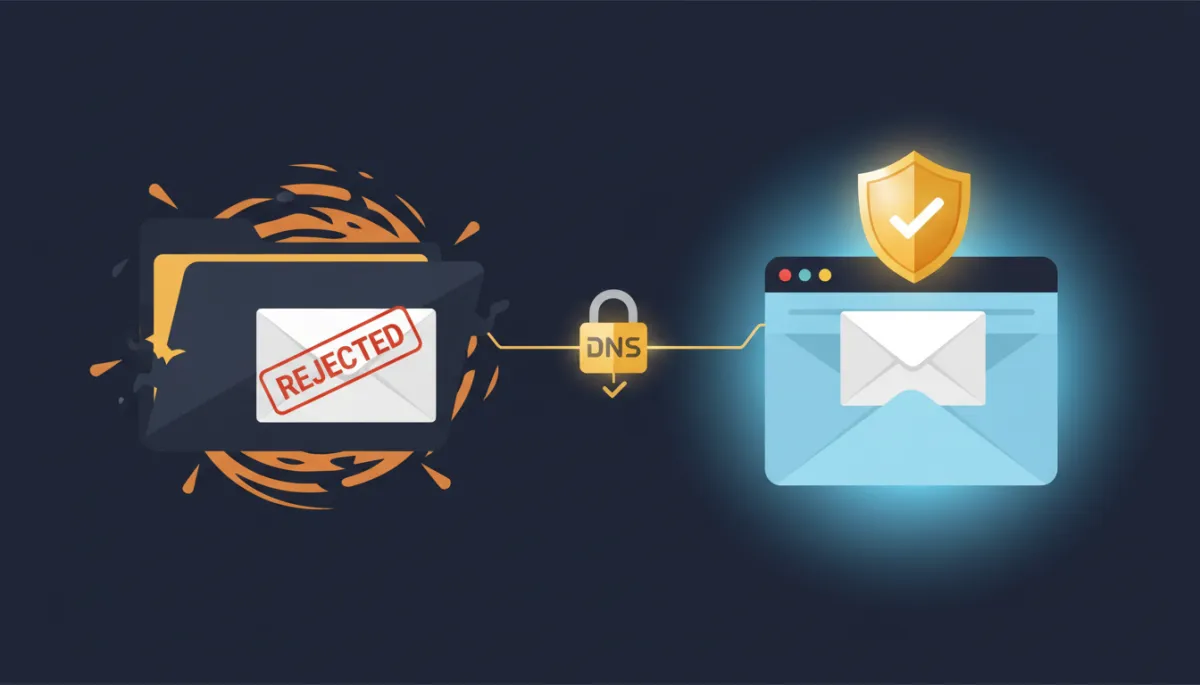
The Real Reason Your Booking Confirmations Land in Spam
Verify a domain you actually own, and every confirmation, reminder, and follow-up you send stops getting filtered before anyone reads it.
A lead books at 11pm. Your automated confirmation fires at 11:02. Perfect — except it lands in a spam folder they’ll never open. By the time they wonder whether the appointment was real, they’ve booked someone else. You did everything right and still lost the client, because a mailbox provider decided your email wasn’t trustworthy enough to show.
That decision almost never comes down to your subject line. It comes down to whether the internet can prove the email actually came from you.
Spam filters aren’t judging your words — they’re checking your ID
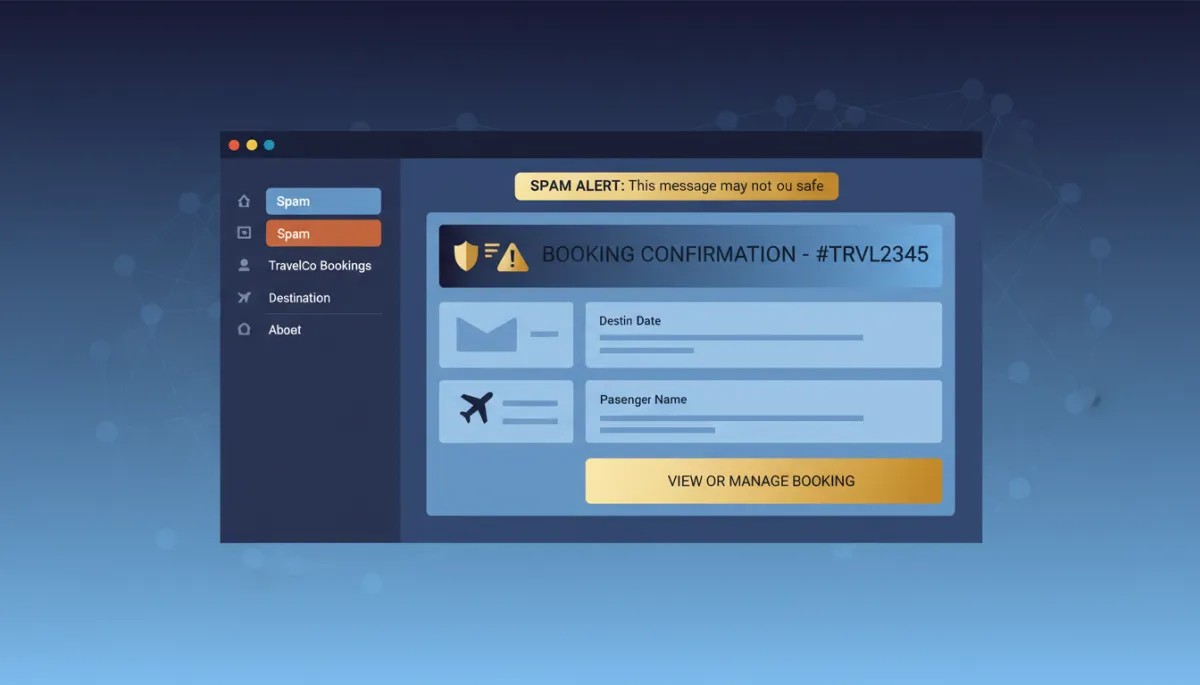
When your emails send from a domain that hasn’t been verified, mailbox providers like Gmail and Outlook have no way to confirm you’re really you. So they hedge. They route you to spam, throttle you, or quietly drop you. It’s not personal. It’s that an unauthenticated sender looks exactly like every spammer pretending to be a business.
Verifying your own sending domain flips that. It’s the difference between showing up to the door with ID versus insisting you’re on the list and hoping the bouncer believes you. Once your domain is authenticated, providers can see the email is genuinely from your business — and your inbox placement climbs.
Five records that vouch for you
Setting it up is less technical than it sounds. When you add your domain in your email settings, your account generates the exact records you need — a Type, a Name/Host, and a Value for each. Your only job is to copy those into your domain host’s DNS dashboard, one field at a time.
There are five in total: two TXT records that confirm you authorized the send, two MX records that route replies, and one CNAME. Every value is handed to you on screen. You’re not writing anything — you’re transcribing.
Two TXT records, two MX records, one CNAME. That’s the whole gap between the inbox and the junk folder.
There’s exactly one trap that catches people, and it’s worth naming. When you enter the Name/Host value, do not paste your full domain. If the record shows replies.yourbusiness.com, you type only replies — your host adds the rest automatically. Paste the whole thing and you get a doubled hostname like replies.yourbusiness.com.yourbusiness.com, which fails every time and sends people down a two-hour rabbit hole for a five-minute fix.
Do this Monday morning
Add your domain, copy the five records into your DNS host, and hit Verify. Records don’t always confirm instantly — some hosts apply changes in minutes, others take up to a day. If you see a red X right after saving, wait fifteen to thirty minutes and verify again before you start troubleshooting. Green checkmarks mean you’re done.
Don’t manage your own DNS? You don’t need to learn it today. Copy the five values, send them to whoever runs your domain, and ask them to add the records. That’s the entire ask.
The takeaway
Deliverability isn’t a subject-line trick you re-earn with every send. Verify your sending domain once, and every confirmation, reminder, and follow-up after that inherits the trust you just built. Spend the ten minutes this week. Your no-show rate will thank you.
