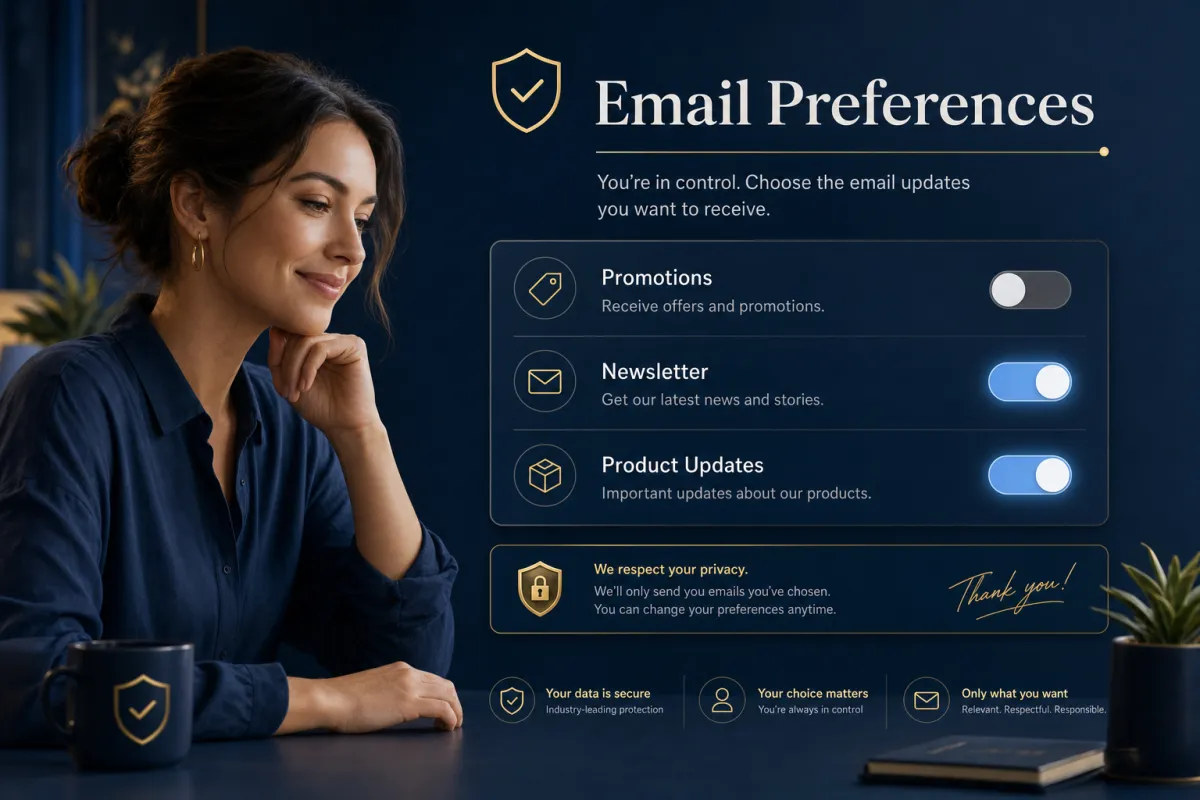
Let People Quit One Email Instead of All of Them
Right now your unsubscribe button is all-or-nothing — and you’re losing people who only wanted fewer emails, not zero. Preference Management fixes that.
Here’s a quiet leak in most email programs: someone’s a little tired of your promos, so they hit unsubscribe, and now they’re gone from everything — including the newsletter they actually liked. Preference Management plugs that leak by letting contacts opt out of a category instead of your whole list. They drop the promos, keep the monthly note, and you keep the relationship.
Categories your contacts can choose between
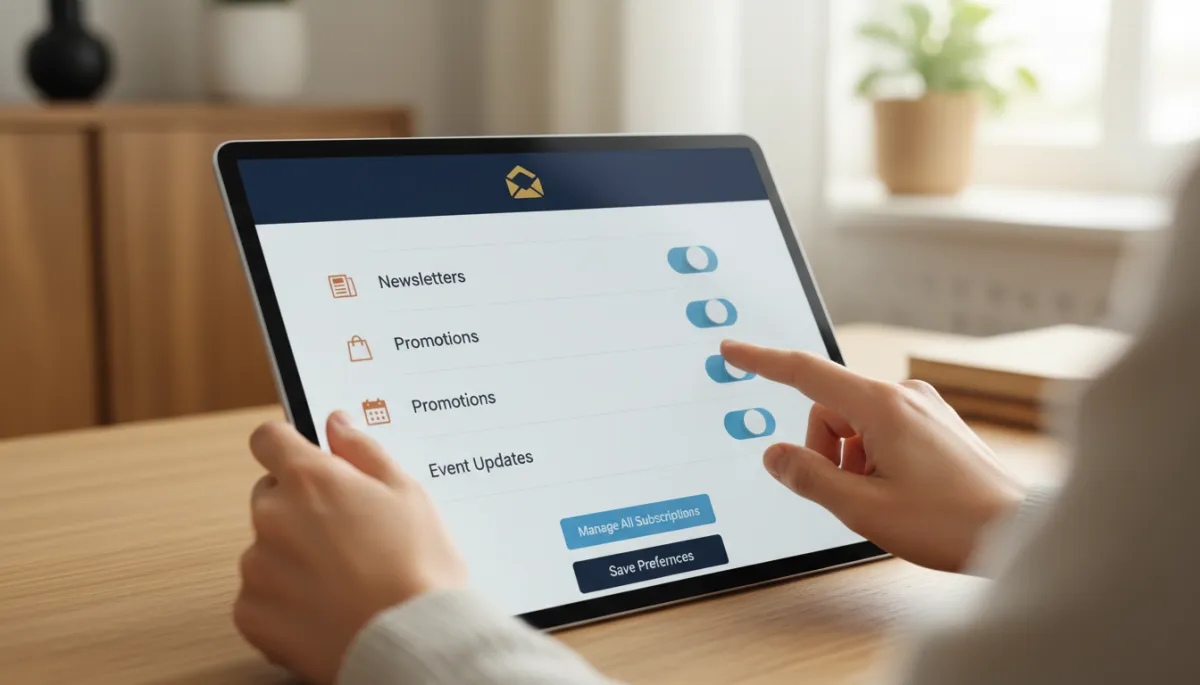
You create subscription categories that match your email program — Newsletters, Promotions, Event Updates, whatever fits — and link each campaign to a category. When you send, the system already knows the “why” behind the email and who actually wants that type. Someone who opted out of Promotions simply won’t be included in a promo send, even if they’re sitting in the original audience list.
“Unsubscribe” shouldn’t mean “goodbye forever.” Let them turn down the volume instead.
It enforces itself, everywhere
The part that makes this worth it: it’s automatic. Opt-outs are honored on current and future sends for that category, including emails sent from workflows — the system filters the audience no matter how a contact got in. Contacts can manage their own choices too, through a “Manage your preferences” link in your unsubscribe footer, so they self-serve instead of leaving entirely.
Two things to know before you flip it on
Read this part carefully. Preference Management is a Labs feature you enable from Settings, and it is irreversible — once it’s on for a sub-account, you can’t turn it back off, because it introduces account-level unsubscribe controls. There are no default categories, so you build the ones you want. And to resubscribe a contact to a category they left, you must record a legal basis. A general note, not legal advice: confirm your own compliance obligations with counsel before you rely on any of this.
The takeaway
Before you enable it, sketch the two or three email categories your audience would actually want to choose between — most businesses need fewer than they think. Then turn it on, build those categories, and link your campaigns. From then on, a tired subscriber turns the volume down instead of walking out, and every send respects exactly what each person asked for.
