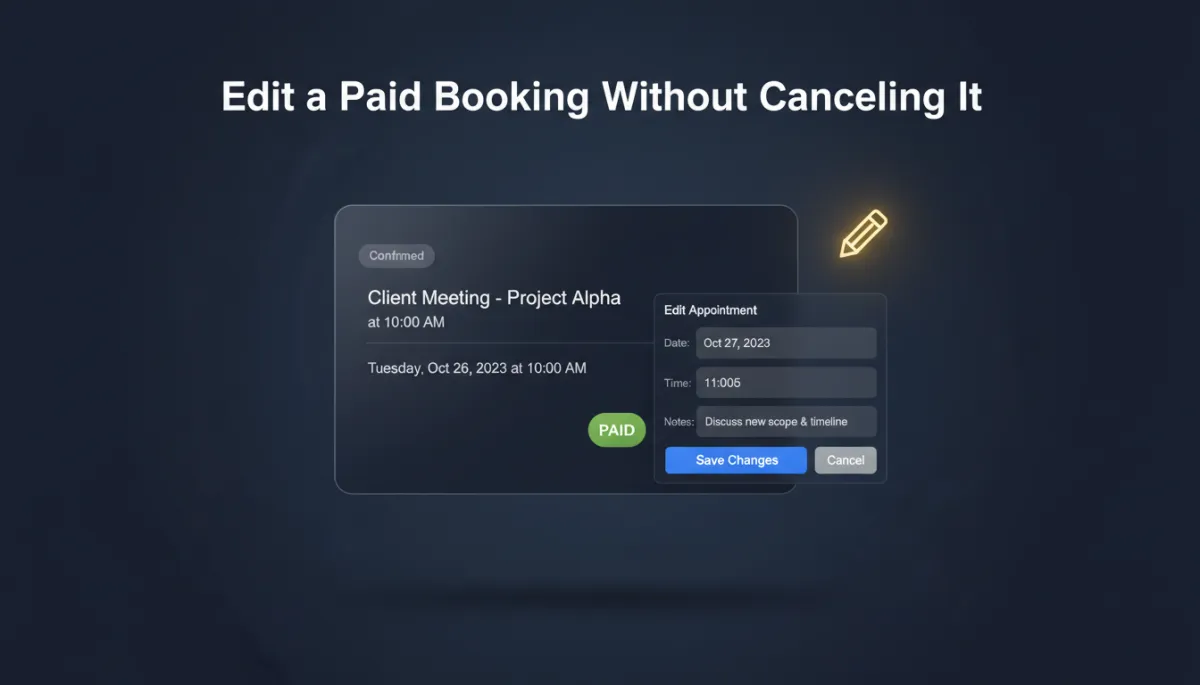
Edit a Paid Booking Without Canceling It — Add-Ons, Staff, Coupons and All
A client books a service, pays, and then — because clients are human — asks to add another service, swap to a different stylist, or use the coupon they forgot. The old fix was ugly: cancel the whole booking, refund it, and rebuild it from scratch, praying the payment records survived the round trip.
Now you just edit the booking. Paid or unpaid. And the money sorts itself out.
Change anything, keep the booking

You can fully edit both paid and unpaid service bookings without canceling and recreating them. Add or remove services on an existing appointment. Add, update, or remove add-ons. Change the assigned staff member. Apply, update, or remove a coupon. Update the details — all on the same booking, no teardown required.
This has been one of the most-requested Services enhancements, and the reason is simple: the cancel-and-rebuild dance wasted your time and made your records messy.
Your client changes their mind after paying. You change two fields. Nobody rebuilds anything.
The payment reconciles itself

Here's the part that removes the anxiety. Every edit automatically recalculates the total, and the appointment always shows its real payment status: additional payment required, fully paid, or refund due. If a refund is owed, you can process it right from the appointment modal — no leaving the booking to chase it down.
One guardrail worth knowing: if a refund has been started but is still processing, editing is paused until it clears (you can still reschedule in the meantime). That's there to keep your payment records accurate instead of letting two changes collide.
Cleaner orders, automatically
Every service booking stays linked to its order — and when you edit the booking, the existing order is updated instead of a brand-new one being spun up. Your order history stays clean, and payments, services, and booking details stay in sync without you reconciling anything by hand. (Editing bookings from the mobile app is rolling out the week of July 20th.)
The takeaway
Stop canceling and rebuilding bookings every time a client tweaks something after they've paid. Open the booking, hit Edit, make the change — add the service, swap the staff, apply the coupon — and let the total and payment status update themselves. Process any refund right there, and move on. Flexible for your clients, clean for your books.
Simplify. Automate. Scale.
