When a Lead Says Stop, Your System Should Already Know
Set Do Not Disturb up right and an “unsubscribe” or a texted STOP shuts off the right channel on its own — before it becomes a complaint or a fine.
Nothing torches your sender reputation faster than messaging someone who already told you to stop. The problem is that “stop” comes in five different forms across five channels, and if your system isn’t catching all of them, you’re one annoyed lead away from a spam report. Do Not Disturb is the switch that handles it for you.
It’s not one switch — it’s one per channel
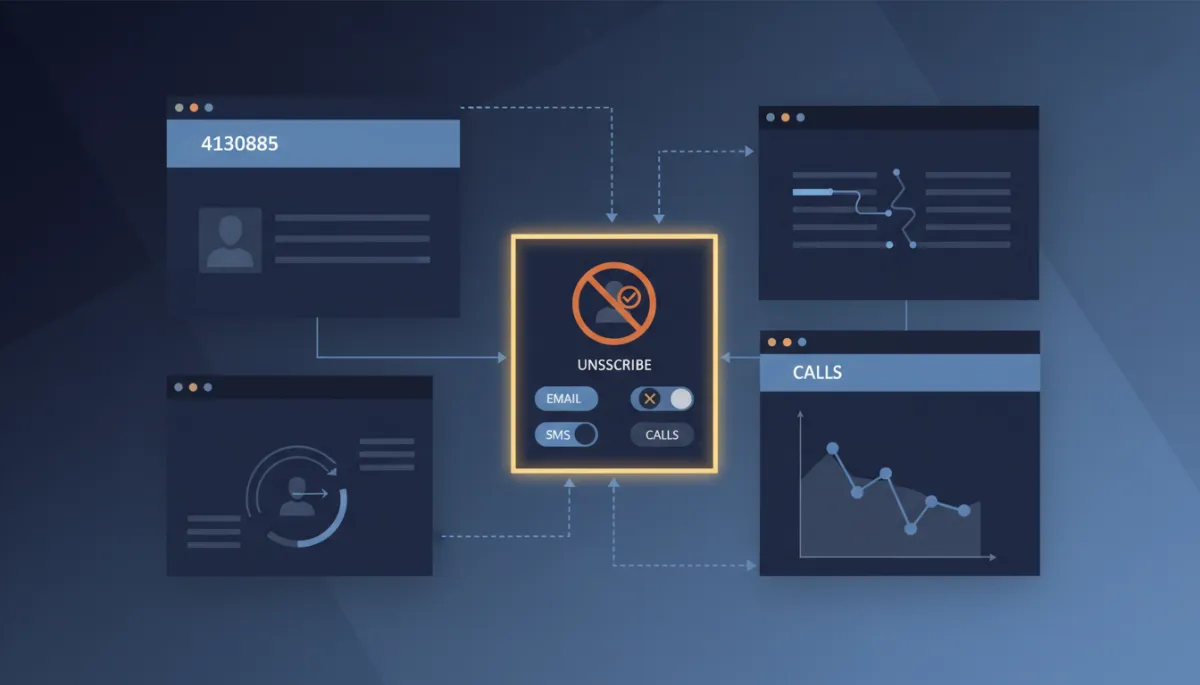
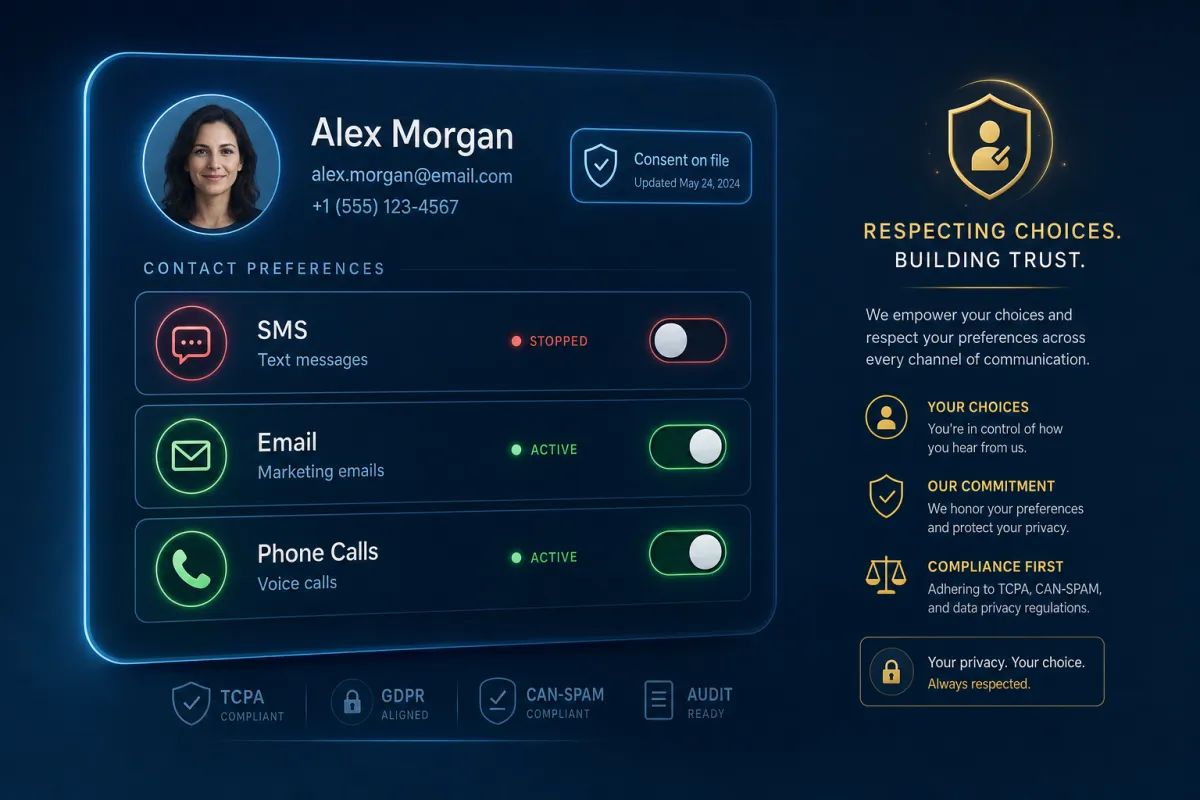
Here’s the part most people miss: a contact can opt out of SMS but still happily get your emails. DND in Lead Savage works per channel — Email, SMS, Calls, and messaging apps each have their own toggle. So you respect the exact preference instead of nuking all contact and losing a lead who only wanted fewer texts.
Better still, a lot of it happens automatically. Someone replies STOP to a text, marks an email as spam, or hard-bounces, and the system flips DND on that channel for you. You’re protected without remembering to do anything.
Nothing torches your reputation faster than messaging someone who already told you to stop.
Where it lives, and how to set it
Open any contact and you’ll find the DND section near the bottom of the left column. From there you can switch off everything or just one channel. There’s also a separate control for inbound — block incoming calls and texts from a specific number when you need to.
One honest note, since this touches compliance: this is general information, not legal advice — check your local rules with counsel. The point of DND is to keep you on the right side of opt-out laws automatically, but you own knowing what those laws require for your business.
Let workflows do the enforcing
The real power is automating it. Use an unsubscribe trigger link in your emails and texts that routes to a workflow setting per-channel DND. Add a DND action mid-automation so the second someone opts out, you also stop the campaign and remove them from the sequence. And every change is attributed in the activity log — you can see whether a workflow, a team member, or the contact themselves flipped the switch.
The takeaway
Audit one thing this week: send yourself a test of your main email and text, and confirm a STOP reply and an unsubscribe click actually set DND. If they do, you’re protected. If they don’t, build the trigger-link-to-DND workflow now — because the cheapest opt-out is the one your system handled before you ever sent the next message.
