
Tell It What You Need. Savage AI Builds the Workflow.
You know exactly what you want the automation to do. You just don't want to spend twenty minutes finding the right trigger, the right filter, and the right action inside the builder to make it happen.
You describe it. Savage AI wires it.

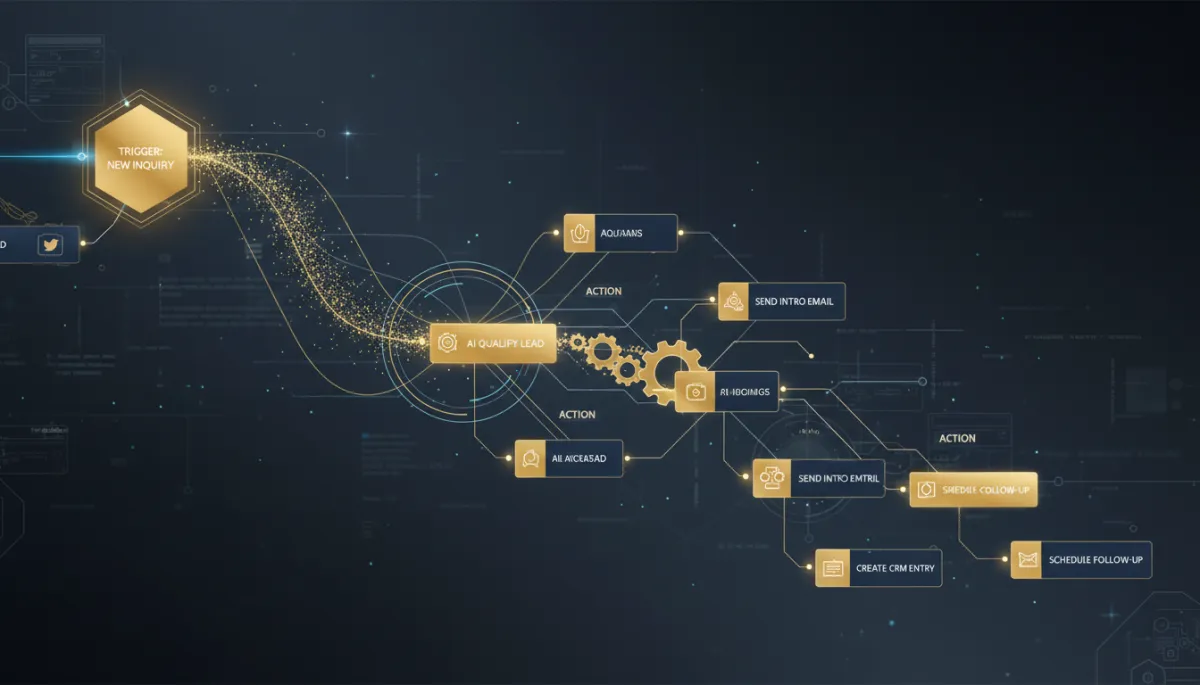

Open Savage AI and describe the automation the same way you'd explain it to a new hire: "Create a workflow that sends an email when someone submits a form, notifies my team, and creates a task to call the contact." Savage AI builds the whole thing — trigger, actions, the connections between them — and shows you a live preview.
You said it once. It built the trigger, the actions, and the connections between them.
Not happy with a detail? Just say so — "Wait 2 hours after the form submission before sending the email" — and Savage AI adjusts the workflow instead of making you rebuild it.
Then you take the wheel

The preview panel is for reviewing and describing changes, not for hands-on editing — that part still happens in the Workflow Builder. When the shape is right, click "Open in automation to edit," and it lands in the builder exactly as described, ready for you to fine-tune, test, and publish.
Where this saves the most time
New workflow, described from scratch, is the obvious case. But it's just as useful for variation-testing — "build me a version of this that texts instead of emails" — since describing a variant is faster than rebuilding one by hand every time.
The takeaway
Next time you catch yourself planning out a workflow in your head before you've even opened the builder, skip the planning. Open Savage AI, describe it in one sentence, review the preview, and finish it off in the builder. The idea and the automation used to be twenty minutes apart. Now they're one conversation apart.
