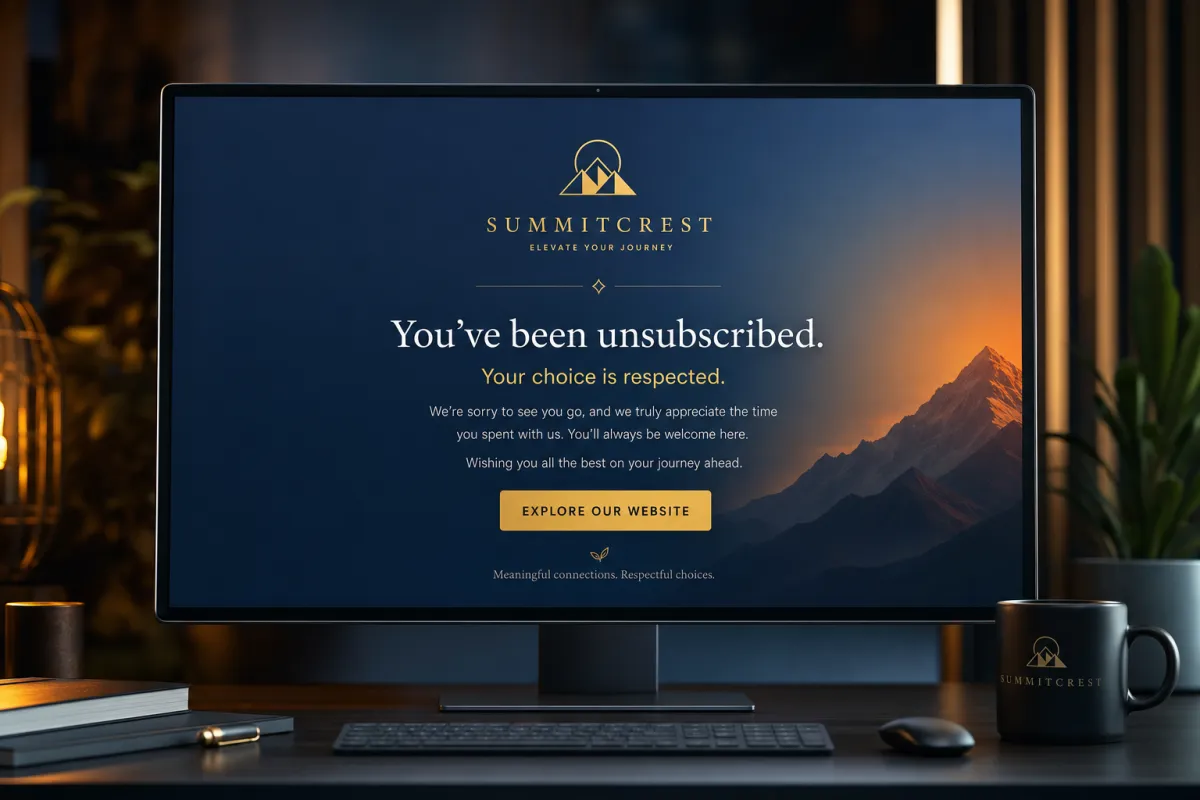
Your Unsubscribe Link Is a Branding Moment, Not a Dead End
The default unsubscribe link dumps people on a generic page. A custom one keeps them on your brand, sets DND automatically, and quietly protects your deliverability.
Every marketing email legally needs an unsubscribe link — that part isn’t optional. But most people accept the bland default and never think about it again. That’s a missed move, because the unsubscribe flow is doing two important jobs: protecting your sender reputation and shaping the last impression a leaving contact has of you. Build it on purpose.
What “custom” actually buys you
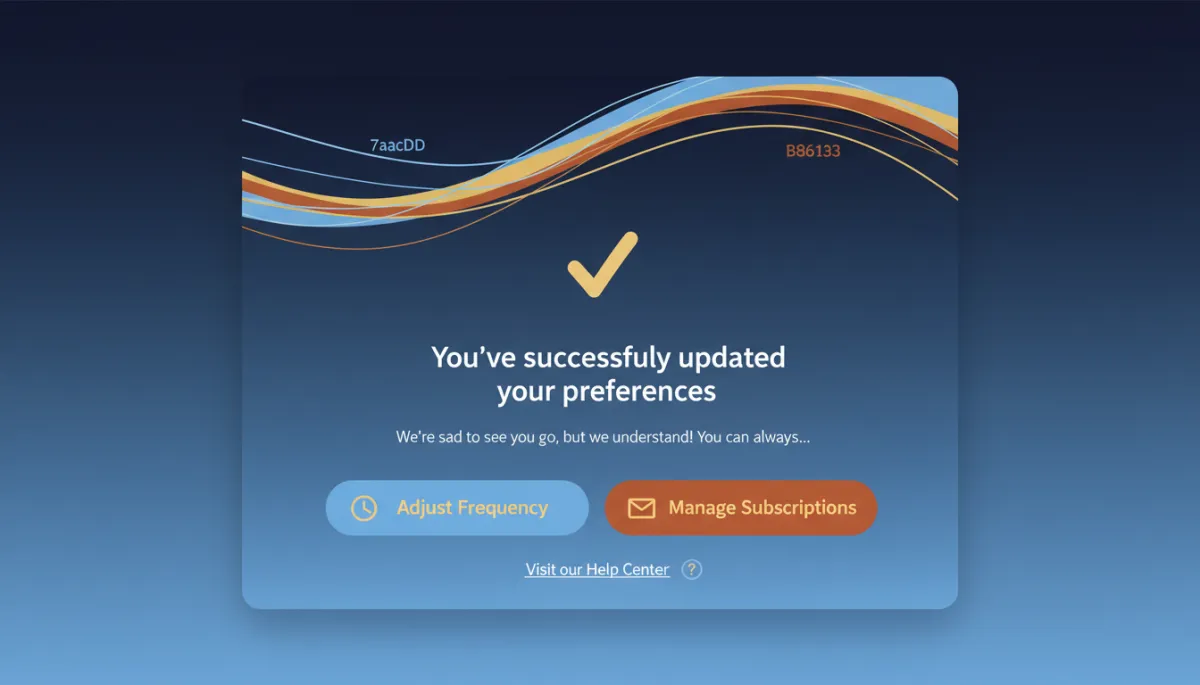
A custom unsubscribe link routes the click to a branded page you control instead of a generic confirmation screen. That means you can confirm the opt-out cleanly, match your brand, and — the smart part — offer to dial down instead of fully out. Someone who’d unsubscribe from everything might happily stay for just the monthly note if you give them the option.
The unsubscribe flow is the last impression a leaving contact has of you. Don’t waste it.
How it works under the hood
The mechanism is simple once you see it: a trigger link plus a workflow. You build an unsubscribe landing page, save its URL as a trigger link, then create a workflow that fires when that link is clicked and runs a DND action for the Email channel. Click the link, get marked Do Not Disturb for email, stop receiving sends. Clean and automatic.
A compliance note, and this is the part people miss: this is general information, not legal advice — confirm your obligations with counsel. Emails sent from workflows don’t automatically include an unsubscribe link, so you have to add your trigger link to each workflow email template by hand. Skip it and you’re out of compliance no matter how good your default footer is.
Why it protects you
Beyond looking professional, this is reputation insurance. An easy, obvious unsubscribe is what stops an annoyed contact from hitting “mark as spam” instead — and spam complaints do far more damage to your deliverability than a quiet opt-out ever will. Making it easy to leave is how you keep landing in everyone else’s inbox.
The takeaway
Build one branded unsubscribe page and wire it to a trigger-link workflow that sets email DND on click. Then audit your workflow email templates and confirm each one actually contains the link — that’s the gap that bites people. Do it once, and every future send is compliant, on-brand, and protecting your reputation on the way out.
