
Stop Rebuilding the Same Trigger From Scratch
You already built the perfect trigger once. Rebuilding it four more times wasn't the automation you signed up for.
Duplicate it instead of rebuilding it
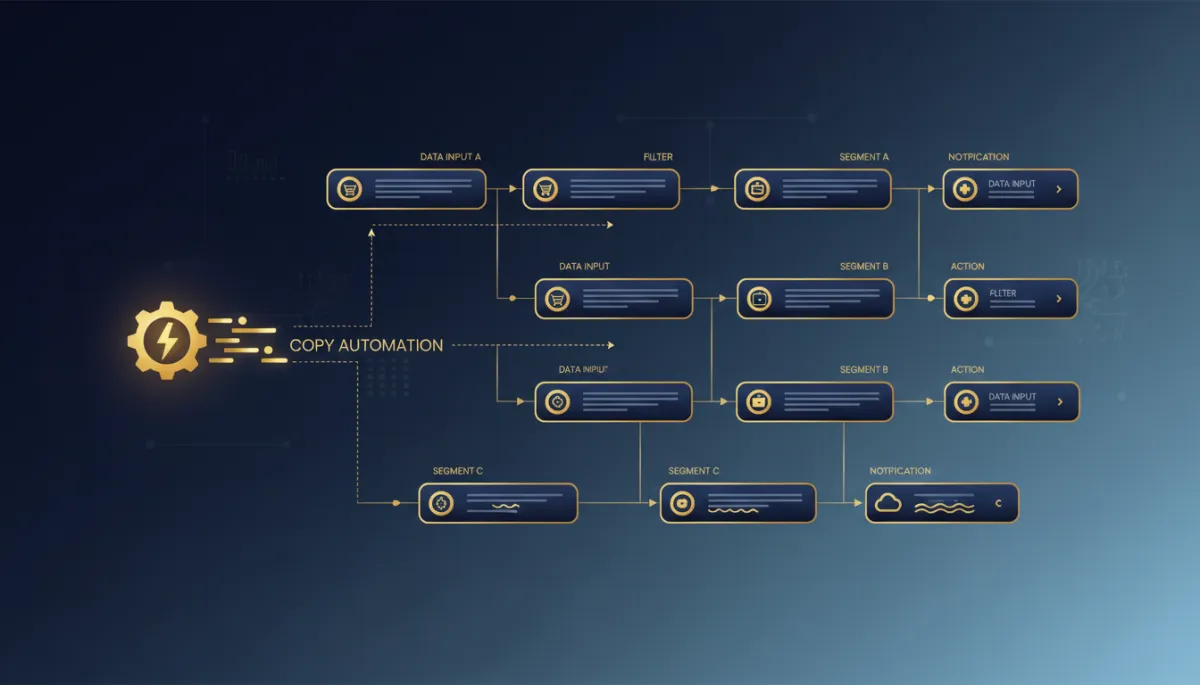
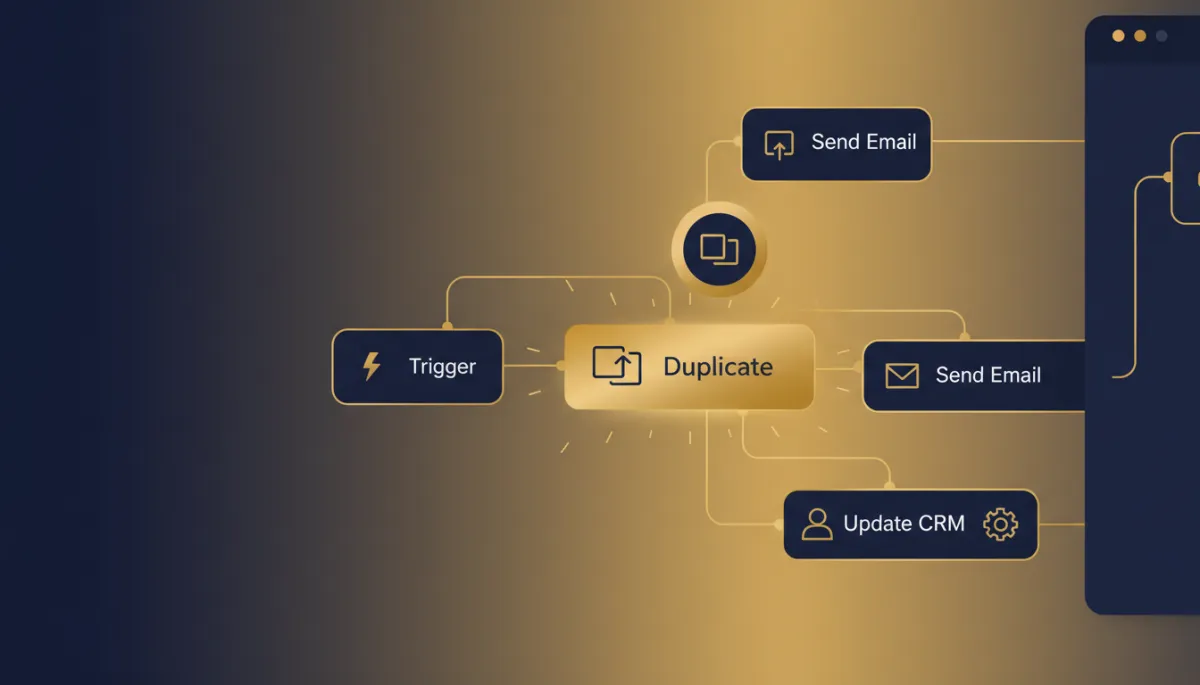
Click the three-dot menu on any trigger card, hit "Copy," and you get an exact clone — every filter, every condition, every setting — sitting right there on the canvas. Open it, change the one thing that needs to change for this segment, save it, and move to the next one.
You built it once. Now you're just changing the part that's actually different.
Where this actually pays off
Anywhere you're running the same logic against different slices of your list — same re-engagement workflow with different tags for "cold for 30 days" versus "cold for 90 days," same appointment reminder with different service types, same lead-routing trigger with different lead sources.
Cleanup got faster too
The bin icon on any trigger card deletes it directly from the canvas — no opening a settings panel first. It's permanent with no undo, so double-check before you confirm.
The takeaway
Next time you're staring down a workflow that needs the same trigger logic three or four times with one small difference each time, don't retype it. Build it once, copy it with the three-dot menu, change the one filter that's actually different, and get back to the parts of your business that need your actual attention.
