
Build Your Chatbot on a Visual Canvas — Drag, Connect, Deploy
Configuring a smart chatbot used to mean wrestling with settings screens and hoping the logic held together somewhere you couldn't see. Conversation AI V3 throws that out. Now you build your bot on a visual canvas — drag nodes, connect them, and watch the whole customer journey lay itself out in front of you.
Map the conversation like a flowchart
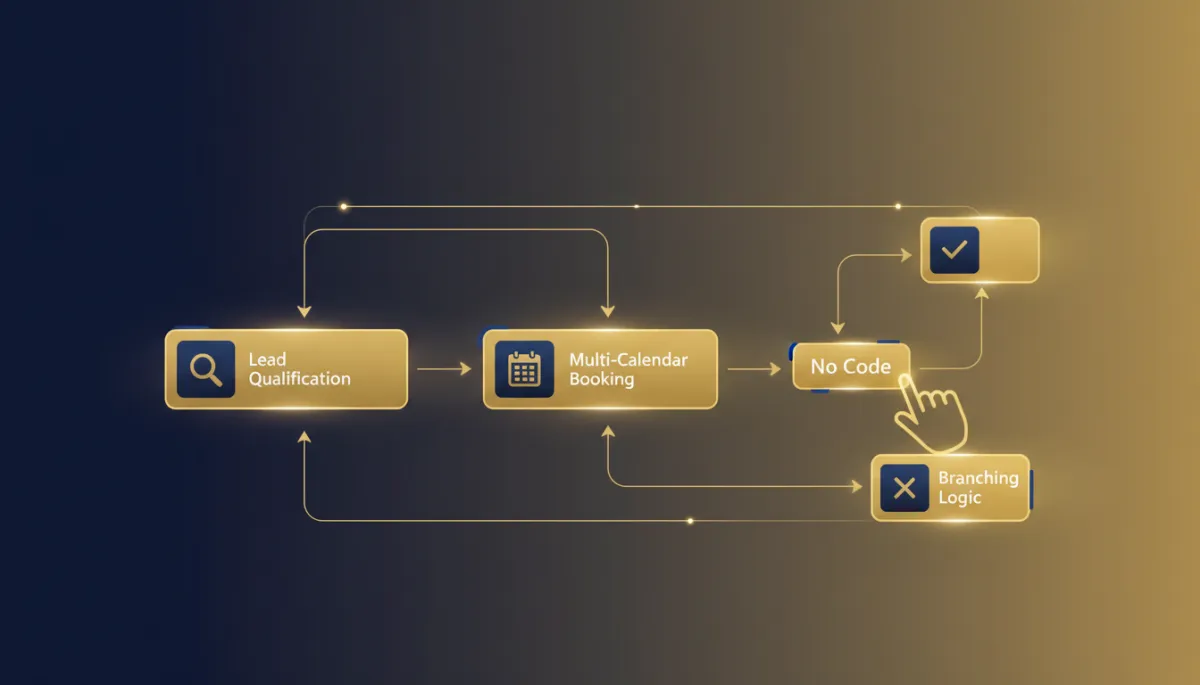
The Flow-Based Builder is a drag-and-drop workspace for designing chat experiences. You place conversation nodes and connect them, so lead qualification, nurturing, and automation stop being invisible settings and become a map you can actually read.
Build multi-step journeys that guide leads to the right outcome with AI capturing information along the way. Add conditions, triggers, and branching with an AI splitter — adaptive, intelligent bots, no coding required.
Your bot's logic stops living in a settings menu and starts living on a canvas you can see and reason about.
More than chat — a booking and automation engine
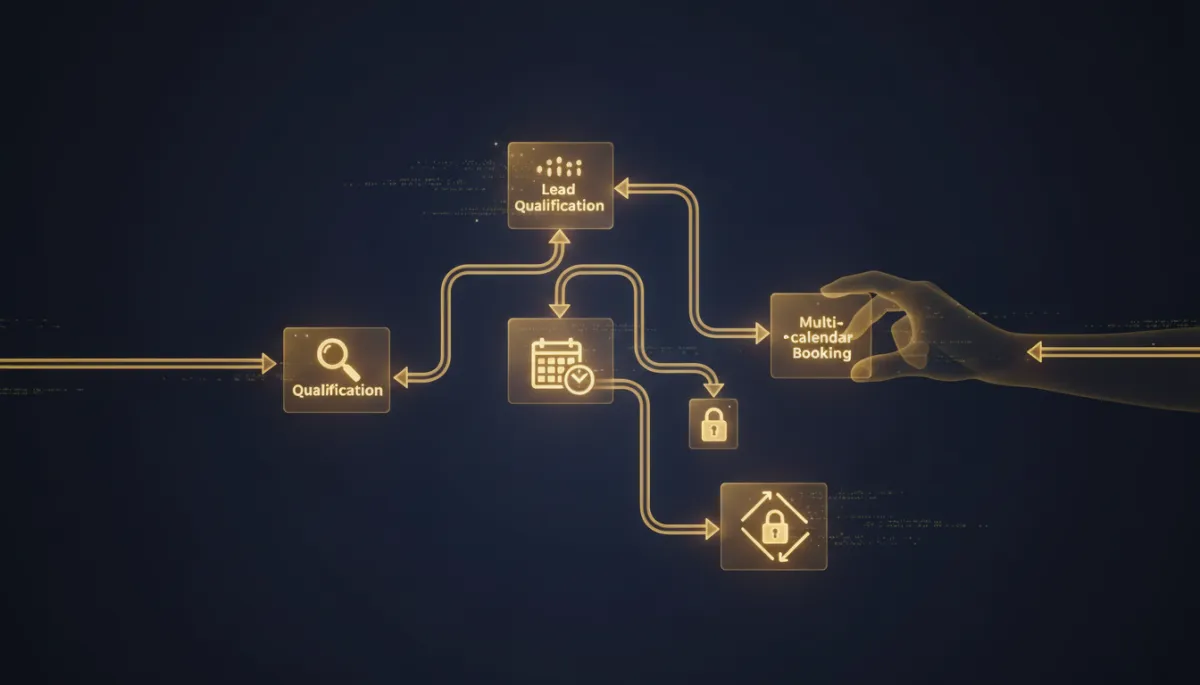
This isn't just prettier chat. The builder books appointments across multiple calendars, intelligently choosing the right one for each scenario. And it plugs into the rest of your stack mid-conversation: custom webhooks to send or pull data, custom triggers for repeat bookings, team notifications, bot-to-bot or bot-to-team transfers, automatic chat summaries and transcripts, and instant invoices and emails sent right from the chat.
That turns a support bot into something closer to an automation engine that happens to talk to your customers.
How to build one
Enable Flow Builder Access in Labs, then go to Conversation AI → Agents List → Create Bot and select Flow Builder. Switch to Bot Goals and click Launch Flow Builder. From there you add AI Actions — AI Capture, AI Message, custom triggers — drop in logic and conditions for branching, wire up calendars and workflows for booking and follow-up, and connect webhooks and notifications. Save, test, and deploy.
The takeaway
If your chatbot's logic has ever felt like a black box, rebuild it where you can see it. Turn on the Flow Builder in Labs, drag out your lead-qualification journey node by node, wire in multi-calendar booking and follow-ups, then test and deploy. A bot that thinks and books like your business — built on a canvas instead of buried in settings.
Simplify. Automate. Scale.
