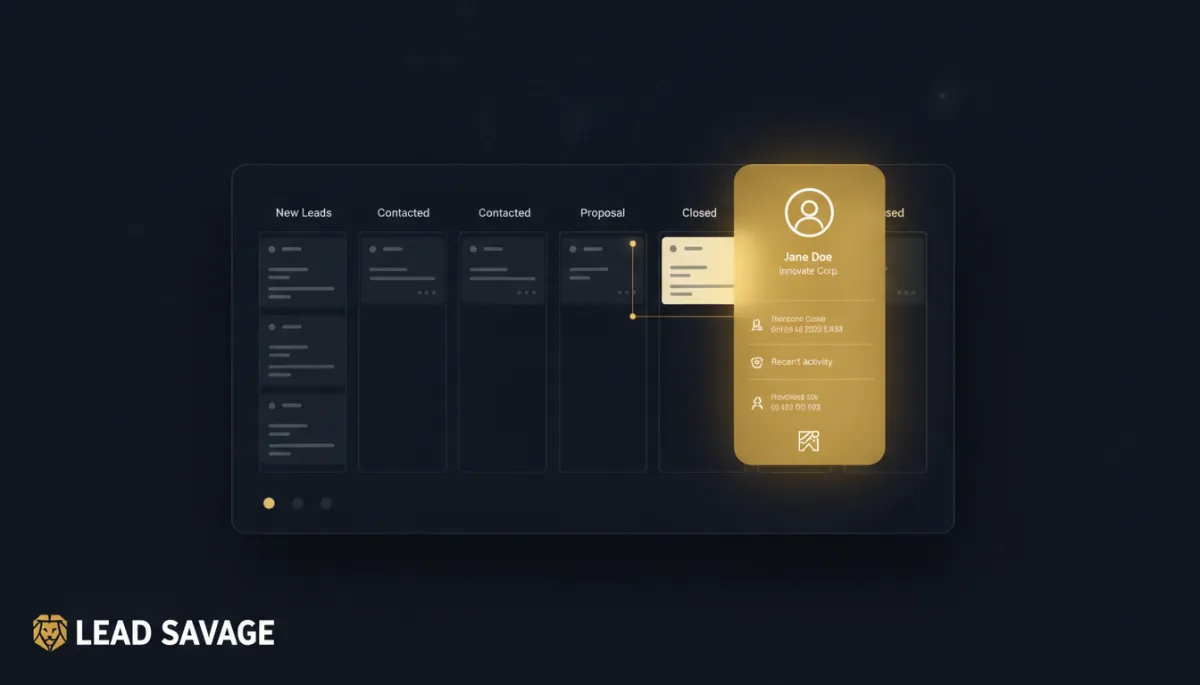
Stop Losing Your Place Every Time You Check a Lead's Info
You shouldn't have to close your pipeline to remember who you're talking to. You're three deals deep into a Monday pipeline review. You click into an opportunity to check when you last texted this lead, and now you're on a completely different screen. That's the tax you've been paying every time you needed one piece of information in the middle of doing something else.
The contact card comes to you now

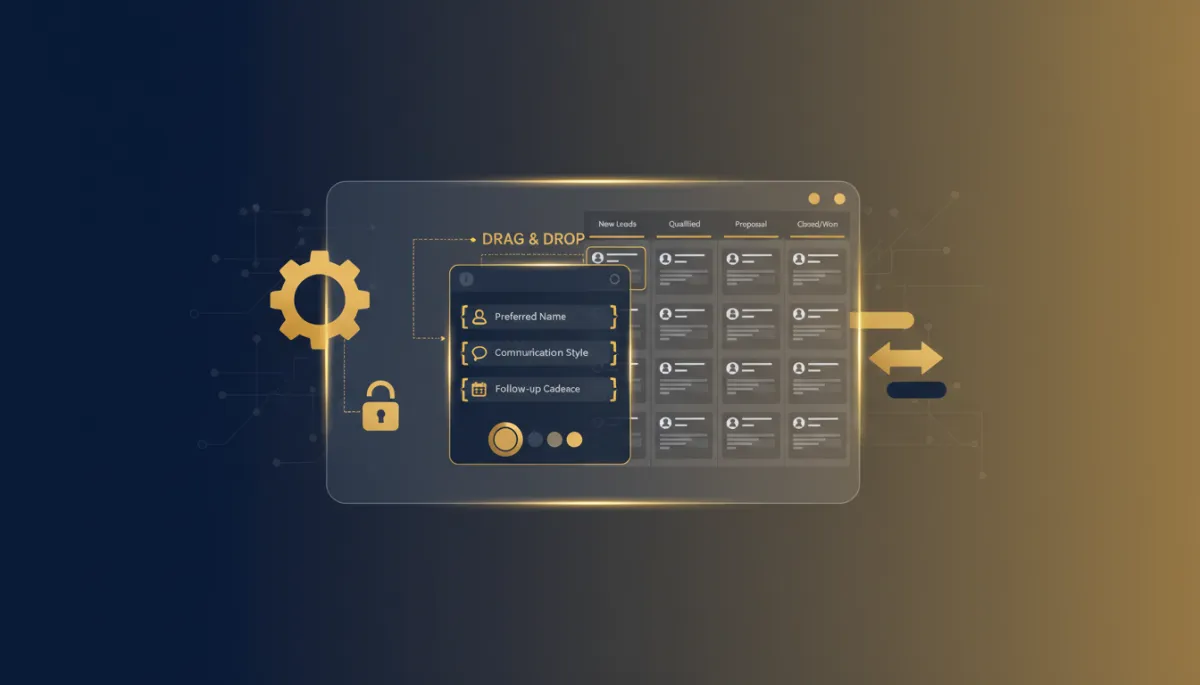
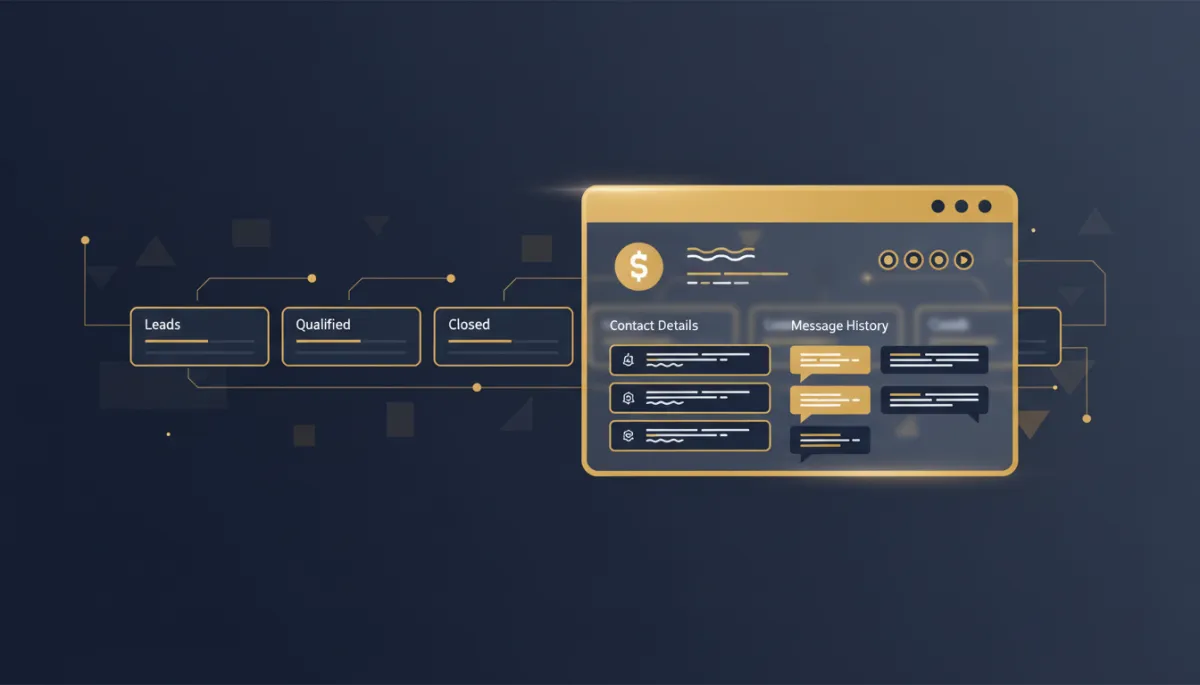
Instead of leaving the page, click the contact's name or icon on any opportunity or appointment, and a panel opens right there — their details, their info, and their full message history, without you ever leaving the screen you were working in.
You never actually left the page. That's the whole point.
You pick how much you want to see. Single-column view keeps it tight: just the contact details, in and out fast. Two-column view expands to show the conversation thread alongside the contact info.
Built to match how you already set things up

If you've customized your Contact Detail Page layout — reordered fields, hidden the ones you never use — that same setup carries over into the overlay. You're not learning a second layout on top of the one you already built.
The takeaway
Next time you're running your pipeline and need to double-check a lead's last message, don't leave the page. Click their name, get what you need in the overlay, close it, and pick up exactly where you were. Stop treating a contact lookup like a field trip. It's a click, not a detour.
