
Push 500 Cold Leads Into a Follow-Up Sequence in Two Clicks
You don’t have to wait for a trigger to fire. Filter the exact group you want and push all of them into a follow-up sequence at once.
Workflows usually wait for people to walk in — a form gets filled, a tag gets added, a trigger fires. But sometimes you already know exactly who needs the sequence: the 500 leads tagged “follow-up” who went quiet. Instead of enrolling them one painful contact at a time, you can filter, select, and add the whole batch to a workflow in a couple of clicks.
Filter to exactly who you mean
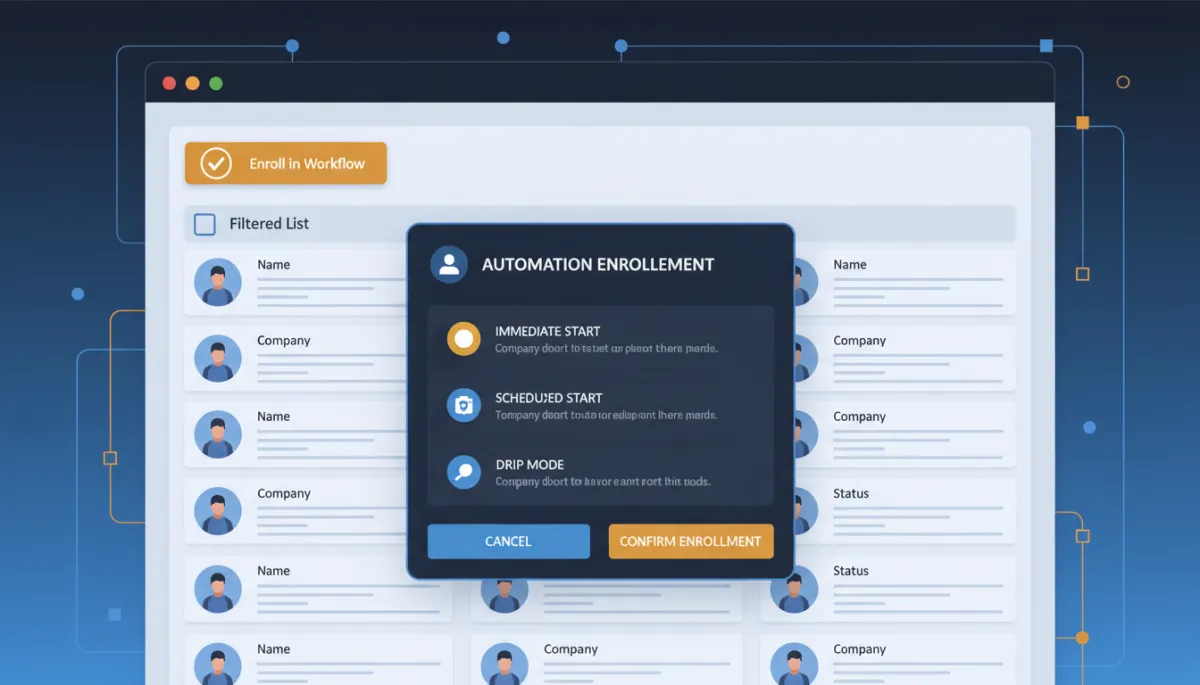
Start where you’d expect — Contacts, Smart Lists, Advanced Filters. Filter by tag, field, opportunity stage, whatever defines the group. “Tag is follow-up” and “no appointment booked” gets you a clean batch of people who need a nudge. Apply it, and the page shows only those contacts.
Stop waiting for the trigger. Sometimes you already know exactly who needs the sequence.
Select, then enroll
Check the contacts you want — or Select all — and the bulk toolbar appears. Click Trigger automation, choose Workflow as the type, pick the published workflow you want them in, and set the mode. Confirm, and the whole batch starts flowing into your sequence. (One requirement: the workflow has to be published to show up in the list.)
Immediately, scheduled, or dripped
The mode is the smart part. Send All at Once enrolls everyone right now. Send at Scheduled Time holds them for a specific date and hour — perfect for lining up with a launch. And Send in Drip Mode staggers enrollment in batches so a huge list doesn’t slam your workflow or flood people all at once. Big re-engagement push? Drip it. Time-sensitive announcement? Schedule it.
Know what happened
Every bulk enrollment is tracked under Contacts, Bulk Actions — status, who ran it, timestamps, and a stats breakdown so you can confirm exactly what processed. And if you save your filter as a Smart List, you can rerun the same enrollment next month without rebuilding anything.
The takeaway
Find one group you’ve been meaning to re-engage — the cold leads, the past no-shows — filter them, select all, and push them into your best follow-up workflow this week. Drip the enrollment if it’s a big list. You just put hundreds of stalled contacts back in motion without touching a single record by hand.
