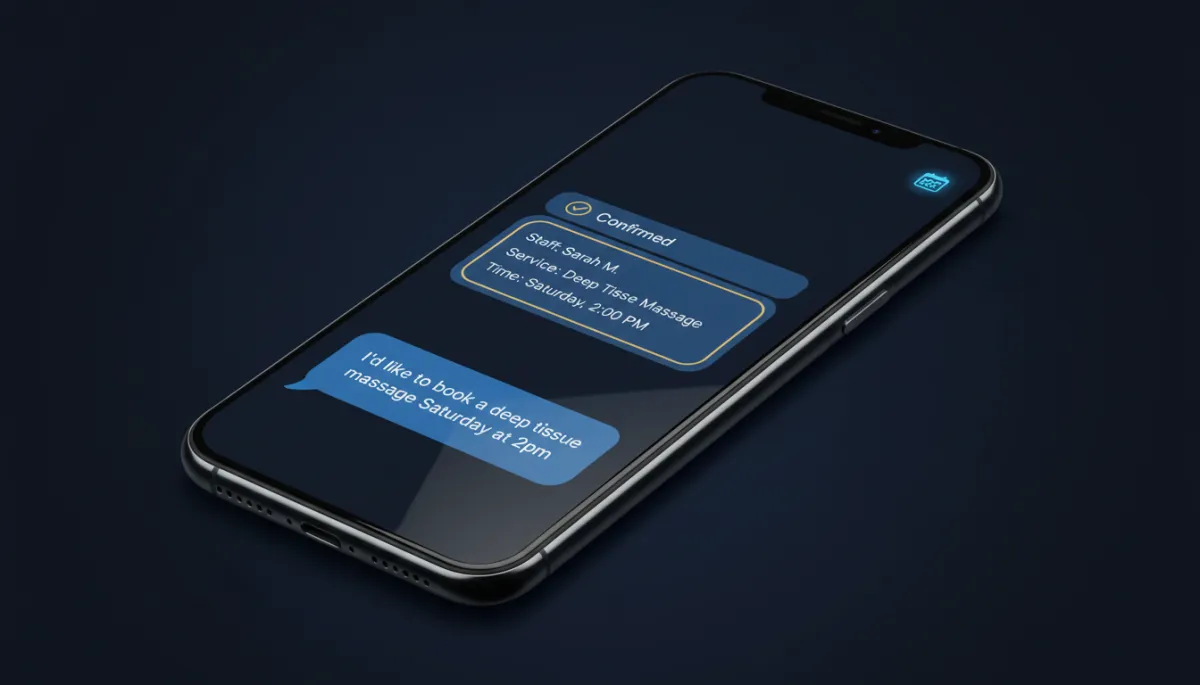
Let Savage AI Book the Job Right Inside the Chat
Stop making people leave the conversation to book. Savage AI can now close the appointment inside the chat — the exact service, the right staff member, the add-ons and all.
Here’s the moment this kills: someone messages “do you do balayage and how much,” your bot answers, and then — right when they’re ready — it drops a booking link and sends them off to a form. Half of them never come back. The other half pick the wrong service. Now the bot just books it, in the same thread, while they’re still leaning in.
What actually changed
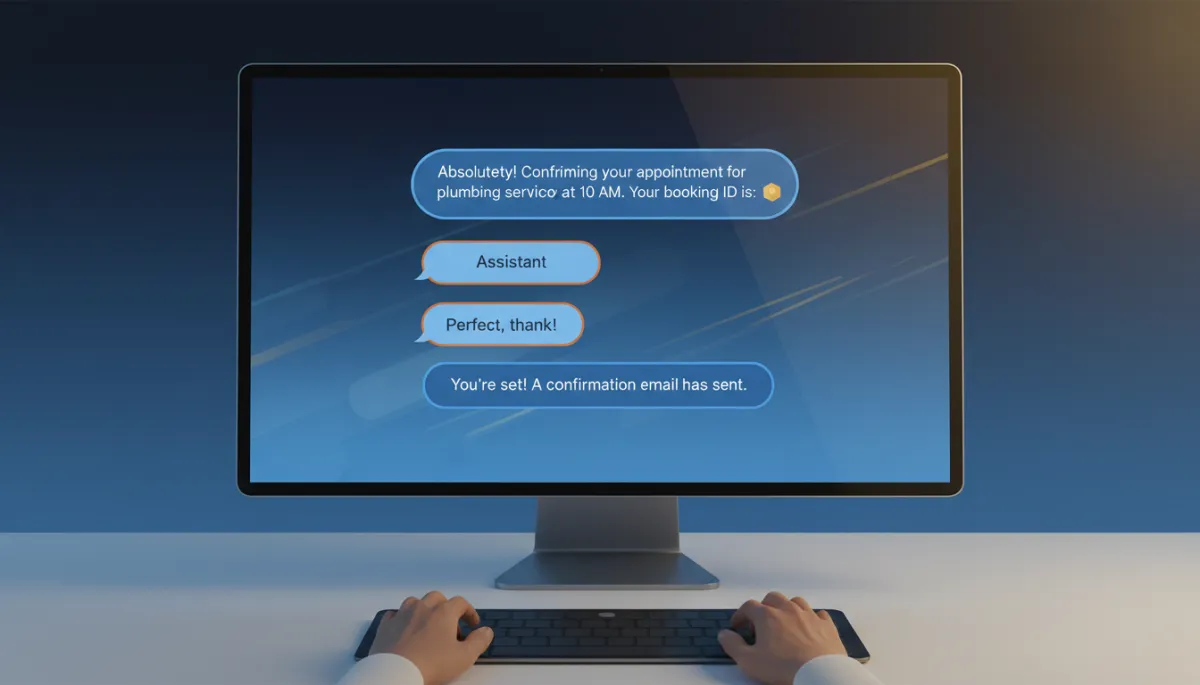
Savage AI already booked appointments. The new part is that it books your services — the ones you’ve already built with staff selection, add-ons, and variations — straight from a conversation. The customer describes what they want in plain English (“I need a 60-minute massage with the hot stone add-on, preferably with Dana”), and the bot maps that to the real service and walks them through to a confirmed slot.
No form. No “click here.” No tab-switching at the exact second they were ready to commit.
The bot doesn’t hand them a booking link. It books the job — right there, while they’re still typing.
What it can book
It works with the service setup you’ve already got, as long as it’s public-facing:
- Public services only. Private services stay private — the bot won’t touch them.
- Staff selection. If a service lets a customer pick who they see, the bot honors it.
- Add-ons and variations. The hot stone upgrade, the express version, the deluxe package — all bookable in the flow.
One honest limit: the bot doesn’t collect payment during the booking. It books the slot; you handle the deposit your usual way. Plan for that and you won’t get surprised.
The setup that makes it accurate
The bot can only book what you’ve defined clearly. Garbage service names in, confused bot out. Three moves get you a clean experience:
First, finish your services before you turn the bot loose. Names, durations, staff, add-ons, variations — all configured. The service setup is the foundation; the AI just reads it.
Second, make your service names distinct. “Consultation” and “Consult (New Client)” will trip the bot up. Name them like a stranger would search for them. Clear names and descriptions are what the AI uses to figure out which service the customer actually wants.
Third, put the talking instructions in the bot prompt, not the service description. The service description is for the AI’s internal routing — matching intent to the right service. The prompt is where you tell it how to ask clarifying questions, explain the difference between two services, or remind people of your cancellation policy before it locks the slot.
Pick what the bot is allowed to book
You choose which public services the AI handles. That’s not a limitation — it’s a feature. Hand it the three services that are ready for hands-off booking and keep the messy, custom-quote stuff for a human. Narrowing the bot’s choices makes it more accurate, not less useful.
And you can still layer the rest of the booking lifecycle on top: rescheduling, cancellations, sending a link when someone’s not ready, firing a workflow, or handing the conversation to your team. Build the flow around how your shop actually runs.
The takeaway
Monday morning: open your prompt-based Savage AI bot, turn on appointment booking, choose Services, and select the two or three public-facing services you’d trust a new front-desk hire to book. Tighten the names. Add one line to your prompt about how to handle a customer who’s between two options. Then run five test conversations before you let a real lead near it — especially if any service names overlap. Booking in the chat only works if the bot books the right thing.
