
Every Email You Send to a Dead Address Costs You the Live Ones
You sent the monthly newsletter to 2,400 contacts. Forty-one bounced. You saw the number, thought “I should clean that up,” and did not clean that up. Next month: same forty-one, plus nine more.
Nobody sits down on a Saturday to scrub a contact list. It’s the kind of task that stays undone until something breaks — and what breaks is deliverability for the 2,350 people whose addresses actually work.
What a bounce actually costs you

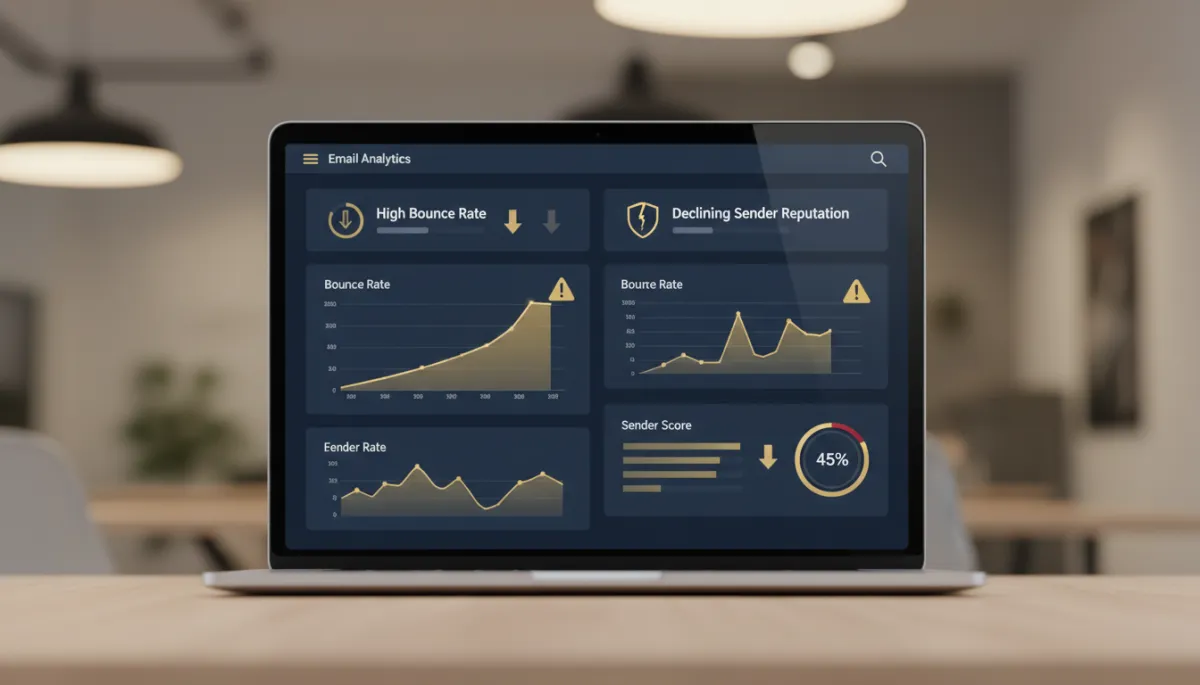
A bounce means the address is unreachable. Sometimes permanently — the mailbox is gone, the domain is dead, the employee left three jobs ago. Sometimes temporarily — inbox full, server hiccup.
Either way, inbox providers are watching. Bounce rate is one of the loudest spam signals there is. Send repeatedly to invalid addresses and providers start throttling your sending domain, or blocklisting it outright. At that point your problem is no longer forty-one dead addresses. It’s that your booking confirmations are landing in spam for people who are actively trying to pay you.
The math is ugly in the quiet way. You never see the emails that didn’t arrive. You just see a slow month.
Nobody notices the emails that stopped arriving. They just notice a slow month.
The two-node fix

This is one of the shortest useful workflows you’ll ever build in Lead Savage.
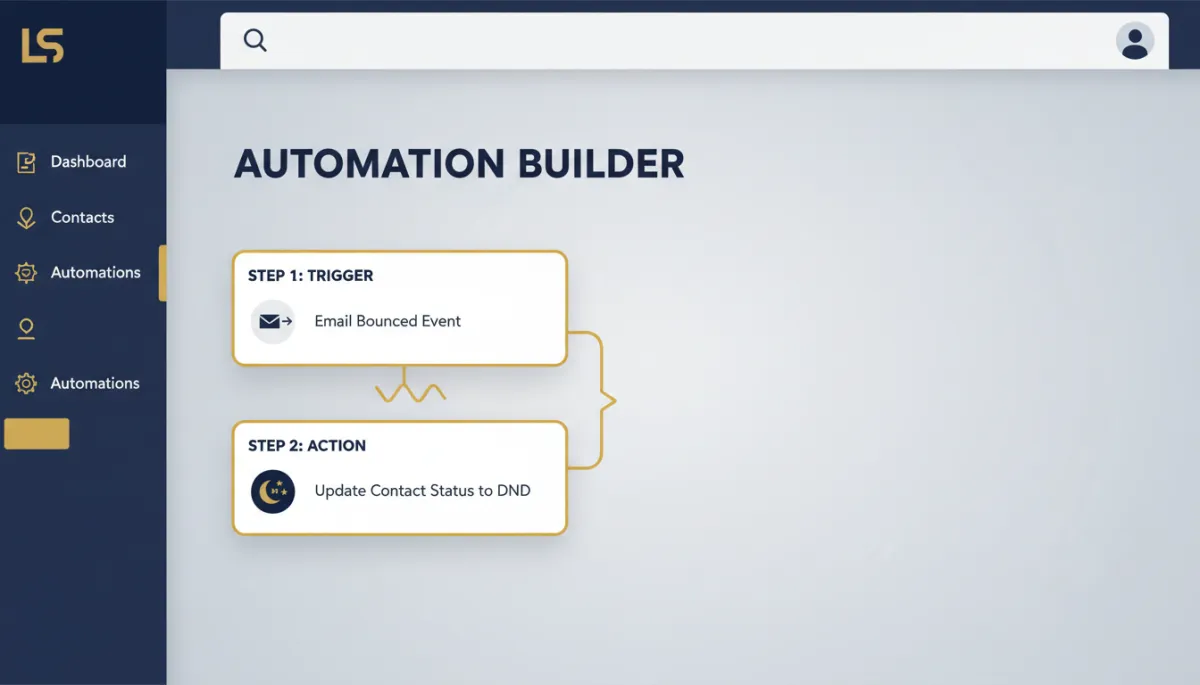
The trigger. Go to Automation → Workflows and create a new one. Add a trigger, search for Email Events, and select it. Under Filters, add Event and set it to Bounced.
The action. Click the plus below the trigger and add DND Contact. Inside it, set: DND Direction: Outbound. DND: Enable DND for specific channels. Channels: Email.
Save the trigger, save the action, flip the workflow from Draft to Publish. Your canvas reads Email Events (Bounced) → Enable/disable DND → End. That’s the whole thing.
From that moment on, any email step in any workflow automatically skips a flagged contact.
The part most people get wrong
Not all bounces are equal. Hard bounces — invalid mailbox, dead domain — get marked Invalid automatically. Soft bounces — full inbox, temporary server error — usually resolve on their own. And the DND flag does not lift itself.
Either way, add a tag alongside the DND action: “Email Bounced.” It means you can filter, count, and review those contacts later.
The takeaway
Open Automation → Workflows. Build the two-node version — Email Events filtered to Bounced, DND Contact set to Outbound / specific channels / Email. Add an “Email Bounced” tag. Publish it. It takes about four minutes and it’s the last time you’ll think about list hygiene this year.
