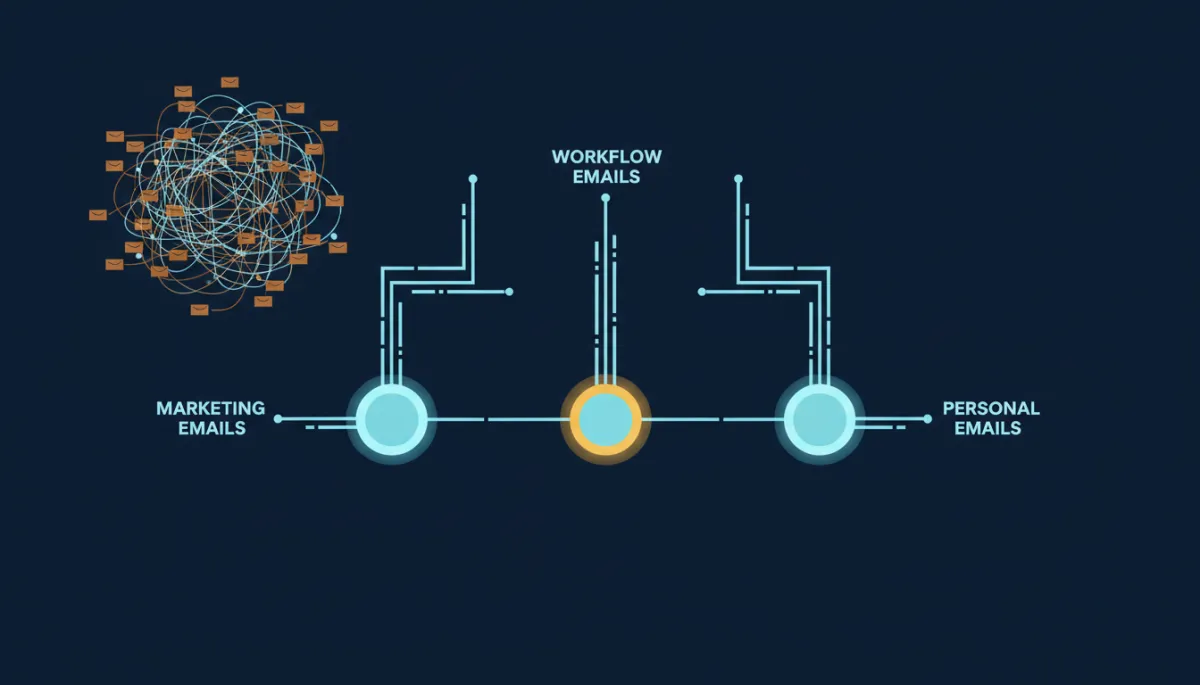
Sending Every Email From One Domain Is Quietly Killing Your Inbox Rate
Email Deliverability, Domain Configuration
Protect Your Best-Performing Emails with Smart Domain Separation
Keep transactional emails safe from marketing mishaps by assigning the right sending domain to the right job.
One domain sending your promos, your reminders, and your personal replies means one rough week tanks all three at once.
You run a flash sale. You blast the list. A chunk of it bounces or gets marked as spam, and your sending reputation dips. Fine — except now your appointment reminders are landing in spam too. And your “hey, following up on your quote” one-to-one emails. They never touched the promo, but they ride the same domain, so they inherit the same black eye. You didn’t just cost yourself a sale. You cost yourself the week’s confirmations.
That’s the hidden tax of running everything through a single sending domain.
Different emails do different jobs — give them different lanes
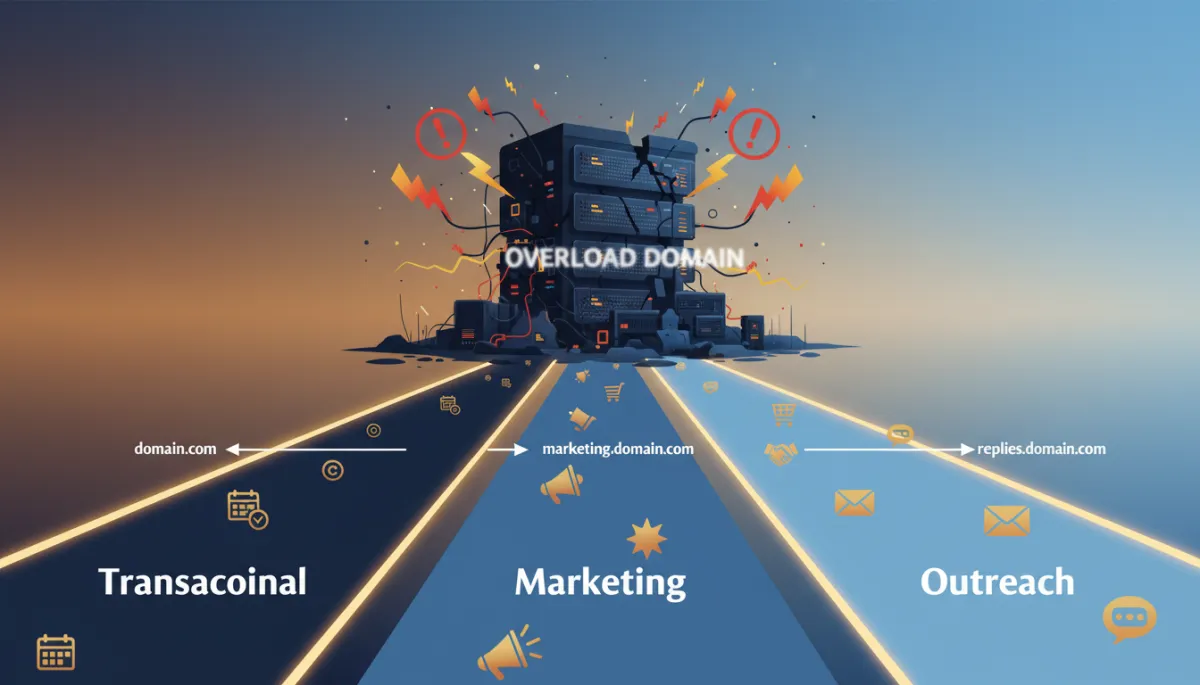
Inside your email settings, under Domain Configuration, you can assign a specific sending domain to each type of email you send: workflow automations, marketing campaigns, bulk sends, and manual one-to-one replies. Each one gets its own lane.
The logic is simple. A promotional blast and a booking reminder are not the same kind of email, and they should not share a reputation. Marketing is high-volume and gets more complaints — that’s just the nature of it. Your transactional emails, the confirmations and reminders people actually want, are low-volume and high-trust. Put them on the same domain and the noisy one drags down the quiet one. Separate them, and the emails that keep your calendar full stay protected no matter how a campaign performs.
Your appointment reminders shouldn’t pay the price for last week’s flash sale.
Split the volume, protect the domain that’s working
If you’re sending real volume, Frequency Settings is the next lever. It lets you assign a percentage of your sends to each domain you’ve added — as long as the total comes to 100%. Two domains? You might run one at 70% and the other at 30%.
Why bother? Because it lets you send more through the domain with the stronger reputation and hold back the newer or weaker one. And when a domain’s performance dips, you don’t have to stop sending — you just dial its share down and let the healthy domain carry more. It’s a throttle, not a kill switch.
💡 Pro Tip: Treat each domain like a separate sender: warm them up gradually, monitor performance, and shift volume toward the most reliable one over time.
Set a default so nothing sends naked
Here’s the one setting people skip and regret. The default sending domain is the catch-all — any send that doesn’t have a domain explicitly assigned routes through it. Skip it, and a missed assignment during setup means an email goes out without a validated domain behind it, quietly falling back to shared infrastructure you don’t control.
Set a default before you launch anything. It’s the safety net that guarantees every send — even the one you forgot to configure — still goes out under a domain you own and trust.
The takeaway
Open Domain Configuration this week and do three things: assign your transactional emails to their own domain, set a default so nothing sends unprotected, and — if you’re sending volume — split frequency toward your strongest domain. Ten minutes of setup so your reminders never take the fall for your marketing again.
