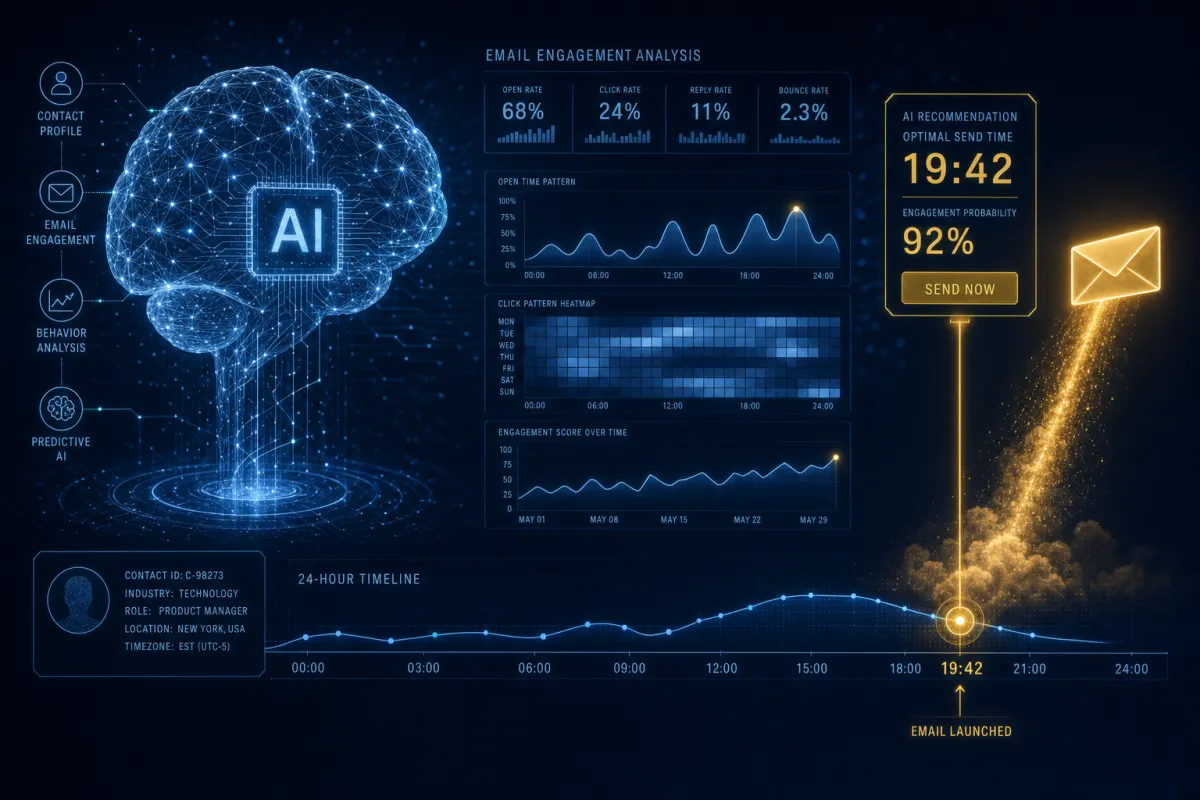
Stop Guessing the Best Time to Send. Let the AI Pick.
You’ve been picking send times off a blog post from 2019. Savage AI picks them off each contact’s actual behavior — one person at a time.
Everyone has a theory about the “best” time to email. Tuesday at 10am. Thursday afternoon. The truth is there’s no single right answer, because your contacts aren’t one person — they each open email on their own rhythm. AI Schedule stops the guessing by sending each message when that specific contact is most likely to actually see it.
You pick the window, the AI picks the moment

The setup is refreshingly simple. You don’t choose an exact time — you choose a window, like the next 48 hours. Then Savage AI looks at that contact’s own engagement history, finds the high-open moment inside your window, and schedules the send for then. If a contact doesn’t have enough history yet, the email just goes out immediately so you never miss the window.
You’re not one audience. You’re hundreds of people who each open email on their own clock.
Why per-person timing beats a blast
When every email leaves at 9am sharp, you get the classic blast spike — and the spam-filter attention that comes with it. AI Schedule spreads delivery across each person’s best moment, which naturally smooths your volume and lowers complaint risk. You’re not just getting more opens; you’re sending in a way mailbox providers like better.
Where it lives and the one catch
You’ll find it in the Conversations email composer, right next to Send Now and Send Later — open a thread, write your email, hit the Send menu, choose AI Schedule, pick your window (12, 48, or 72 hours), and confirm. Shorter windows favor speed; longer windows give the AI more room to optimize, which suits newsletters and nurtures.
One thing to know before you commit: once you confirm an AI-optimized send, it can’t be edited or rescheduled, so write it tight before you click. It’s available on accounts using the platform’s own email or Mailgun, and it’s email-only for now.
The takeaway
Next time you’d normally send a nurture email “whenever,” open it in Conversations, choose AI Schedule with a 48-hour window, and let it place each contact’s send at their own best moment. You did zero extra work and your open rate climbs — because you stopped sending on your schedule and started sending on theirs.
