Your A2P Submission Got Rejected. Again. Here’s the Pre-Flight Check That Saves It.
Heads up: This article is informational, not legal advice. A2P / SMS compliance is complex and your specific situation may need an attorney. We strongly recommend talking to qualified counsel before relying on any compliance approach.
If you’ve ever submitted an A2P 10DLC campaign and watched it come back rejected with a vague reason a week later, you already know the bill. Days of rework. Resubmission fees. A delayed launch. And the worst part: you fixed something and resubmitted, but you weren’t actually sure what they wanted, so you’re flying blind again.
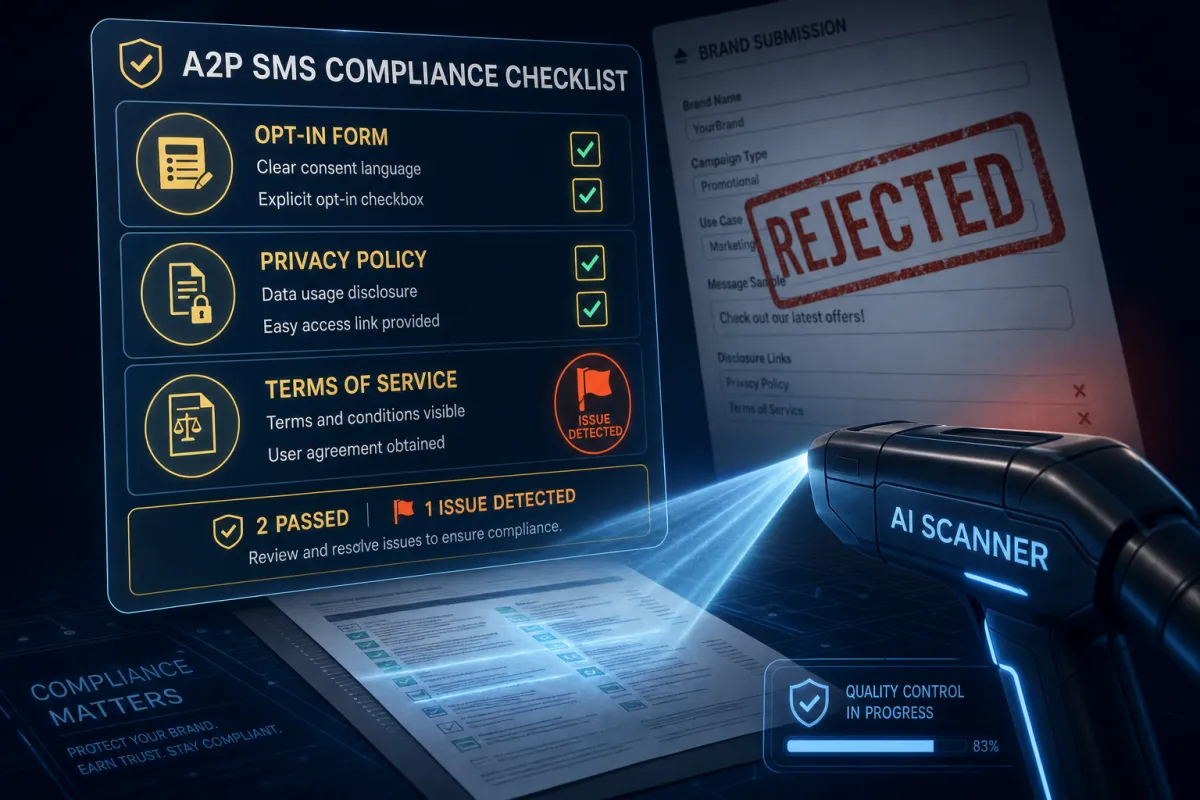
Savage AI A2P Compliance Validation is the pre-flight check. Before your campaign hits the carrier review queue, Savage AI scans your opt-in form, your Privacy Policy, and your Terms of Service against the same checklist the carriers use — and tells you what’s missing.
What it actually scans

When you reach the campaign submission form inside your Lead Savage account, Savage AI automatically reviews three things:
Your opt-in form. Carriers are picky about how you collect SMS consent. The check confirms you have an unchecked-by-default SMS consent checkbox, that the consent language includes message type and frequency, the “message and data rates may apply” disclaimer, STOP/HELP instructions, and that messaging consent isn’t bundled into your general terms.
Your Privacy Policy. Carriers look for a specific non-sharing clause — that mobile information will not be shared with third parties for marketing purposes. They also check that the policy is publicly accessible and explains what data you collect.
Your Terms of Service. This is where your SMS program details live: program description, opt-out instructions, message frequency, customer support contact. Missing any of these can trip the carrier review.
For each section, Savage AI returns a pass count (something like “Passed: 7/8”) and a line-by-line breakdown showing which items passed and which were flagged. Tooltips on each flagged item explain what’s missing and how to fix it.
The pre-flight check is the difference between submitting blind and submitting prepared.
What the results look like
You’ll see a Compliance Review modal with three sections — Opt-in Form Review, Privacy Policy Review, Terms of Service Review. Each one shows the pass count and a list of checks. Failed items have a flag and a tooltip explaining what the carriers want to see.
A failed item doesn’t automatically mean your campaign will be rejected. Carriers make the final call. But each flag is a known rejection trigger — fixing them dramatically reduces your odds of getting kicked back.
You have two choices at the end of the review:
- Go back and fix what’s flagged. Update the opt-in form, Privacy Policy, or Terms of Service. Then continue the submission.
- Submit anyway. Sometimes you have context the AI doesn’t — maybe a flagged item is actually compliant in a way the scanner can’t see. You can proceed; you just understand the risk going in.
What it doesn’t do
Worth being honest about the limits:
- It doesn’t guarantee carrier approval. Carriers look at your business type, message content, sender reputation, and other factors beyond what the scanner can see. Passing all three checks gets you closer to approval; it doesn’t promise it.
- It only supports two opt-in methods right now. Website Form and Facebook Lead Form. If you collect SMS consent another way (in-store paper form, phone capture, etc.), the scanner can’t review that flow.
- It only runs in the campaign submission flow. This is automatic — you don’t kick it off manually. It runs when you click to upload / continue inside the A2P campaign submission.
- It’s not legal advice. Read the disclaimer at the top again. Real lawyer for real questions.
How to use it (which is mostly: let it run)
The whole point of the design is you don’t think about it. Here’s the actual flow:
- Inside your Lead Savage account, start an A2P campaign submission as you normally would.
- Use a supported opt-in method (Website Form or Facebook Lead Form).
- Add your opt-in form URL — make sure it’s publicly accessible.
- Before you submit, the Compliance Review modal opens automatically. Savage AI scans the URL and the linked Privacy Policy and Terms of Service.
- Review the results section by section.
- Fix flagged items, or proceed if you’re confident you have context the scanner missed.
Five minutes you would’ve spent staring at a rejection a week later, spent here instead.
Tips & gotchas
- Make your opt-in URL public before submission. If the page requires login or has a soft-launch redirect, the scanner can’t read it. Public URL, no auth wall.
- Run the check, then fix, then re-check. Each time you update the linked pages, the scanner runs again. Cheaper to iterate here than to wait for a carrier rejection.
- Use full HTTPS URLs in your sample messages. Public URL shorteners (bit.ly, tinyurl) are an automatic flag. So is plain HTTP.
- The Privacy Policy non-sharing clause matters. Carriers specifically look for language like “No mobile information will be shared with third parties/affiliates for marketing/promotional purposes.” If yours doesn’t say it explicitly, add it.
- Document opt-in clearly. Carriers want to see evidence. Screenshots, hosted images, or live URLs of the actual opt-in flow.
The takeaway
Before you submit your next A2P campaign, let Savage AI run the check. Fix what it flags. Then submit prepared instead of submitting blind.
Carrier approval isn’t free; rejection cycles cost more. Spend the five minutes.
